Backup4all Professional

Buy Now

Backup4all Professional
$62.44 $49.95

Backup4all Standard
$53.27 $39.95

Backup4all Lite
$24.94 $19.95

Backup4all Portable
$53.27 $39.95

Awards & Reviews

  • 1_ico
  • 2_ico
  • 3_ico
  • 4_ico

Lockergnome feature

Backup4all is a bargain

"Backup4all lives up to its marketing claims. It’s versatile, has all the features you need, and is easy to use. The beginner can easily get a good backup the first time. And the professional can tweak the program until his backup hums along exactly as he wants it to. It runs on every Windows OS from 95 to XP, too. From $25 - $45, depending on the version you buy, Backup4all is a bargain."

ProNetworks review

A wealth of features

"We were quite pleasantly surprised to find that Backup4all installed and worked well on the latest Vista release. While this is still a Beta Operating system, it is nice to see that this program seems to be Vista compatible and that it will even use the Vista Aero theme without difficulties."

Sofpedia pick

Rated excellent by Softpedia

"To be honest, I always say "I'll burn that backup folder someday this week" and the week passes without having my files backed up. With a program like Backup4all this issue can disappear, and the stress related to “what if my hard drive crashes” problem will disappear. I think that I'll leave the backup tasks for this program from now on. What about you?"

The Office Letter review

Backup4all is flexible

"You can’t be too careful about your data, and Backup4All does a good job using a well-designed interface, with plenty of bells and whistles for more experienced users. A "standard" version may be all you need if you don’t want e-mail notification or AES 128, 192, and 256-bit encryption."

Latest News

January 20, 2010
Backup4all 4.4 was released.

Changes in version 4.4:
  • New option added to open backups from specific locations (Local, Network, FTP/SFTP)
  • Backup jobs can now be moved in the backup list(drag-and-drop)
  • Test runs after the merge operation too
  • Auto-complete path for network locations
  • User interface now available in Swedish

You can download version 4.4 here: Download Backup4all 4.4

Stay Updated

To join, simply enter your email address below and click on Subscribe.

About Us

Softland, the company that develops Backup4all, achieved the Microsoft Certified Partner status with an ISV/Software Solutions Competency.

Microsoft Certified Partner

Backup4all is an award-winning data backup software for Windows. This backup utility was designed to protect your valuable data from partial or total loss by automating backup tasks, password protecting and compressing it to save storage space. This backup application is feature rich and offers an intuitive interface making all features easily accessible for both beginners and professionals.

Backup4all is compatible with Windows 7/Vista/2008 Server/XP/2003 Server/2000 and requires approximately 50MB of free disk space.
Backup Software - Backup4all

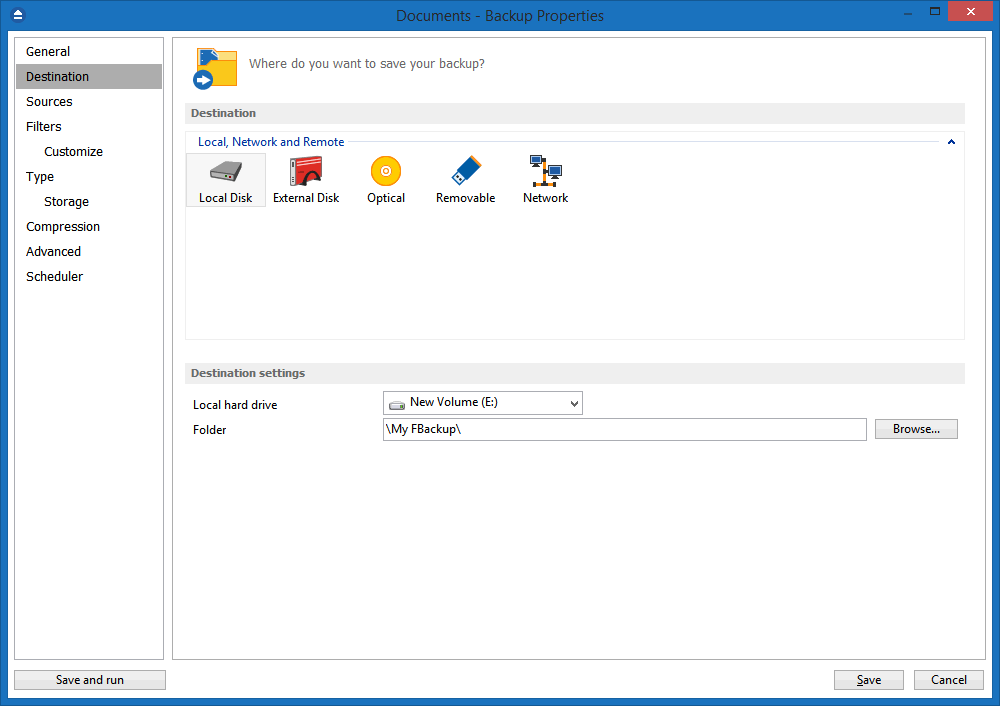
With Backup4all Professional you can easily backup to any local or network drive, backup to FTP (with support for SSL encryption, proxy server, passive mode), SFTP, backup to DVD, CD, Blu-ray, HD-DVD, or other removable media (such as USB drives).

Our backup utility performs all four backup types: full backup, differential backup, incremental backup and mirror backup.

Using the wizard you can easily set up any backup configurations you wish. You can define powerful file filters and schedule your backups any way you want. Once a backup is performed, you can see what files changed since the last backup using the explorer-like tree view or you can read the statistics about the next backup execution.

With many other backup software programs, files that are in use during the backup may not get backed up successfully because they are locked to prevent programs from modifying the data.

With Backup4all you can back-up open or locked files (on Windows 7/Vista/XP/2003), such as databases, MS Outlook personal folder (.pst), Outlook Express mail archives (dbx files) and others. When defining a backup, there is also the option to run predefined backups, such as My Documents, My Pictures or Outlook Express emails and settings.

This backup application has ZIP64 support (can create backups over 4GB) and creates standard zip files, meaning that you can access it with any zip compatible utility. It comes with its own built-in CD, DVD and Blu-ray burning support so you can easily backup to DVD, CD, Blu-ray or HD-DVD. Just set the destination to DVD, CD, Blu-ray or HD-DVD and execute the backup job. However, if you prefer, you can use the UDF format.

Is there a feature that you would like to see implemented in Backup4all? If so, please contact us and share your thoughts, you have our promise that we will study it and if it proves to be an useful feature we will incorporate it in the next release.

Intuitive Interface

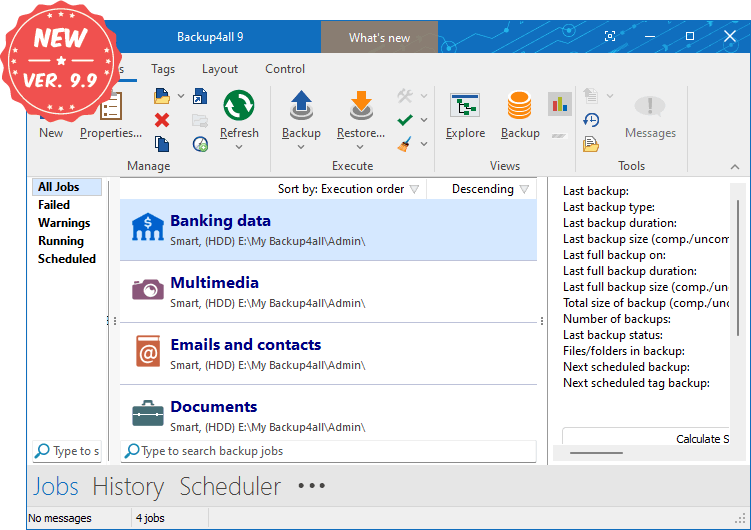
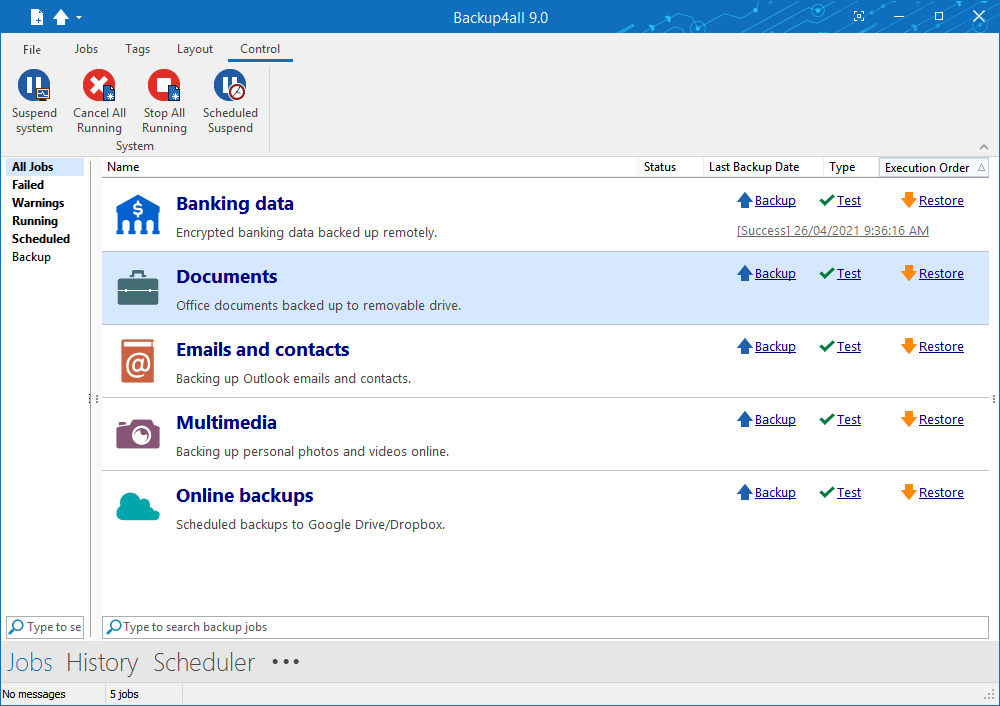
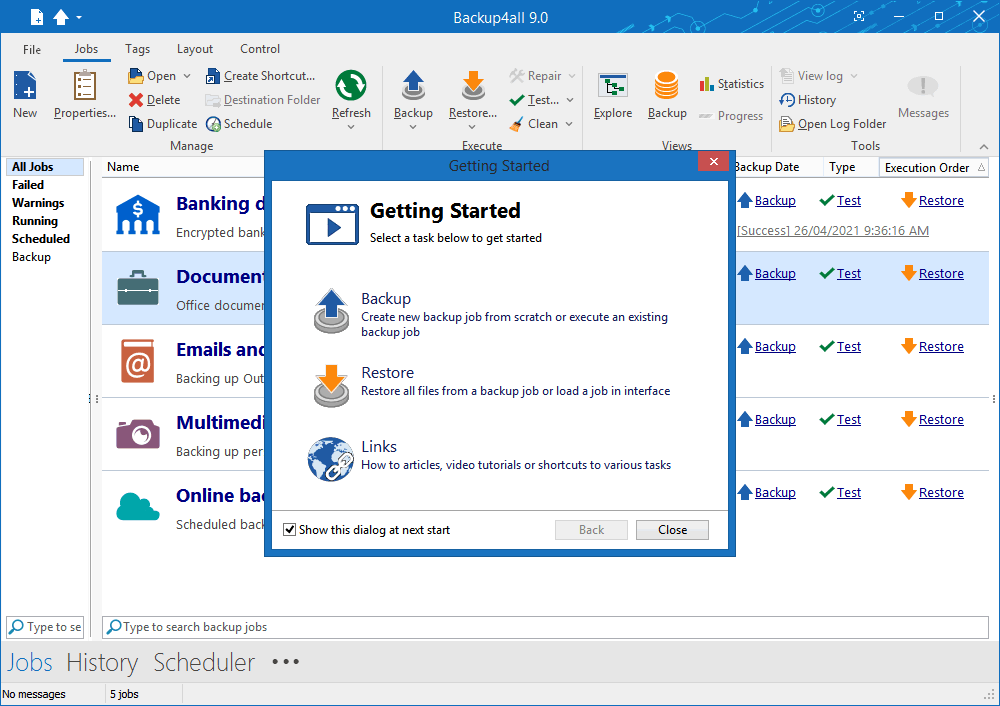
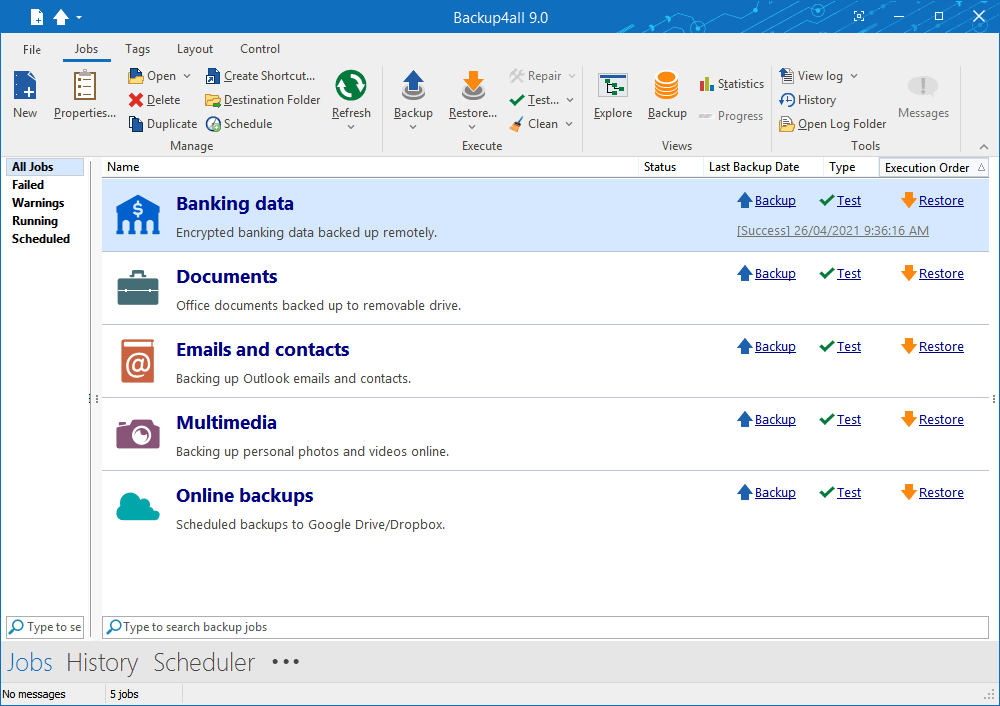
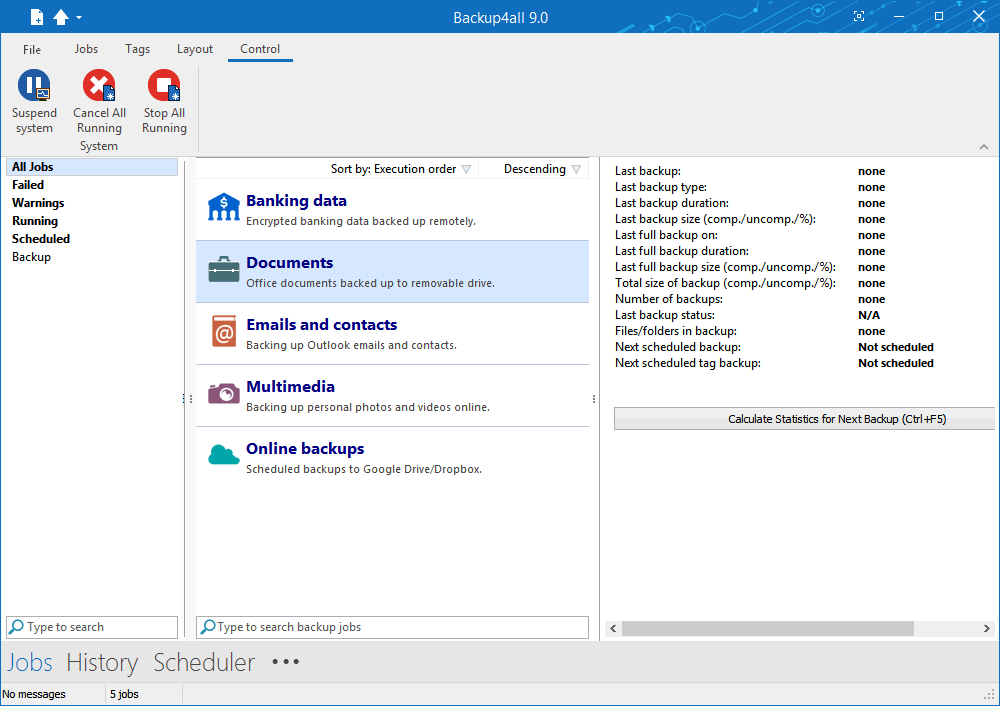
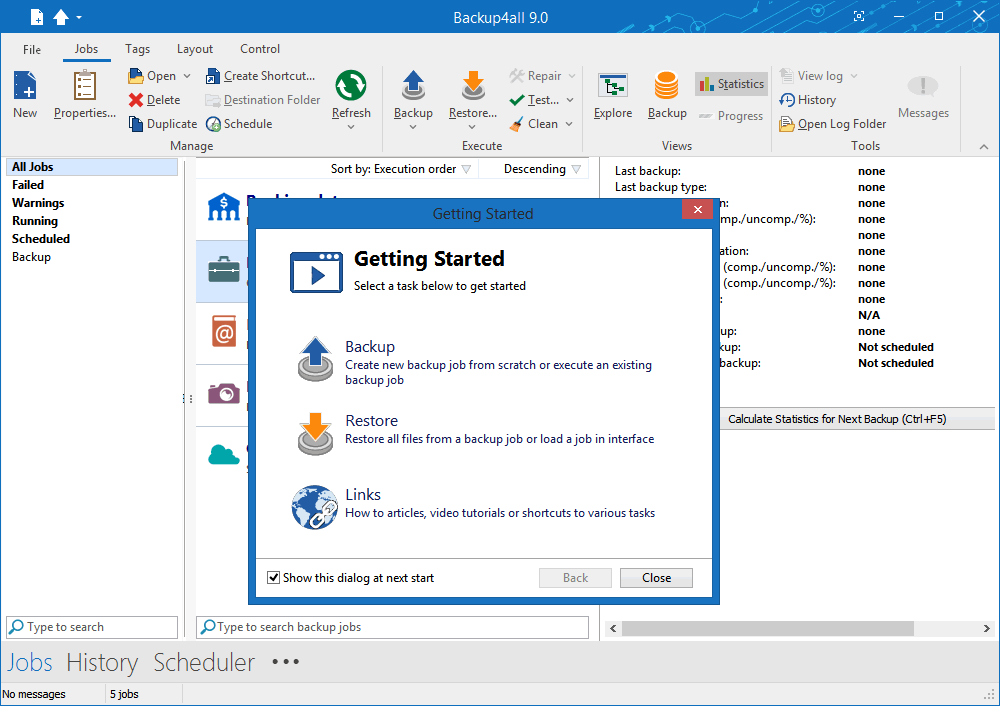
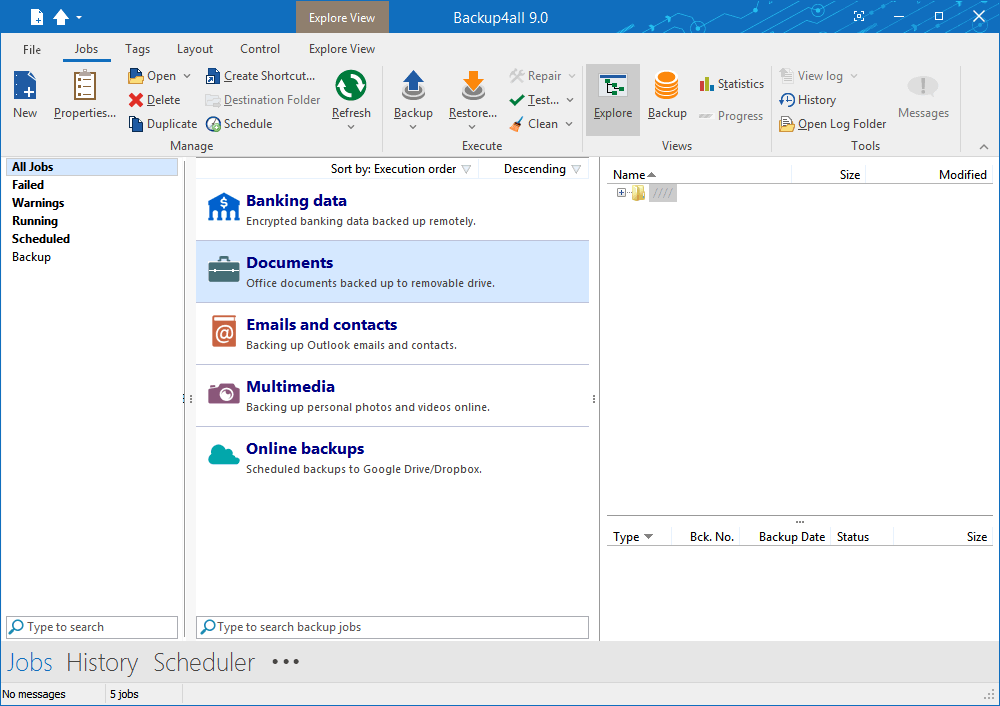
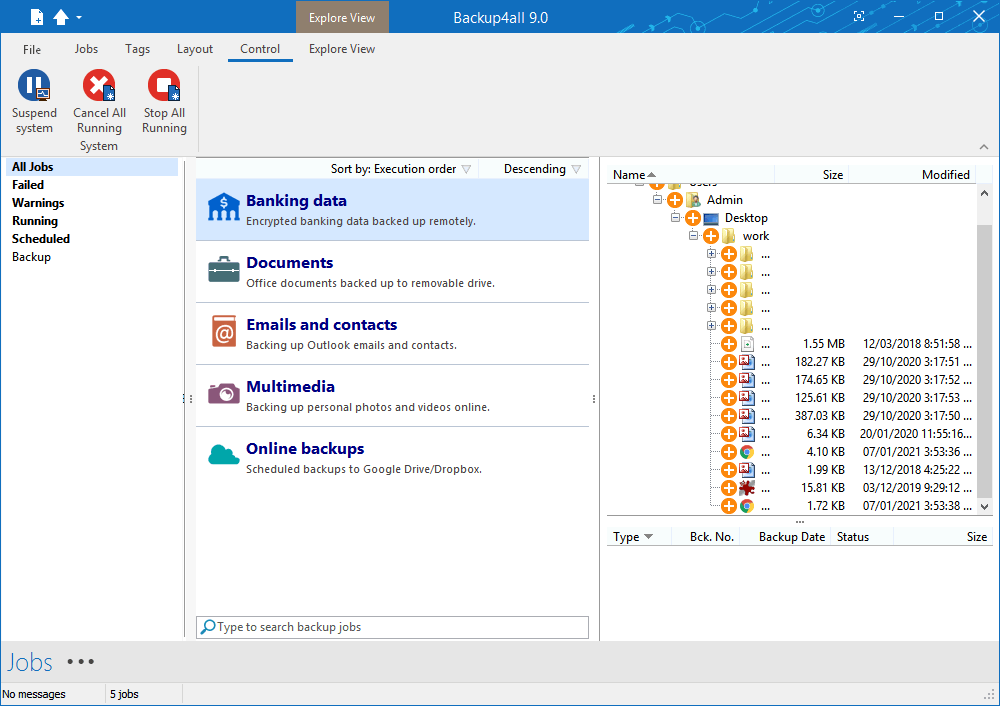
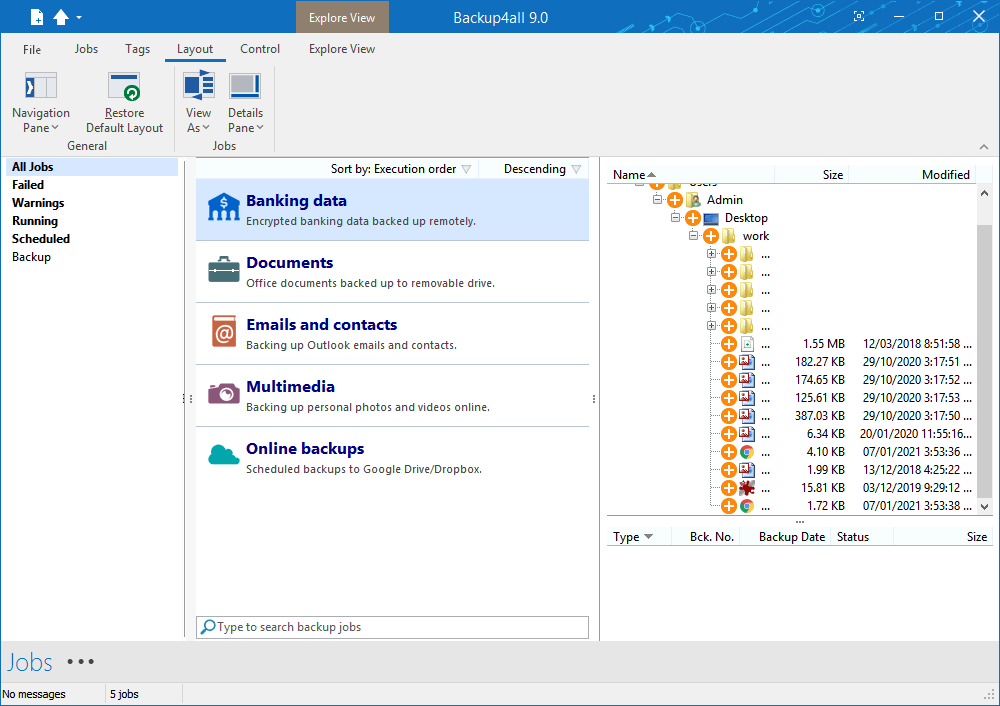
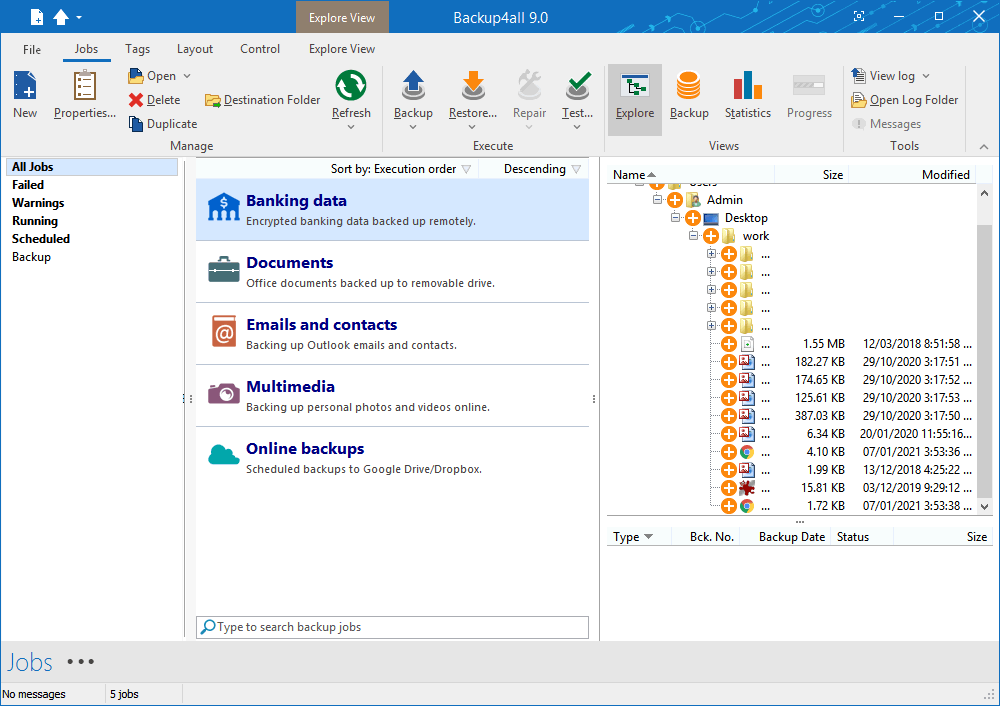
The Brief View and Getting Started window allows you to easily define/run backup jobs or restore backed up data. Switching to the Explore View, you can see all the files/folders that are in the backup job and the new files that will be stored at the next backup execution. You can sort and search the file tree in Explore view. You can start this backup application at windows startup or minimize it to the system tray.

Backup locked or open files (XP/2003/Vista/Windows 7)

Backup4all uses the Volume Shadow Copy service that allows you to back up local open files from NTFS partitions in Windows XP/2003/Vista/2008 Server/Windows 7. Now you can backup your emails and settings without closing Microsoft Outlook, Outlook Express or other email clients.

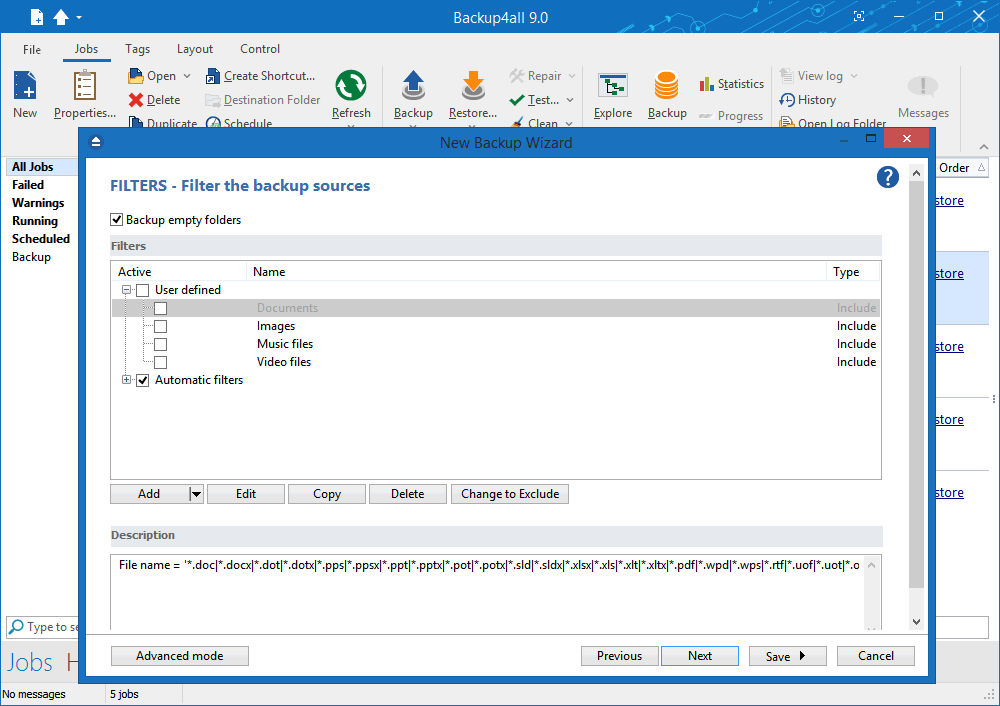
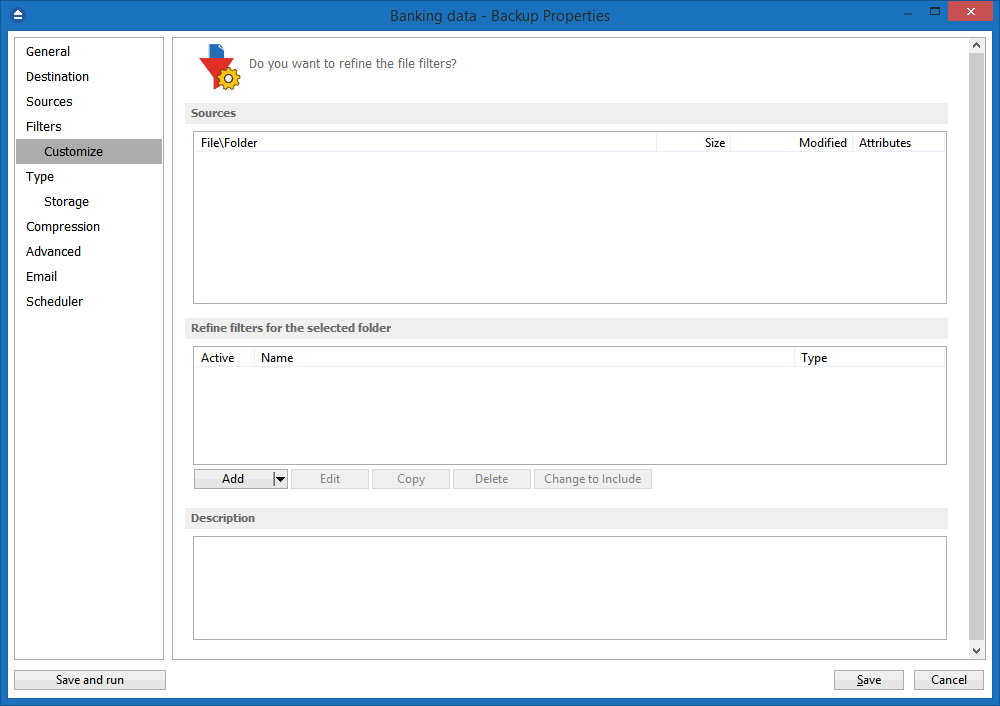
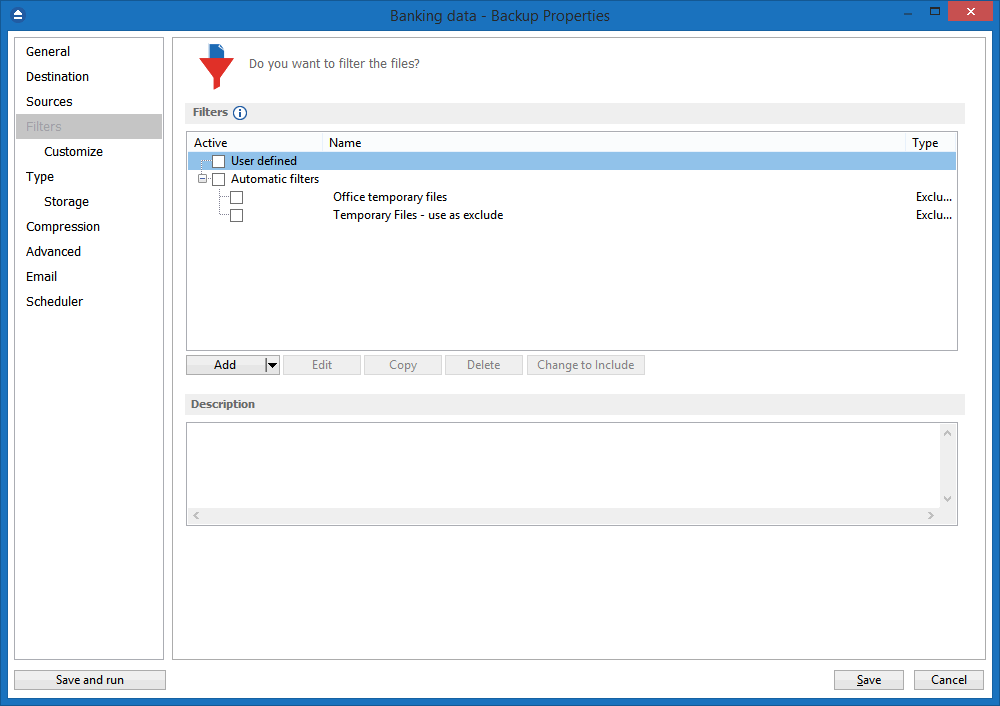
File and Folder Filters

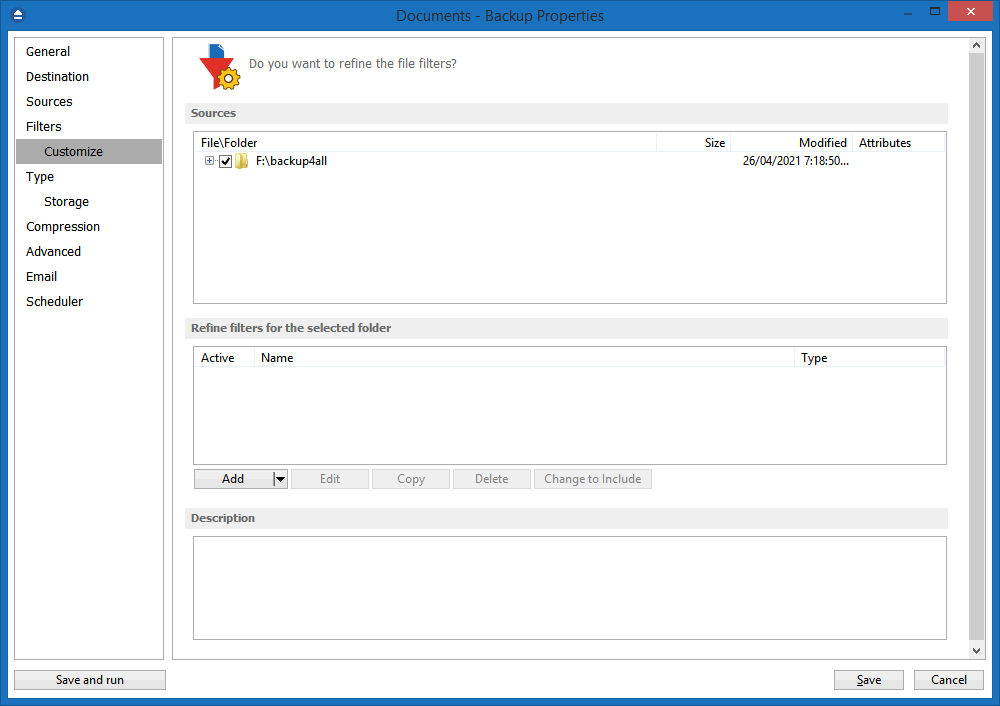
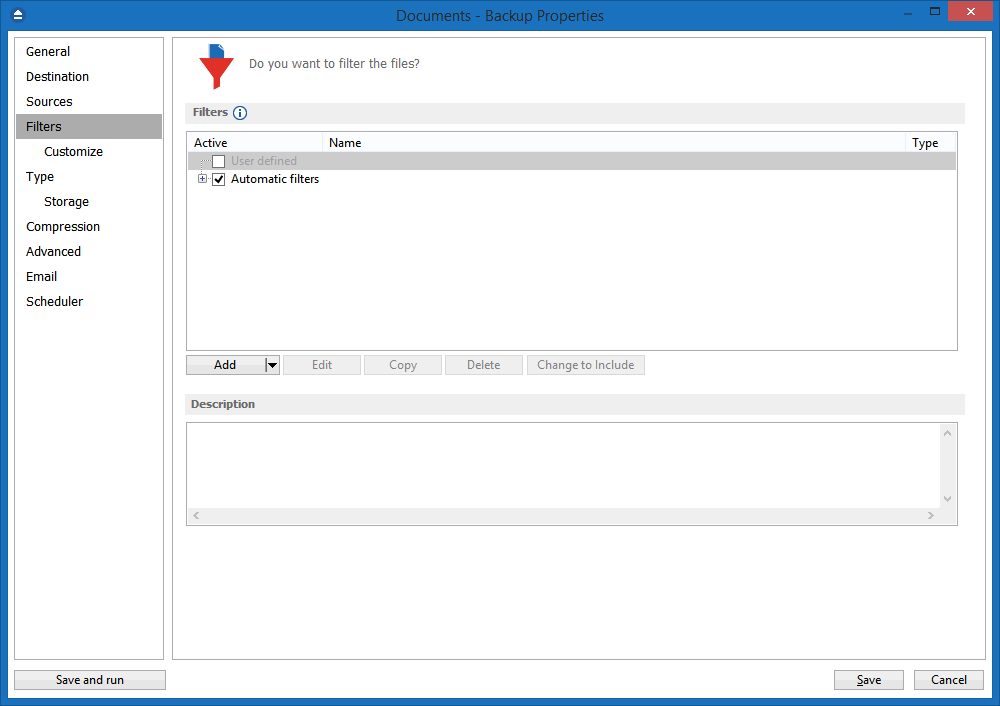
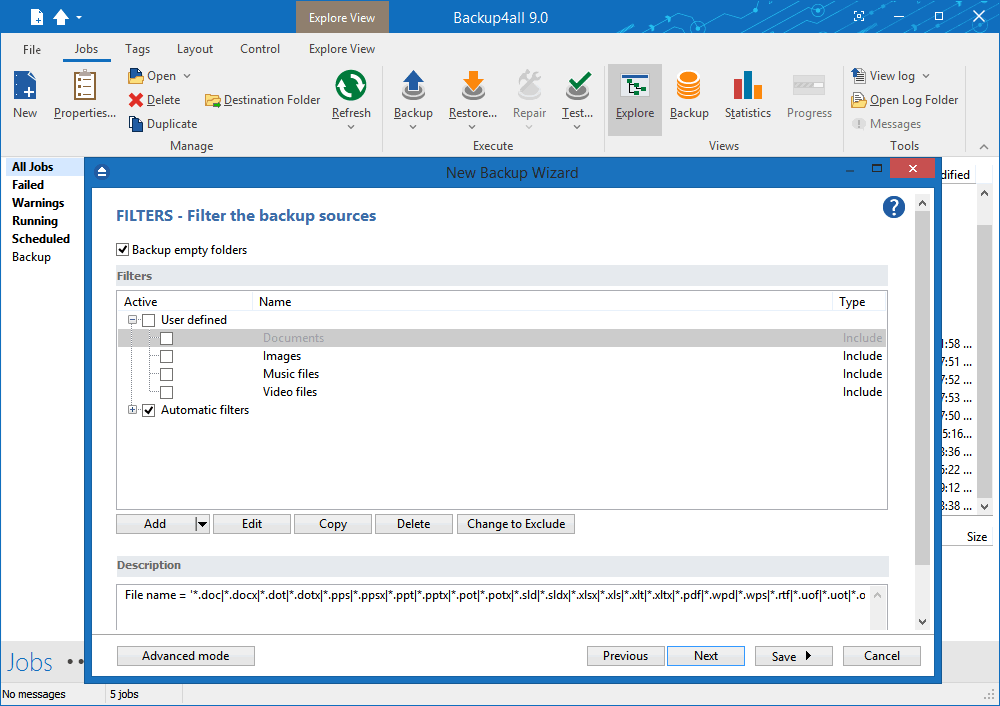
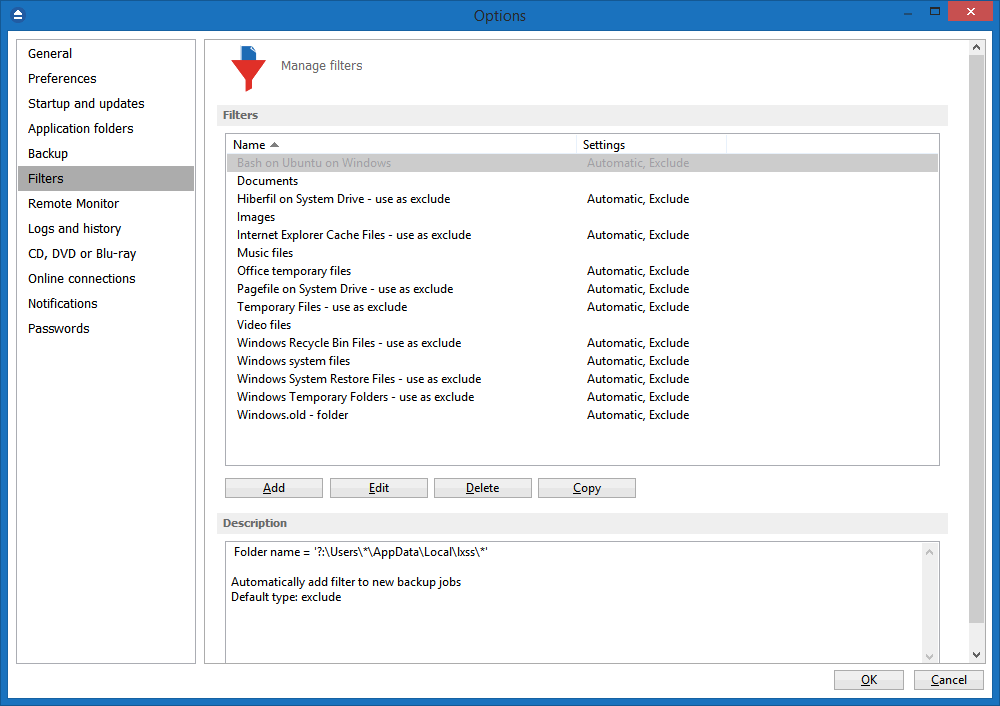
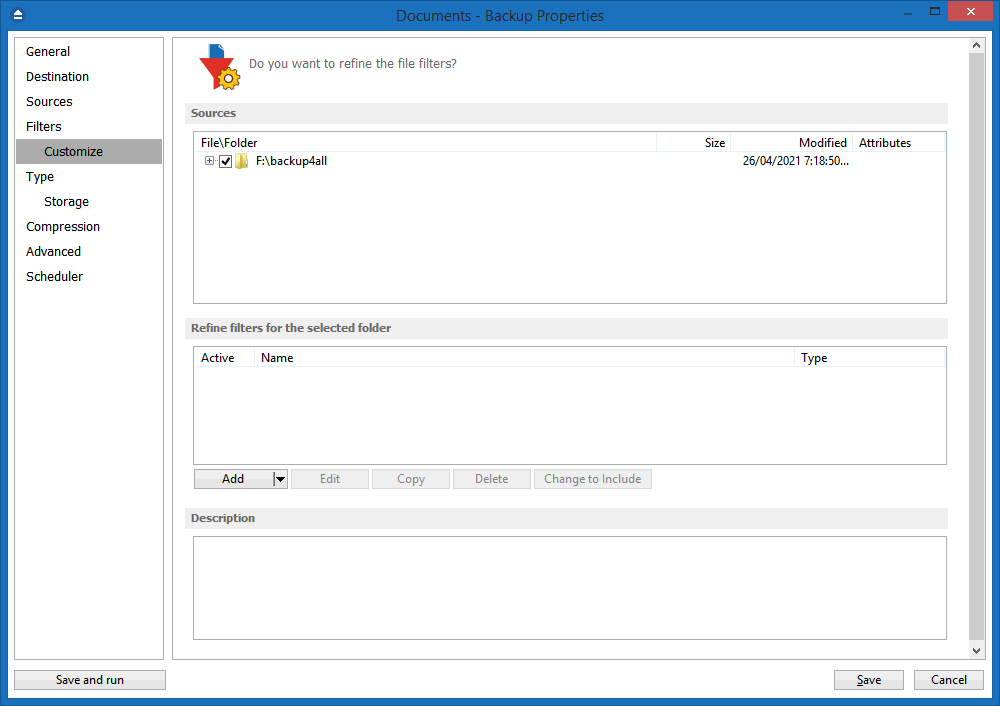
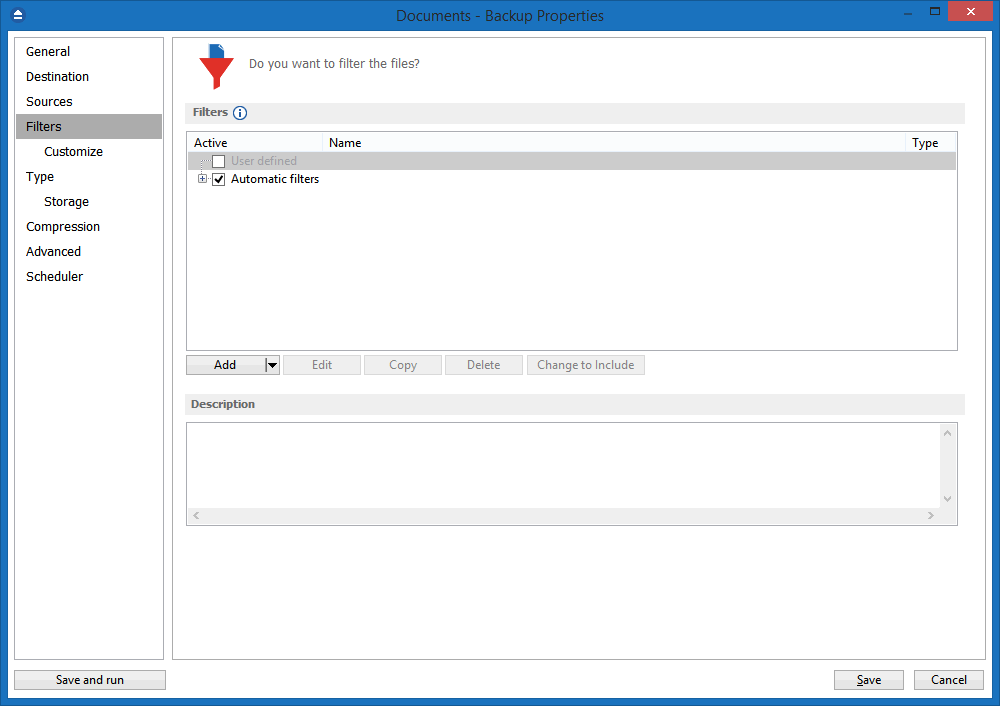
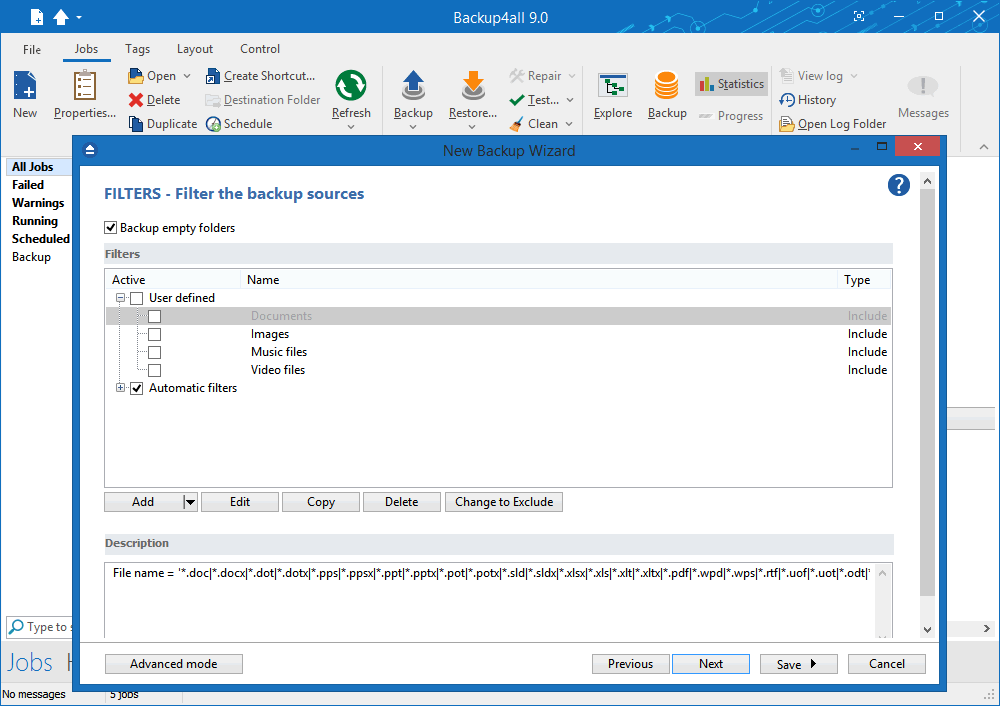
Powerful file and folder filtering engine with lots of options to filter by attribute, size, date, name and type). You can create filters using a combination of restrictions and you can define separate filters for inclusion and exclusion.

Predefined Filters

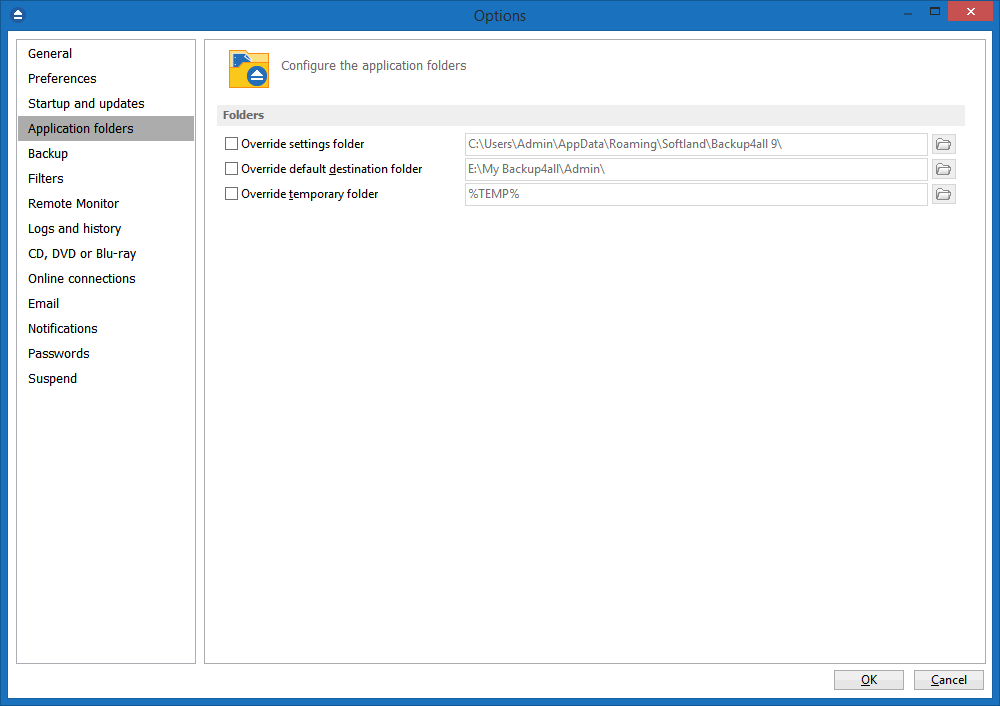
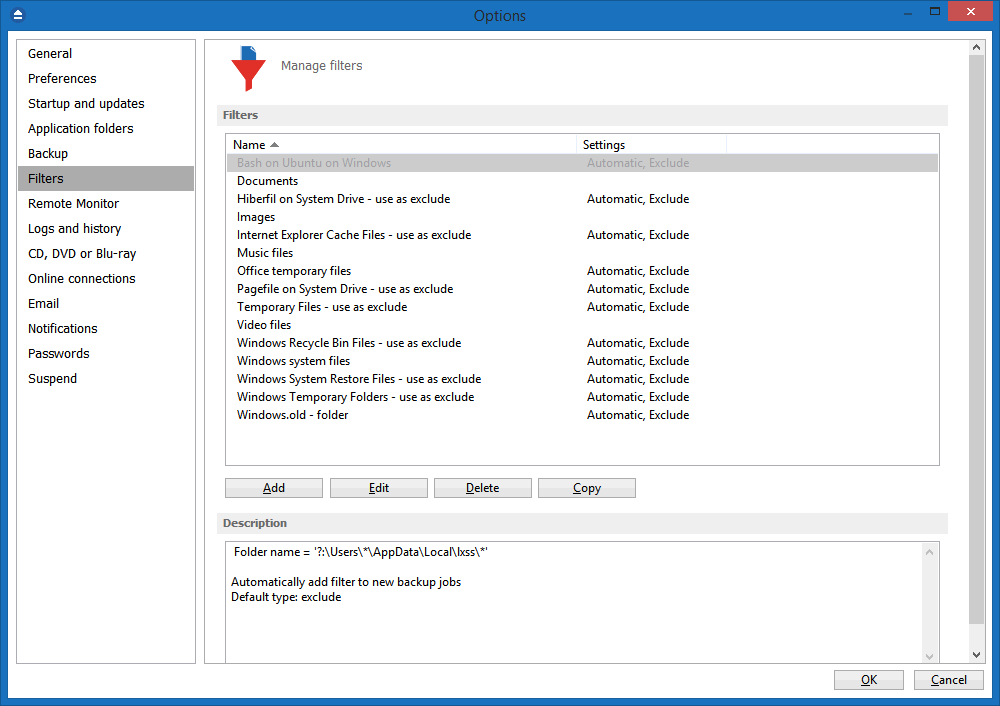
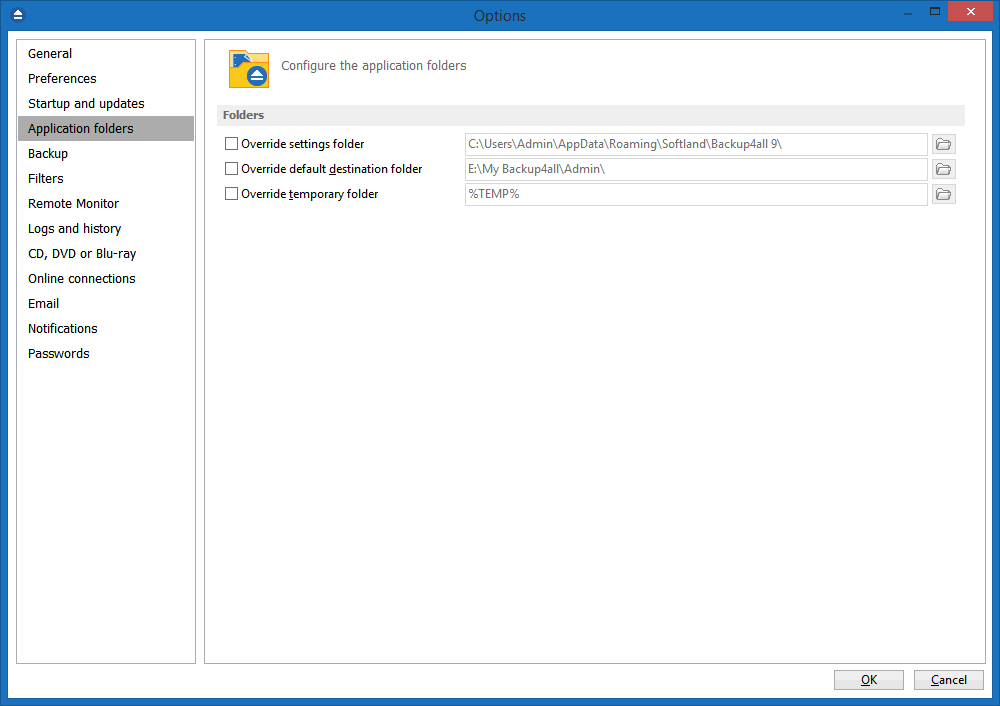
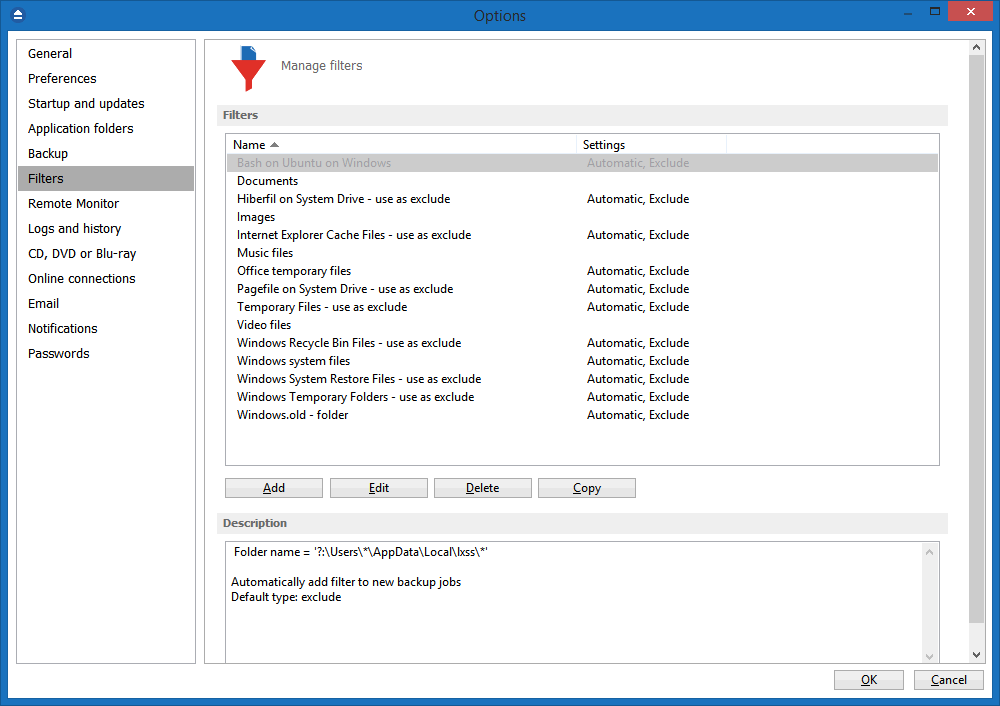
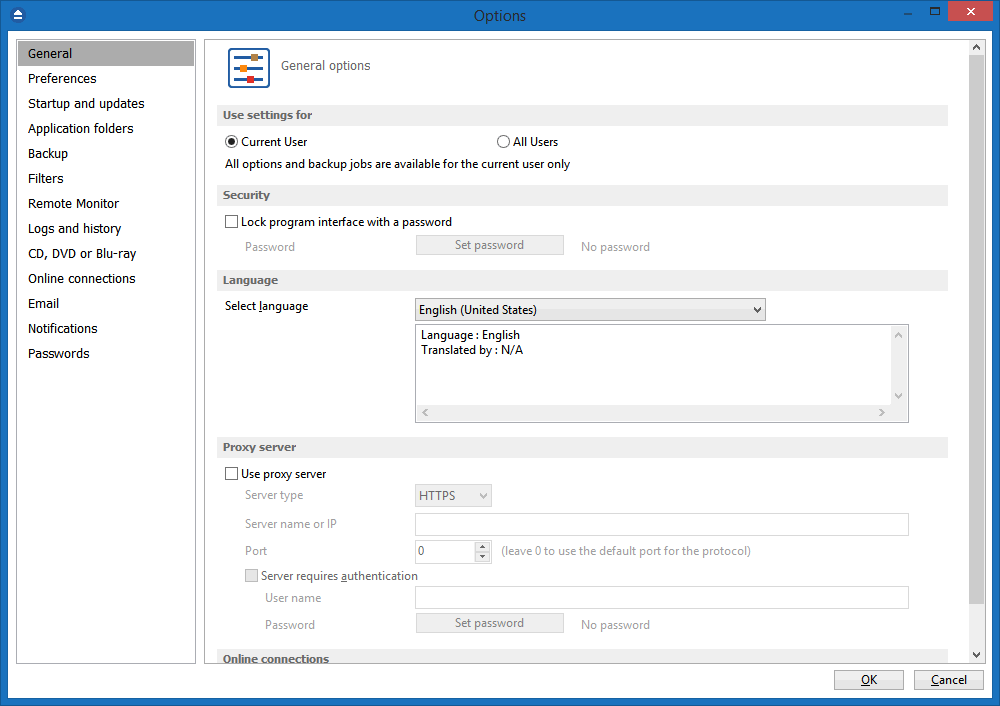
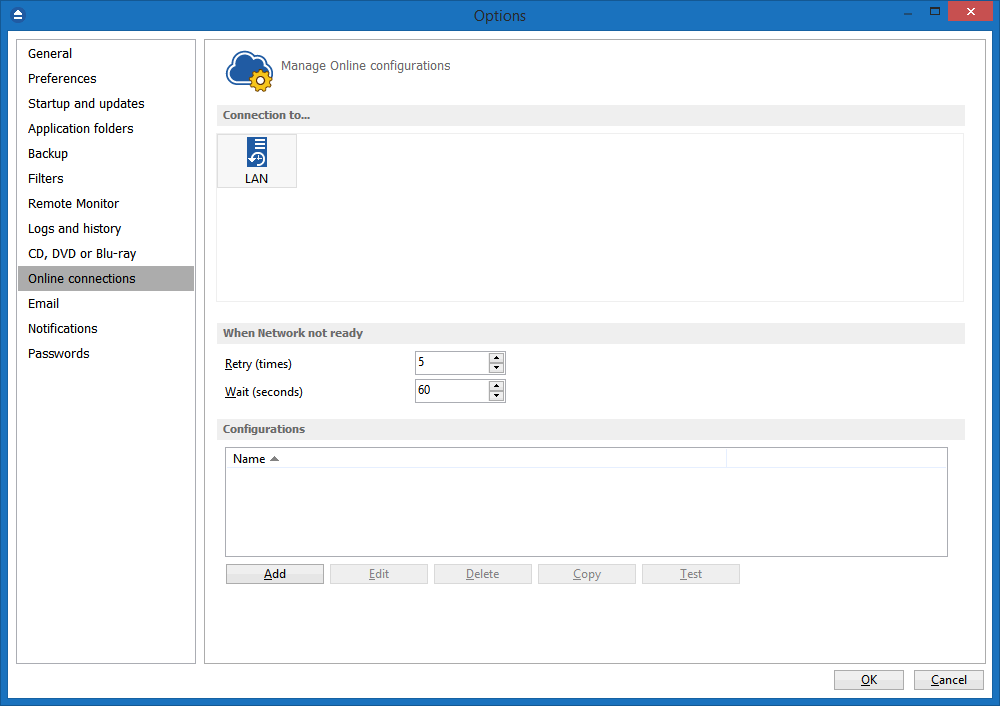
Filters can now be added through the Options window, and once you set some predefined filters you can use them in any backup job. If you change the predefined filter at a later time, it will be automatically modified on each backup job that uses it too.

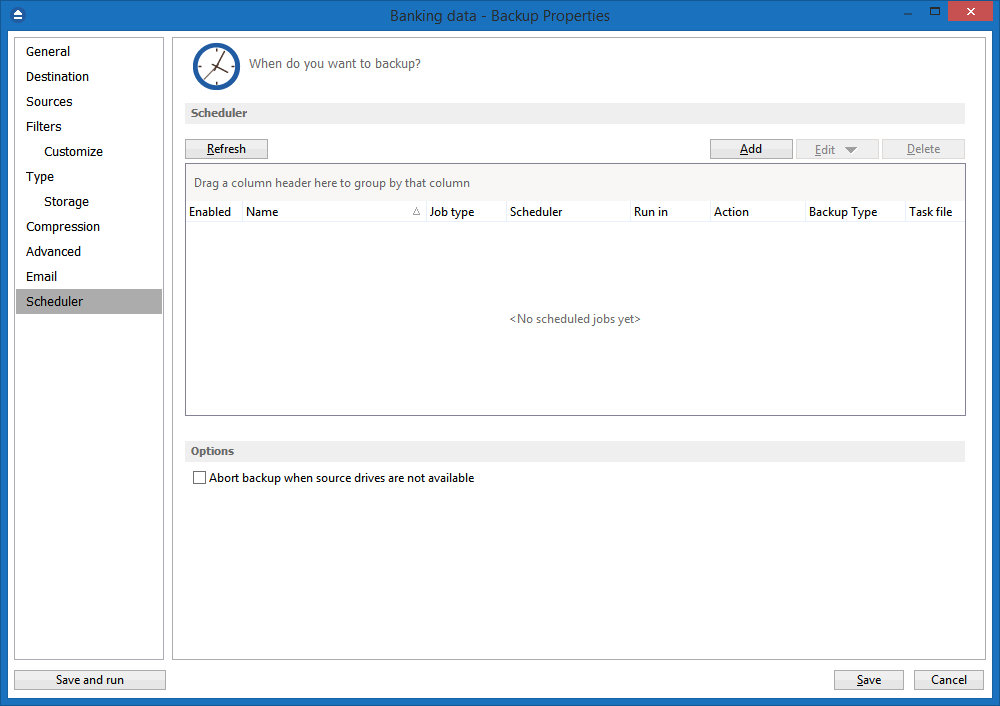
Built-in Scheduler

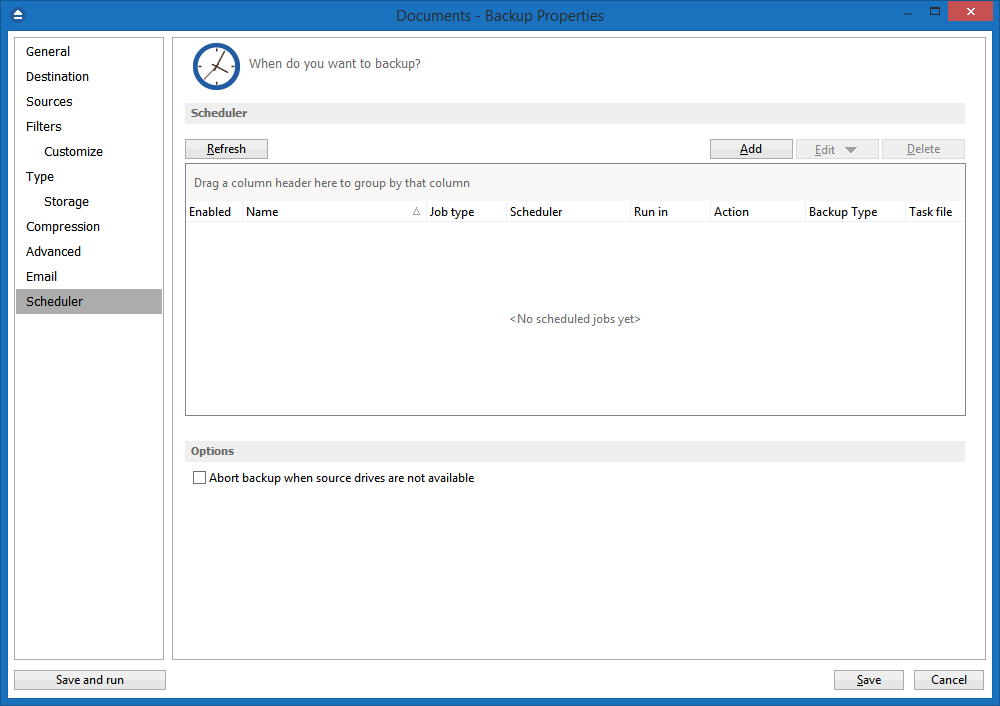
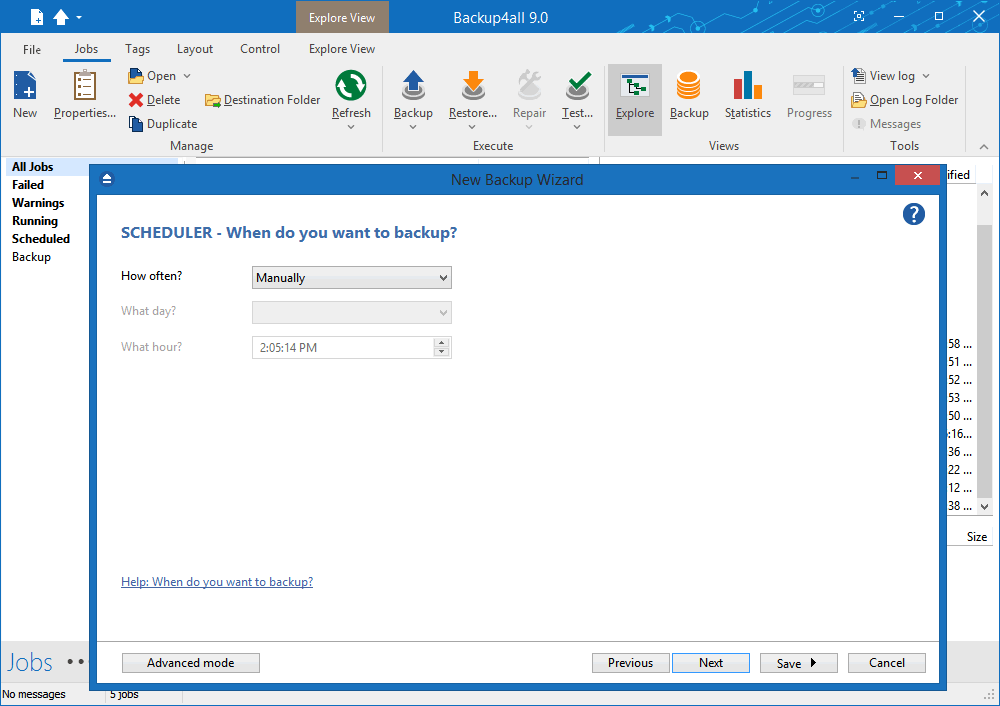
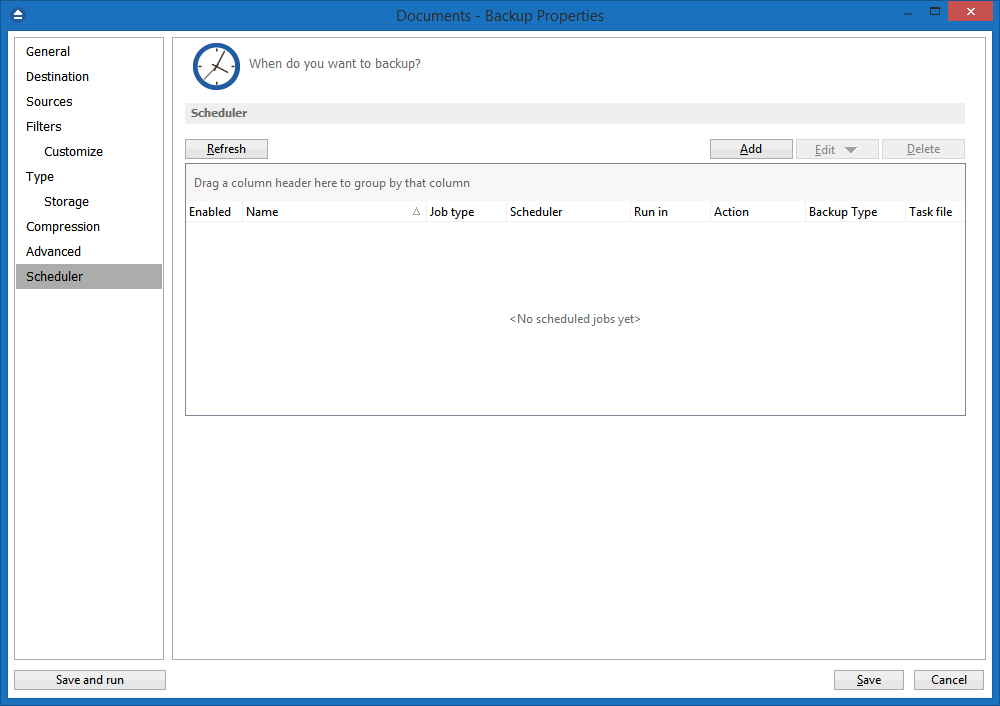
You can easily setup a powerful scheduler using the available scheduler configurations to make unattended backups. Backups can also be scheduled to run when the computer shuts down.

Manage multiple backup jobs

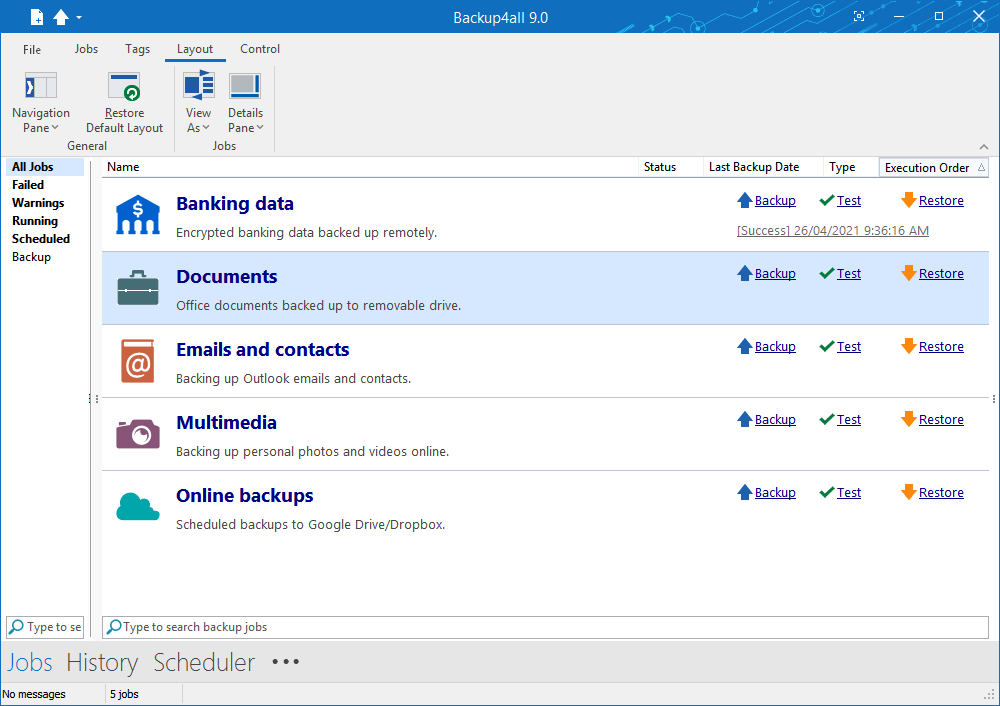
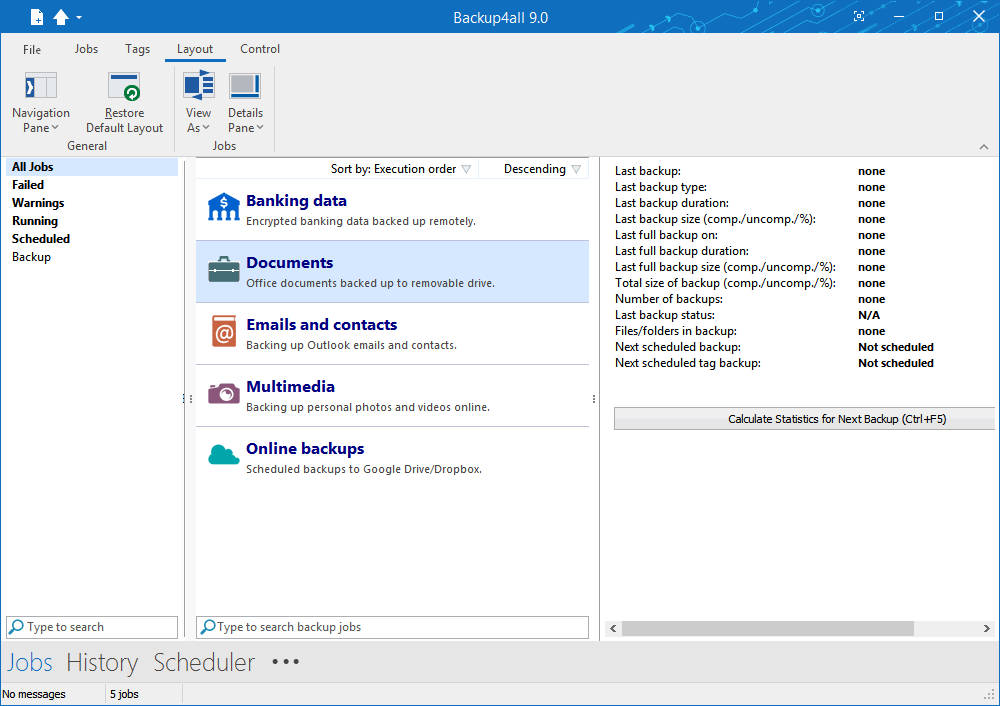
This backup software allows defining multiple backup jobs and saving them for future use. On the main form, you have an overview of all defined backups organized in groups. Backup4all comes with several predefined backup jobs: "My Documents", "My Pictures", "Outlook Express", "Mozilla Firefox", "Mozilla Thunderbird", "IE Favorites", "Backup4all configurations" and allows importing backup plugins for dozens of other applications.

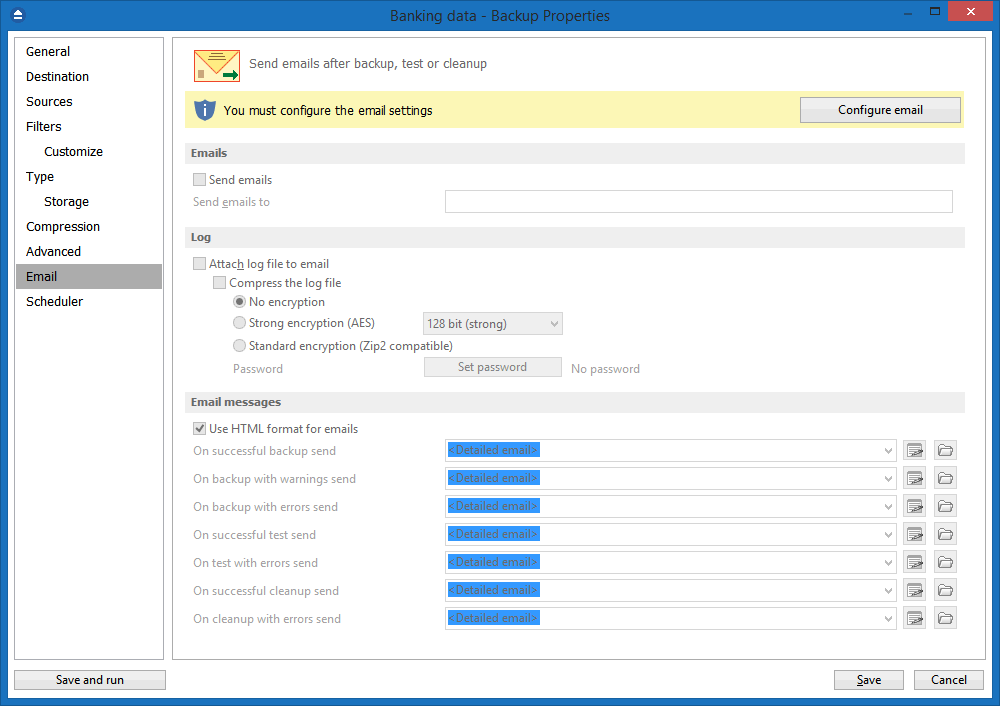
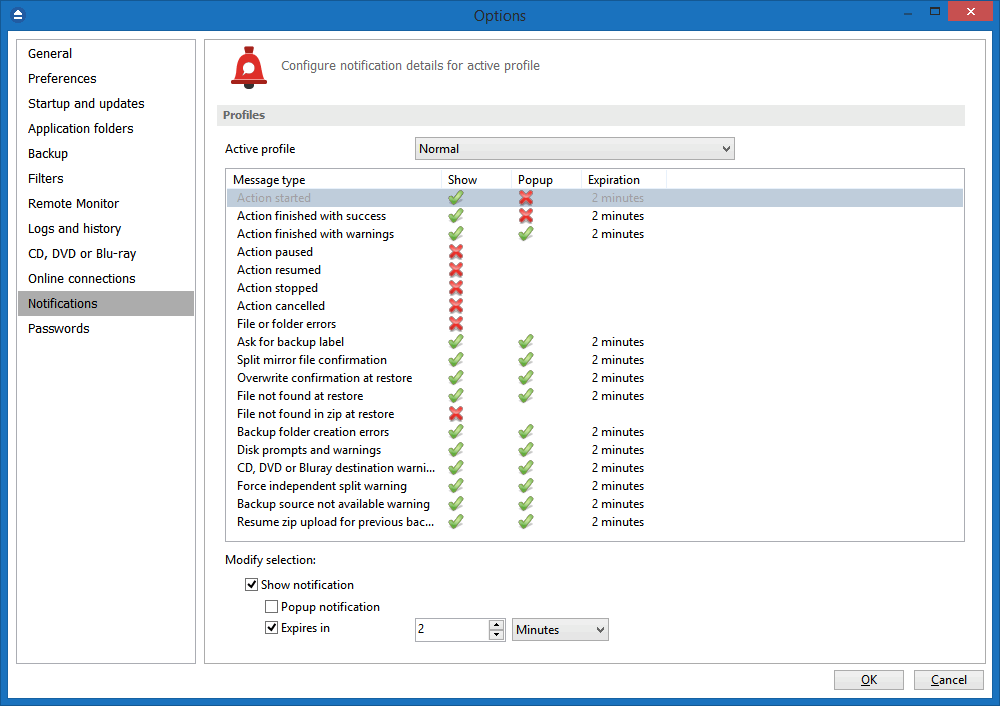
Email notifications

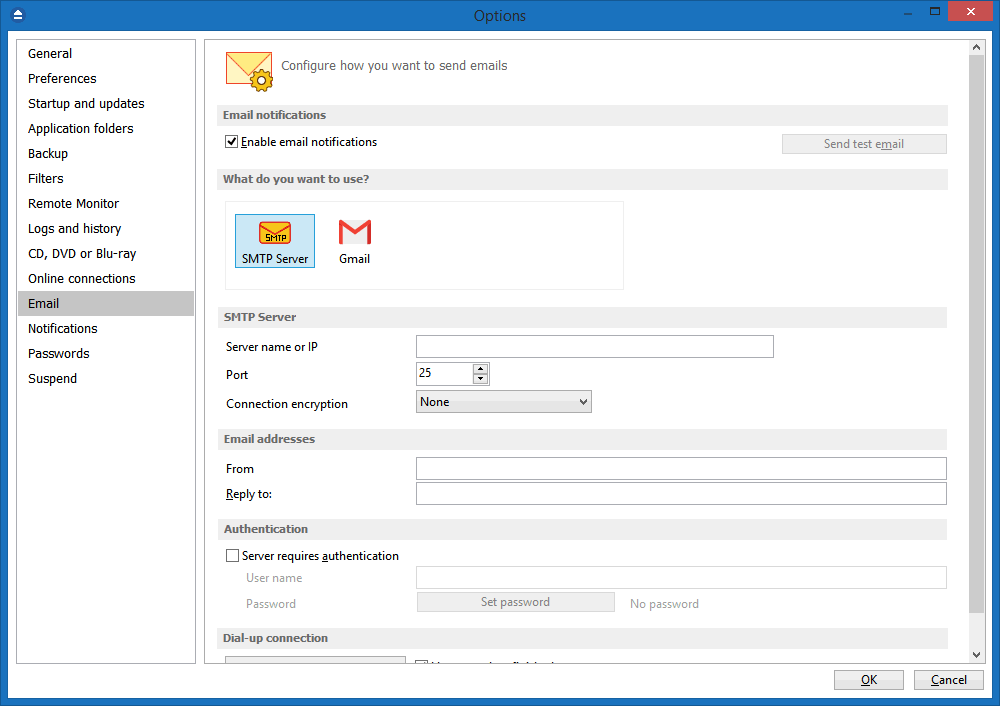
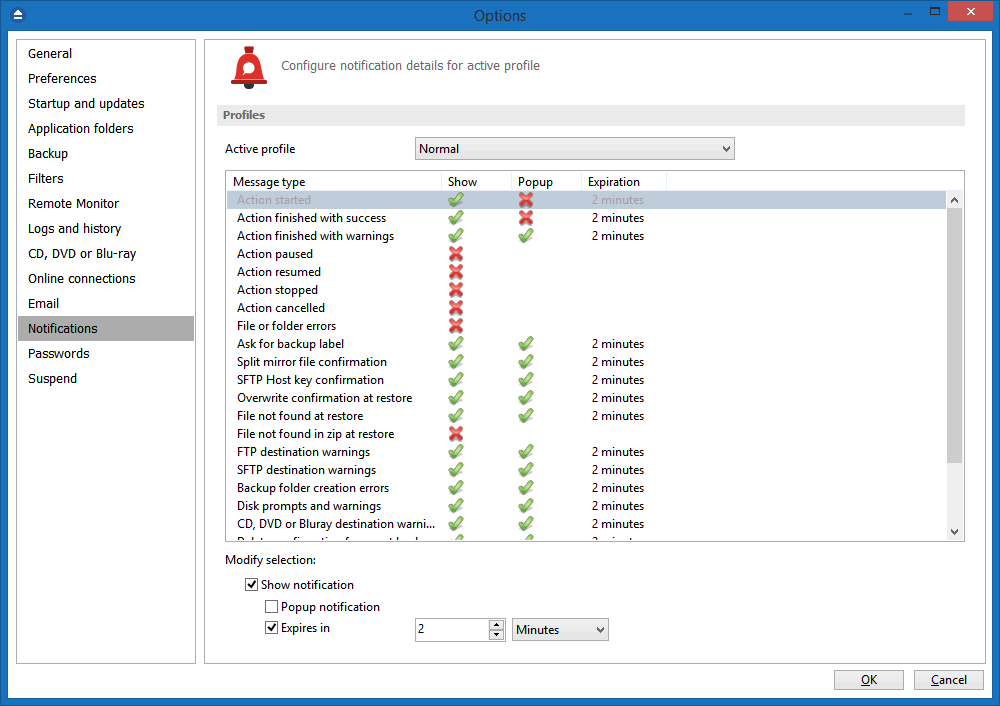
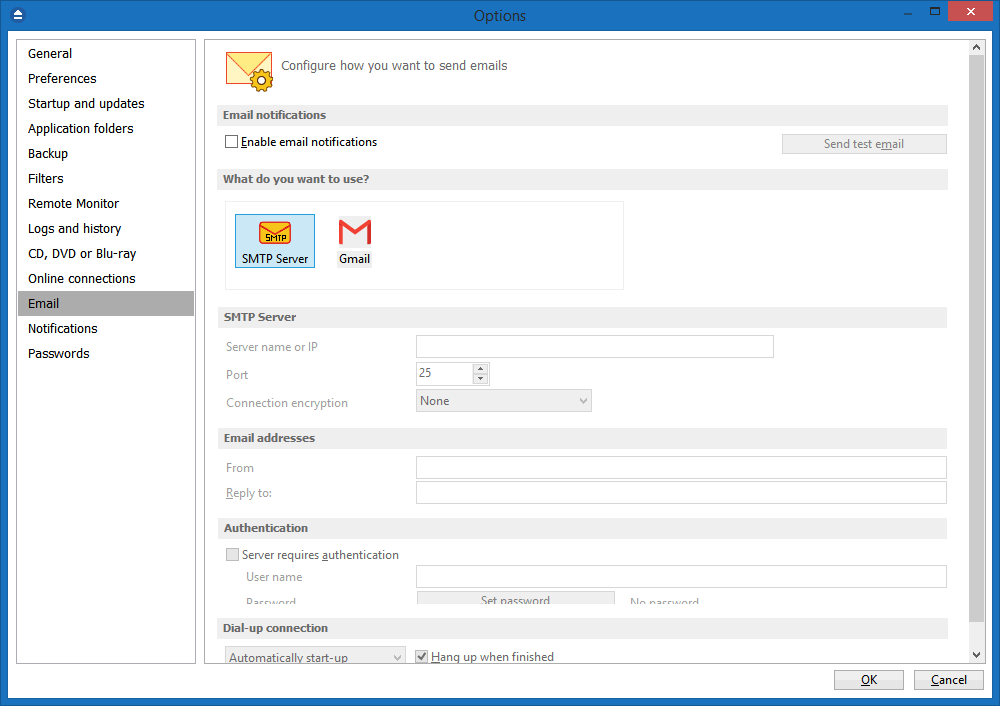
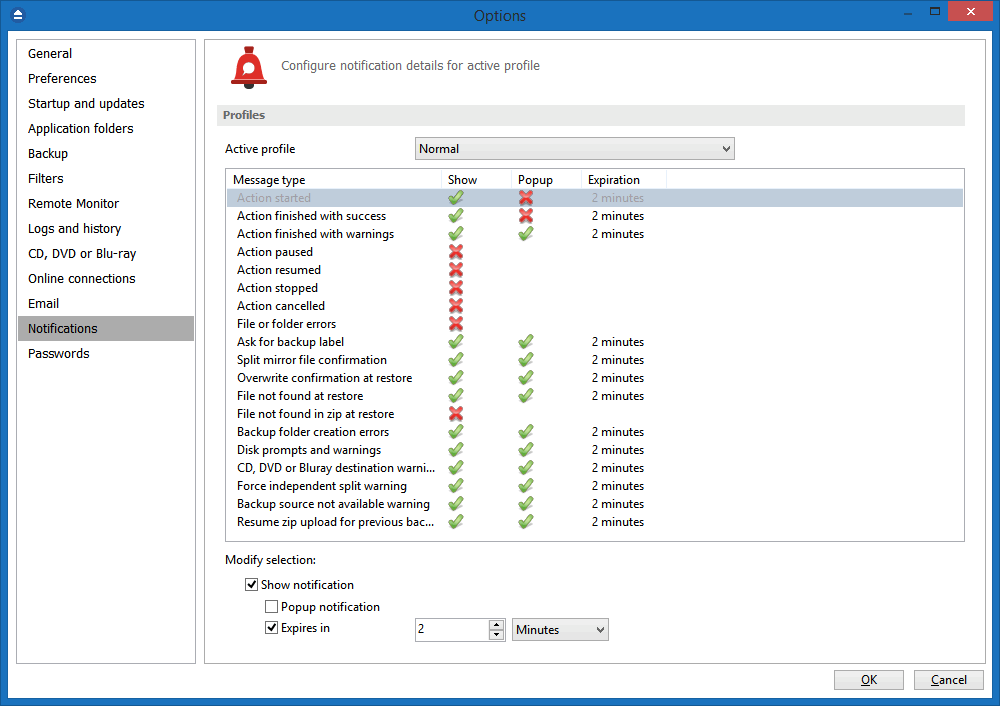
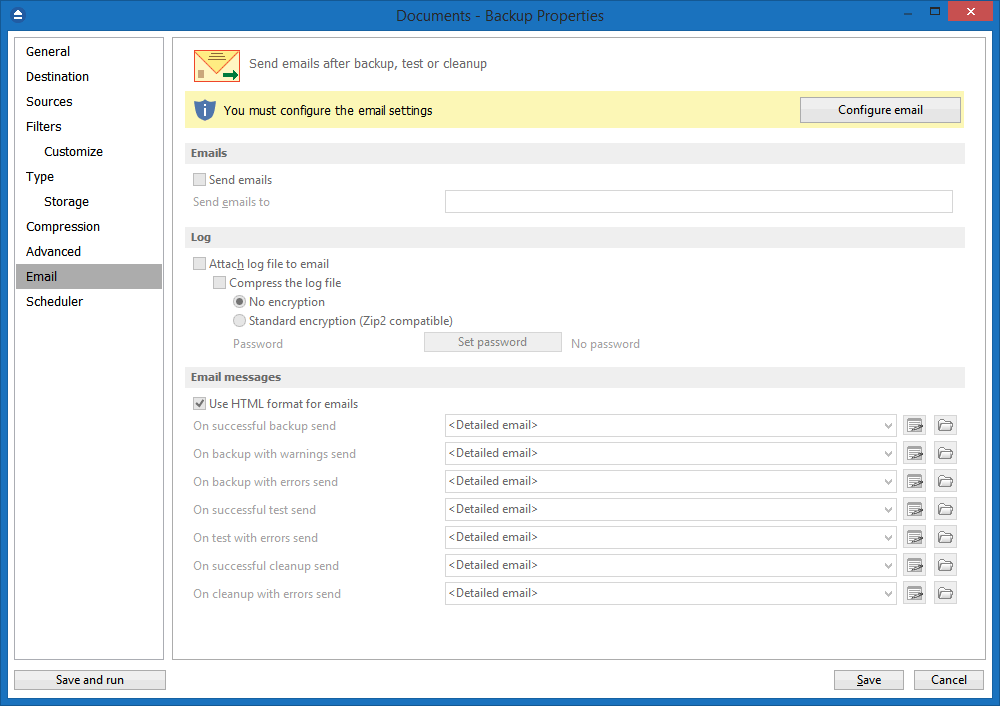
You can configure Backup4all to send custom emails after a backup finished, with success, error and warning notifications. Additional options allow you to attach the backup log file and send the email to several addresses.

SFTP backup software

Backup4all can backup to SFTP, a destination combining the security of remotely stored backups, with secure file transfer protocol. Your important data is transferred to the SFTP backup server using a secure network connection, to avoid the risk of data interception.

Pause/Resume or Stop operation

The backup operation now supports pausing and resuming, so running a backup job can be interrupted and continued at a later time. There is also a Stop operation now, that when pressed will not Cancel the backup, but instead will save everything until that point when it was pressed.

Automatic updates

Backup4all can now check for updates either manually or automatically at a scheduled date. This allows you to better stay in touch with the latest development of Backup4all.

Backup catalog file

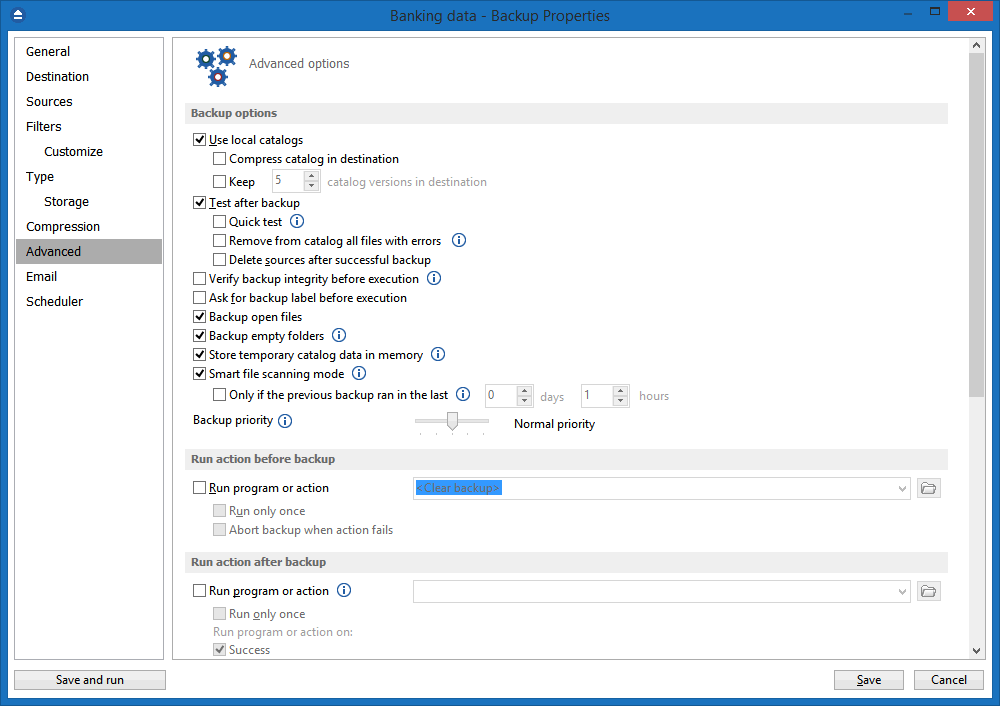
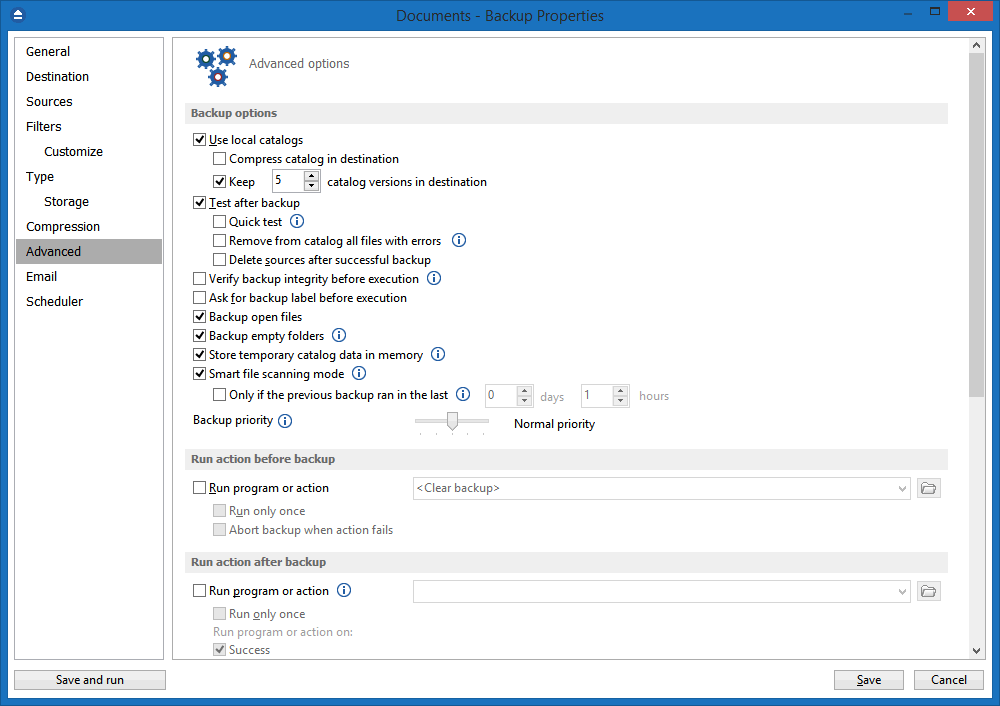
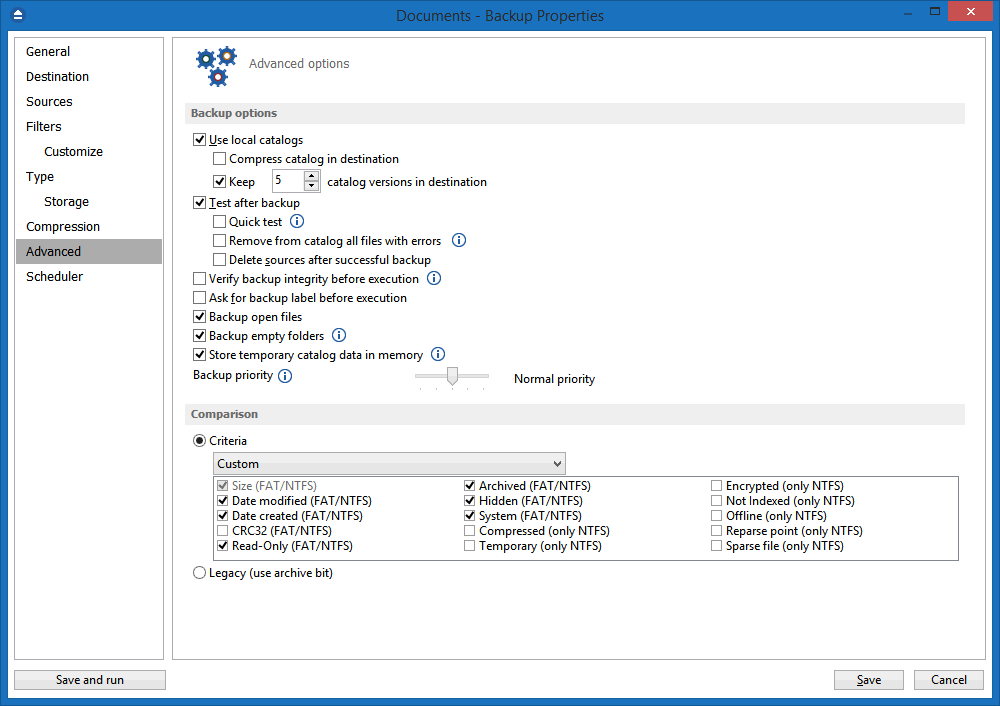
Backup4all stores a summary snapshot of the file and folder information into a backup catalog file (".bkc") each time a backup is executed. This catalog is stored in a different file than the backup itself and it allows Backup4all to keep track of the backed up files. The advantage of using a catalog is faster backup execution. Another advantage is that you can run Backup4all together with other backup applications because they will not interfere with each other.

Backup directly to CD, DVD, Blu-ray

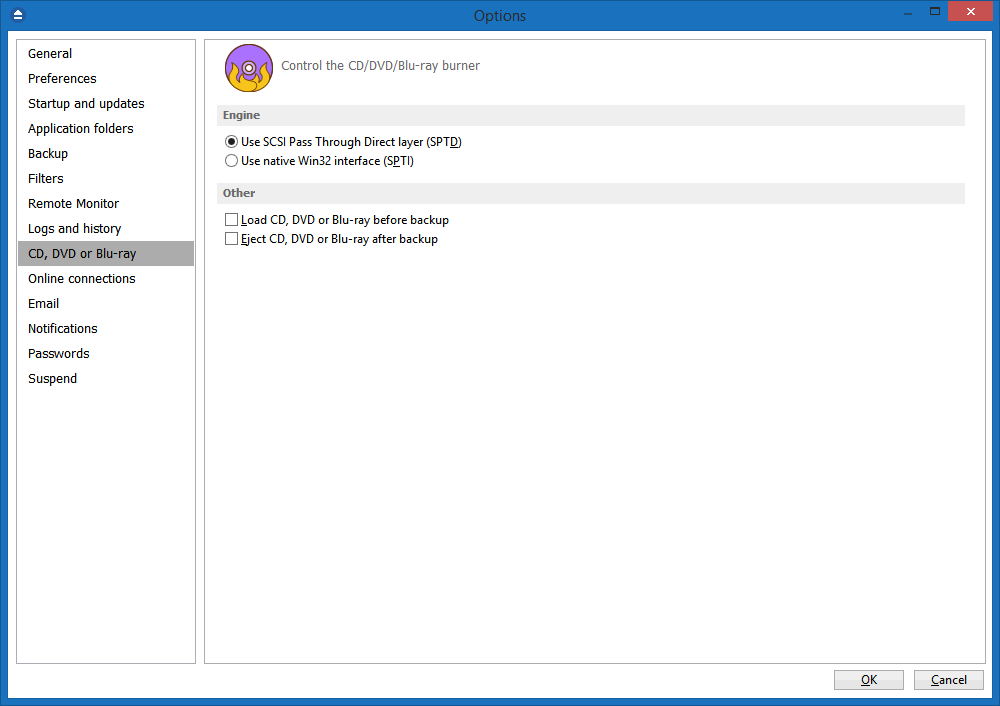
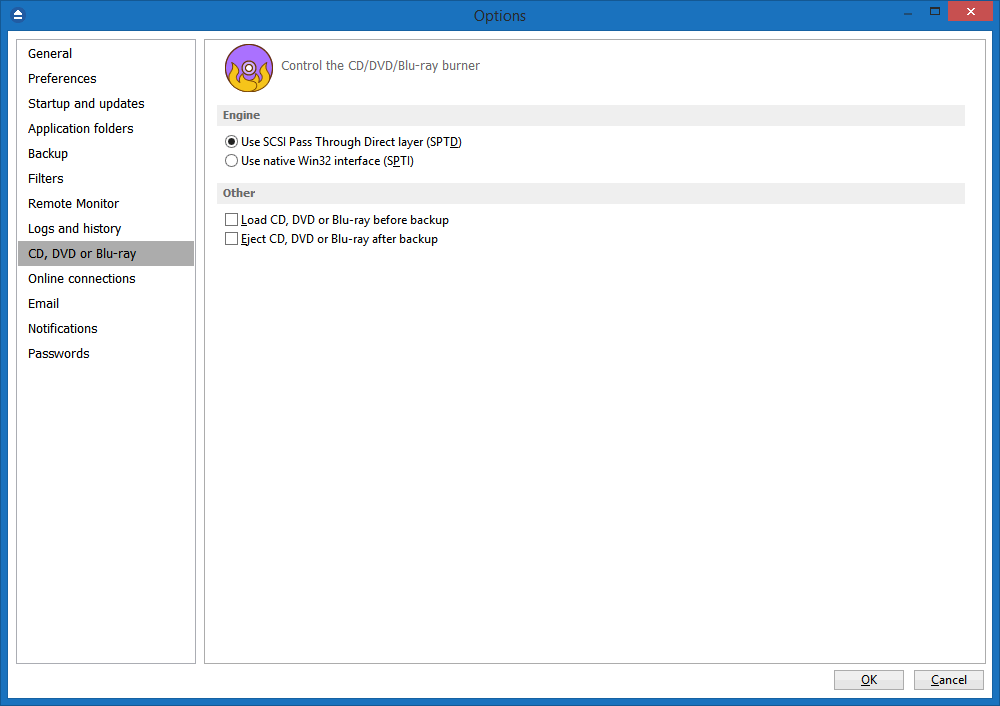
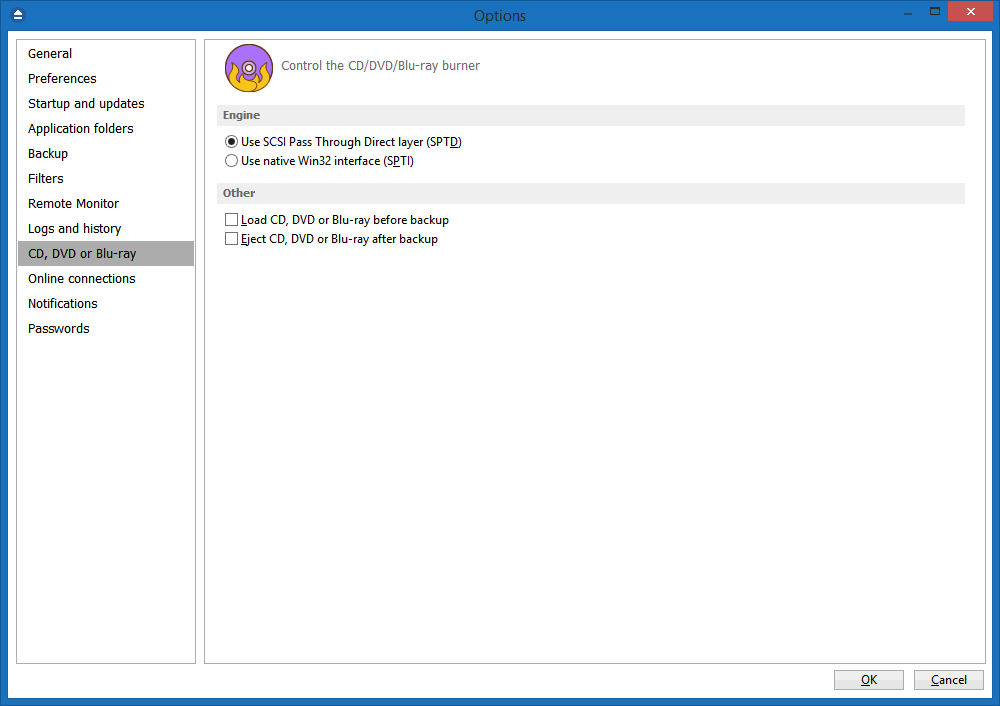
This backup software comes with its own built-in CD, DVD, HD-DVD and Blu-ray burning support. Just set the destination to the CD, DVD, HD-DVD or Blu-ray disc and execute the backup job. However, if you prefer not to use Backup4all's built-in burning engine, you can use 3rd party packet writing software (such as DirectCD or InCD). Backup4all also has the possibility to erase CD-RW/DVD-RW/HD DVD-RW/BD-RE media.

FTP Backup

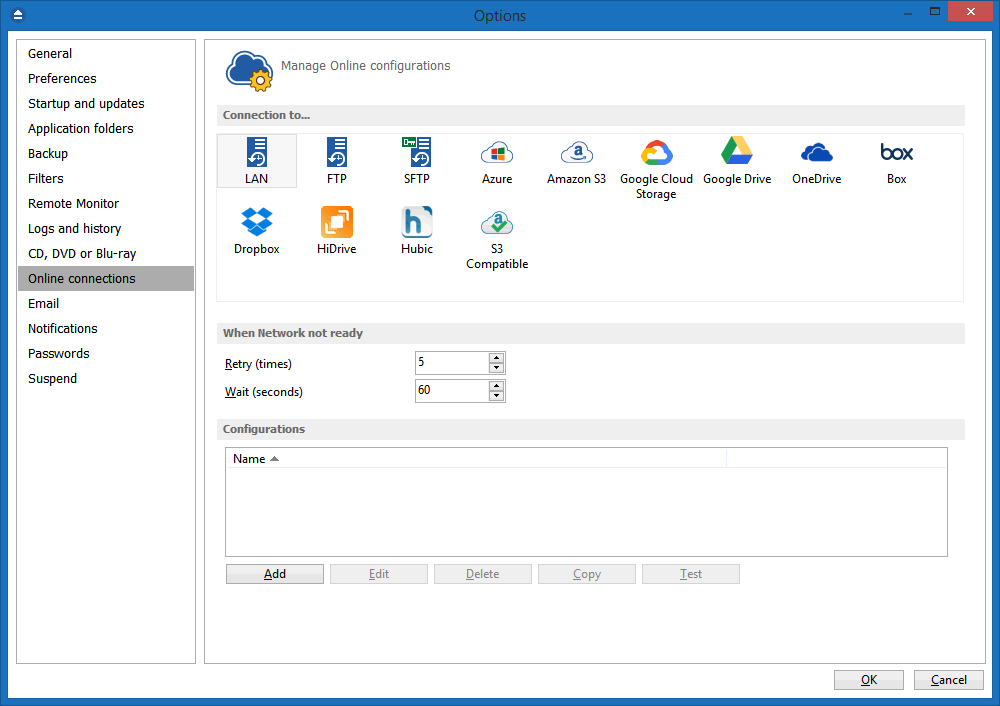
You can backup your files to remote locations using the FTP service (with SSL support, active/passive transfer modes, firewall support, XCRC tests). You just have to select FTP as destination, enter the FTP configurations and you are ready to backup to FTP.

Backup Destination

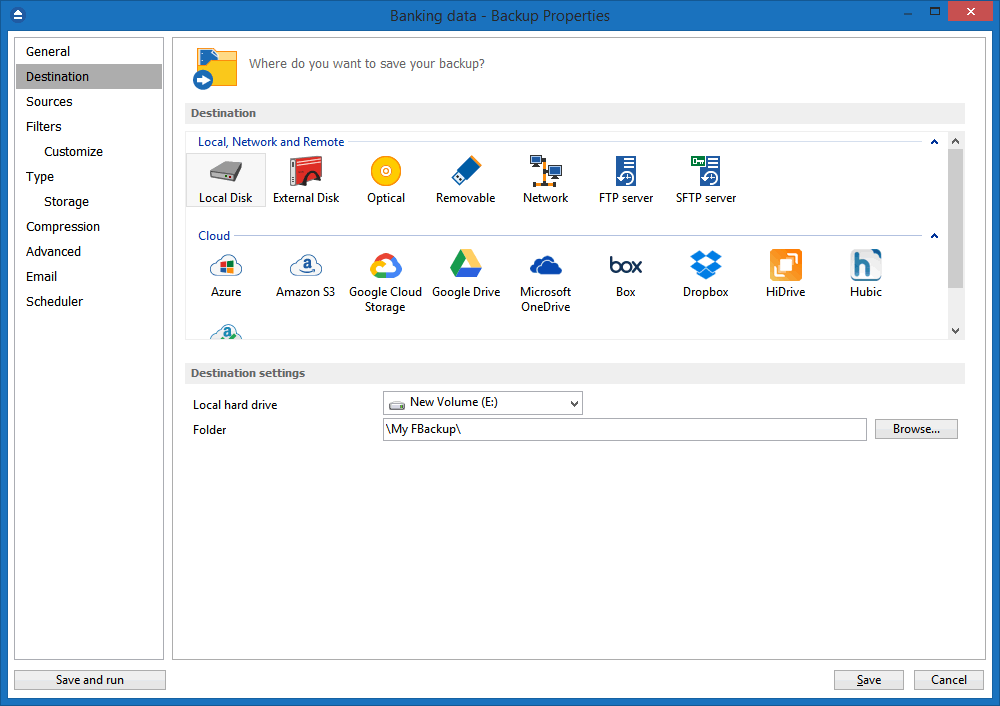
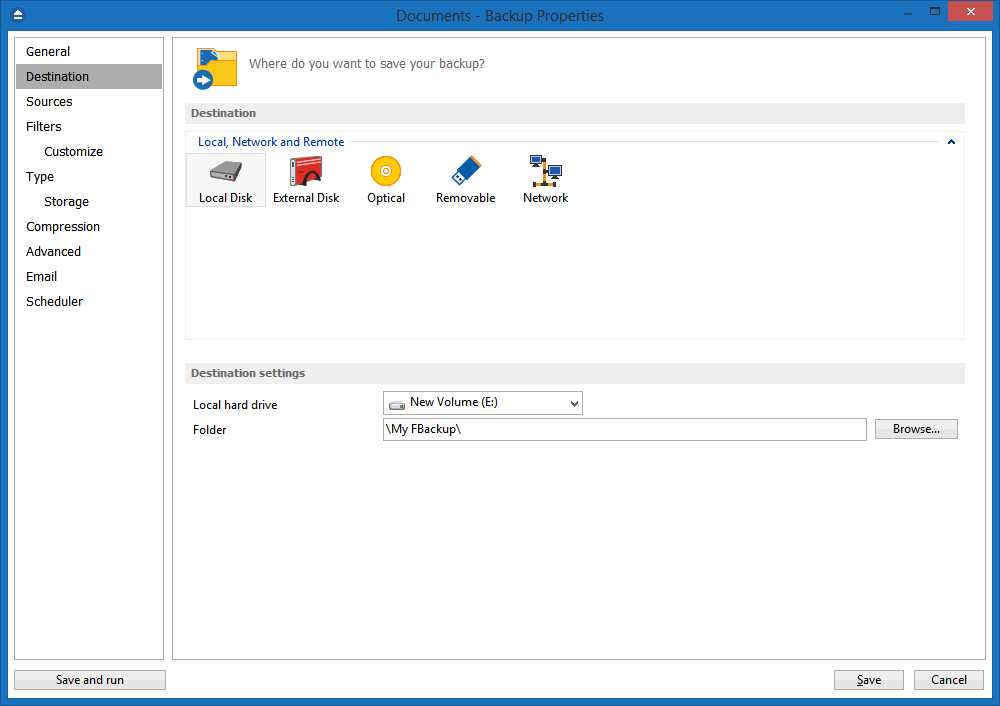
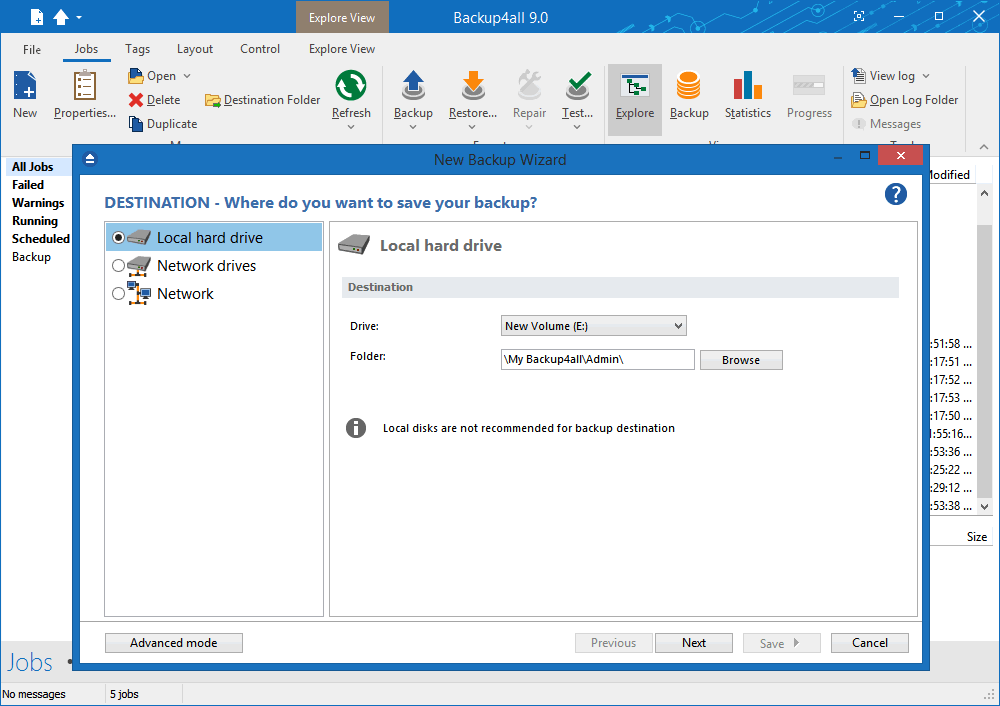
You can store the backup in a local folder, on another computer in the same LAN, on media such as: CD-R, CD-RW, DVD±R (single/dual layer), DVD±RW (single/dual layer), DVD-ROM, HD DVD-R, HD DVD-RW, HD DVD-ROM, BD-R, BD-RE (single or dual layer Blu-ray disc) on USB drives or other removable media, or on FTP.

Extra Actions

Perform extra actions before and/or after backup execution.

Create shortcut for backup job/group

You can create a "shortcut" of a backup job or backup group to a desired location. Whenever you will double-click that shortcut, the backup job defined will start running. You can make it a "one click backup" if you place that shortcut in the Quick Launch menu.

Statistics

You can actually see the number of files that will be processed at next backup (very useful when you have a large number of files). Other information refers to the size and date of the executed backups and the available free space on storage destination.

File warnings

File warnings are displayed to the user during backup execution if the user chooses so. These warnings are also written to the log file. Scheduled backups do not show these warnings even when this option is set.

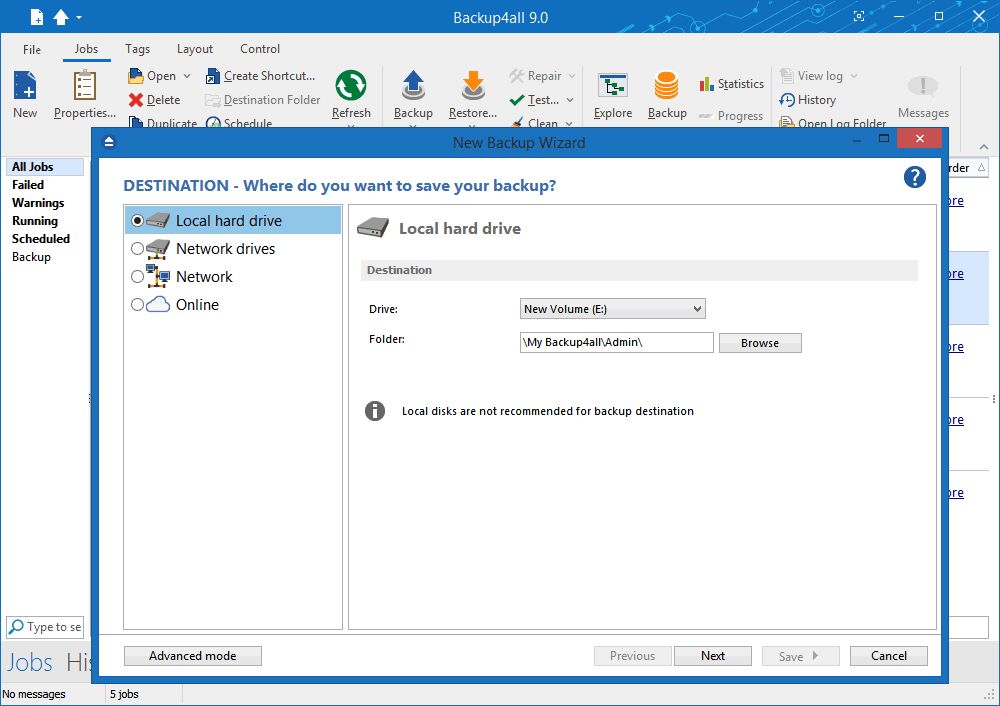
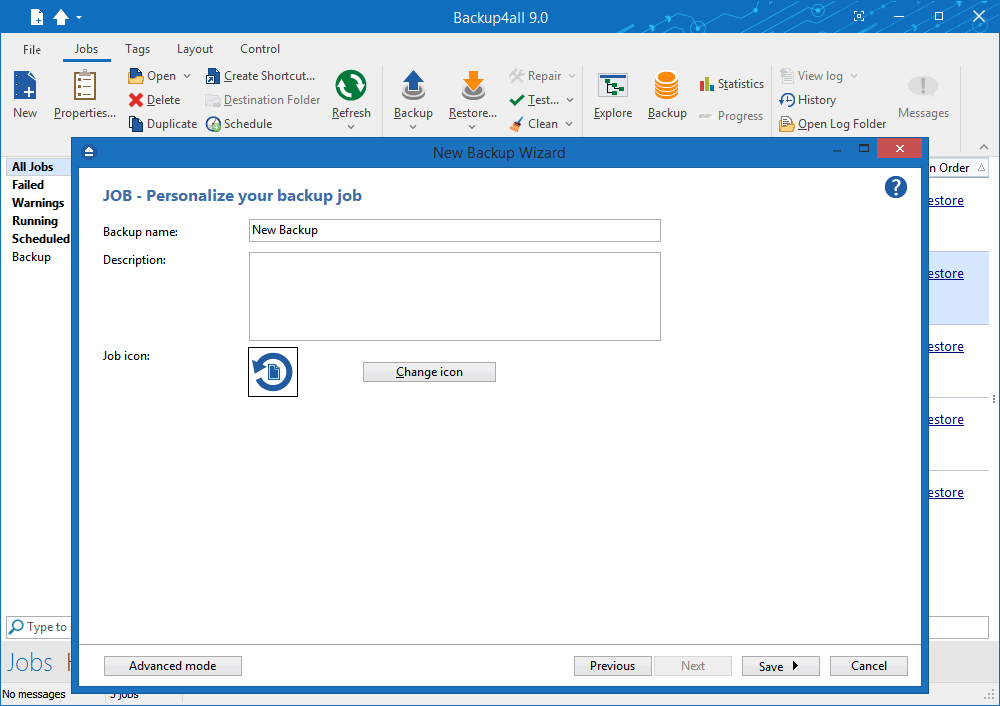
New Backup Wizard

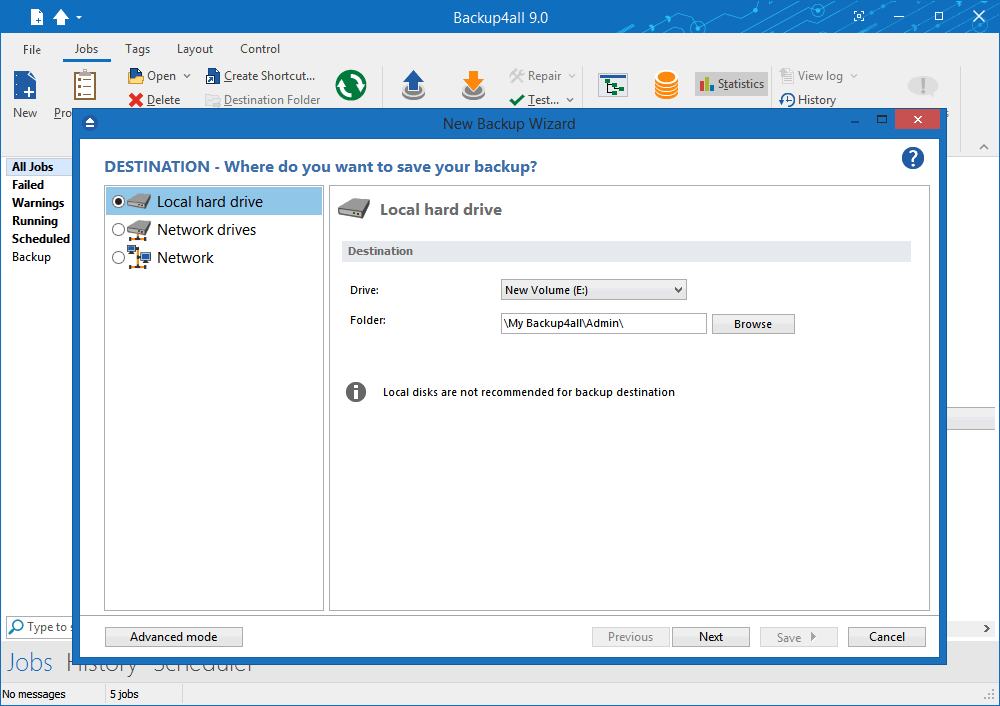
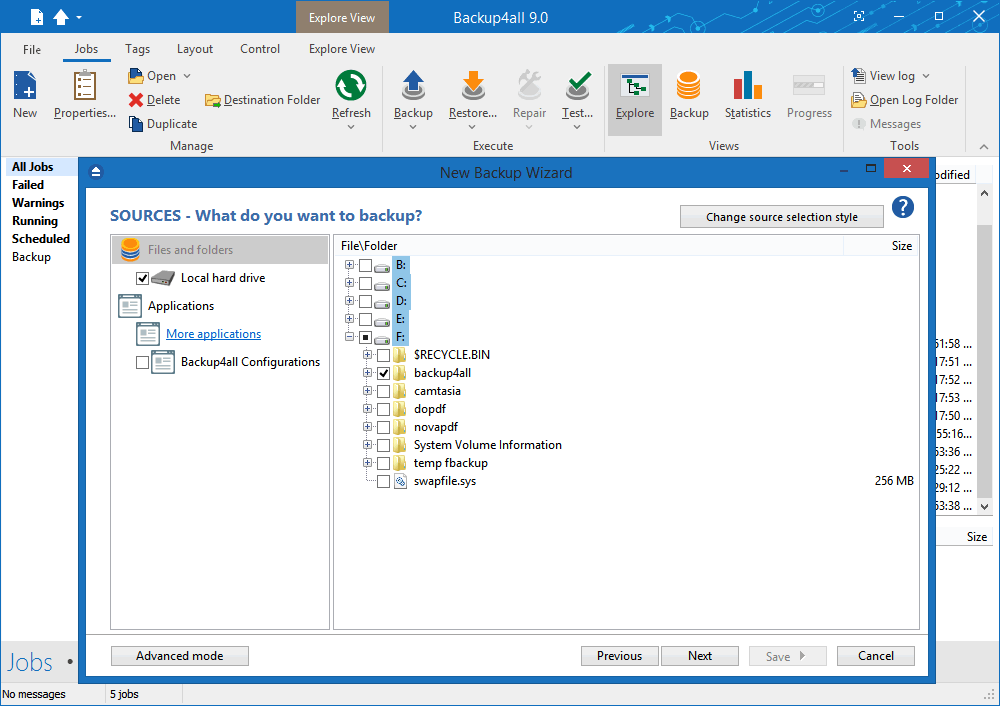
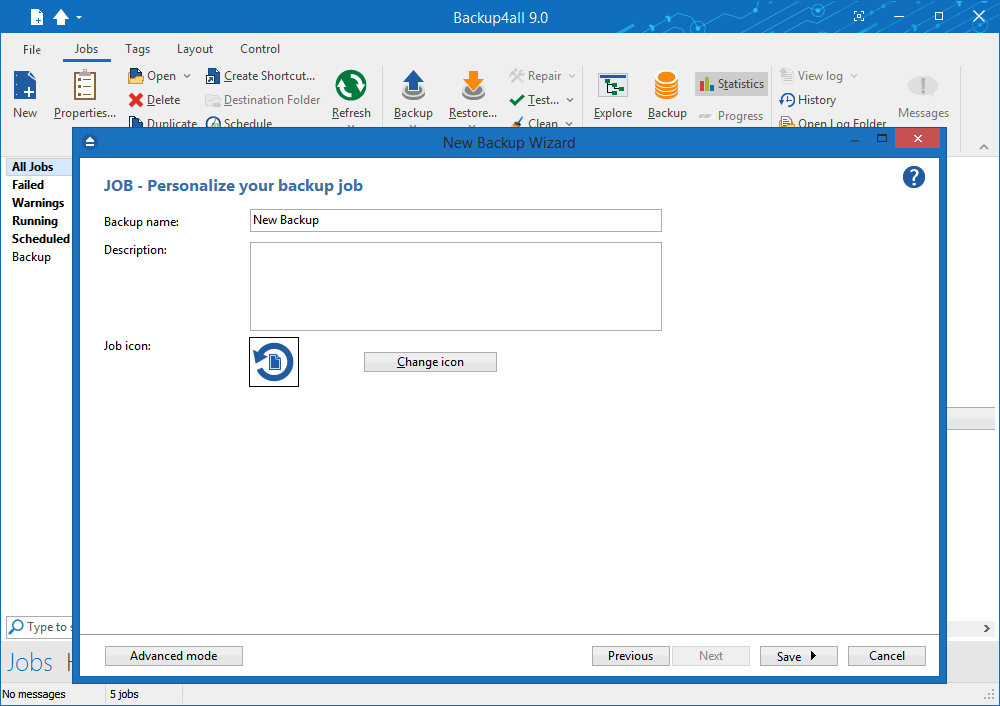
This backup software provides step-by-step instructions to create a new backup job by selecting Where, What, How and When to backup.

Easy File and Folder Selection

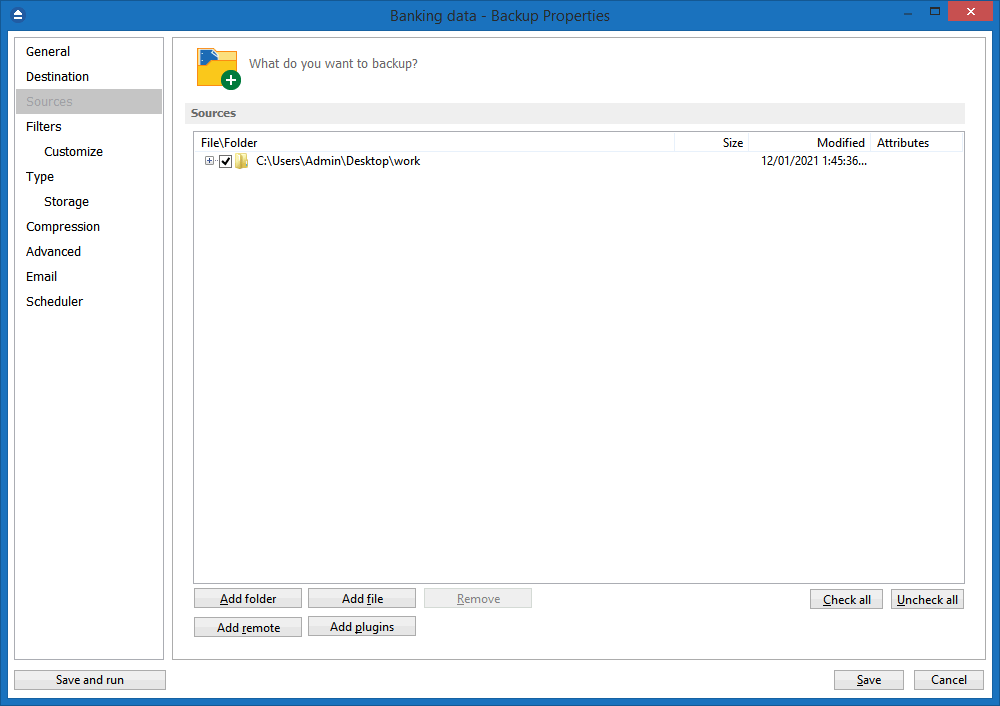
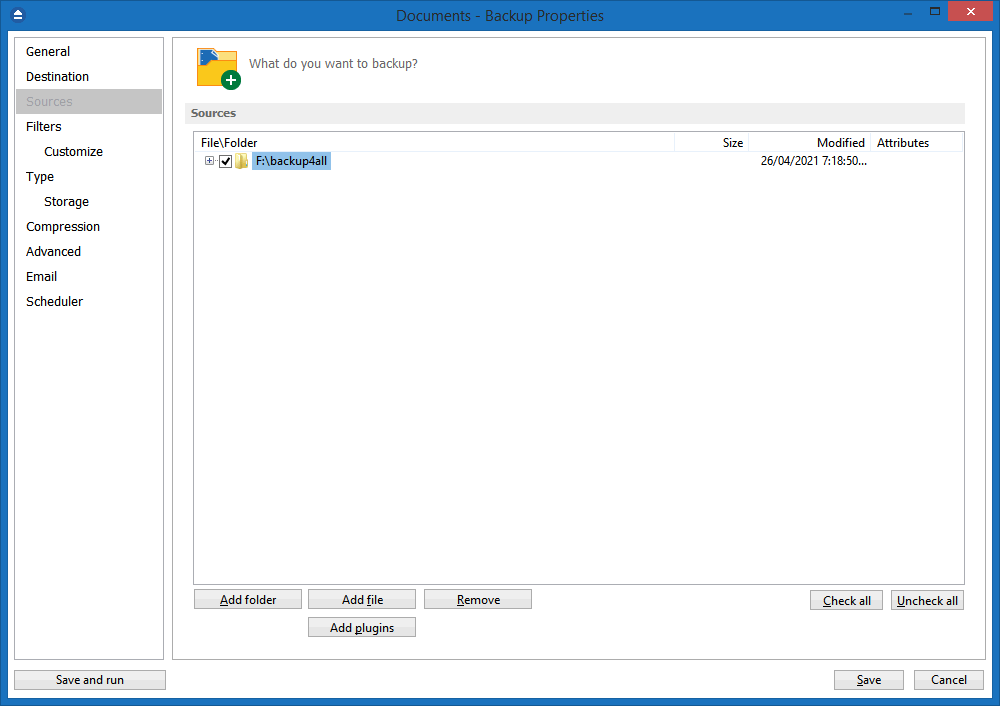
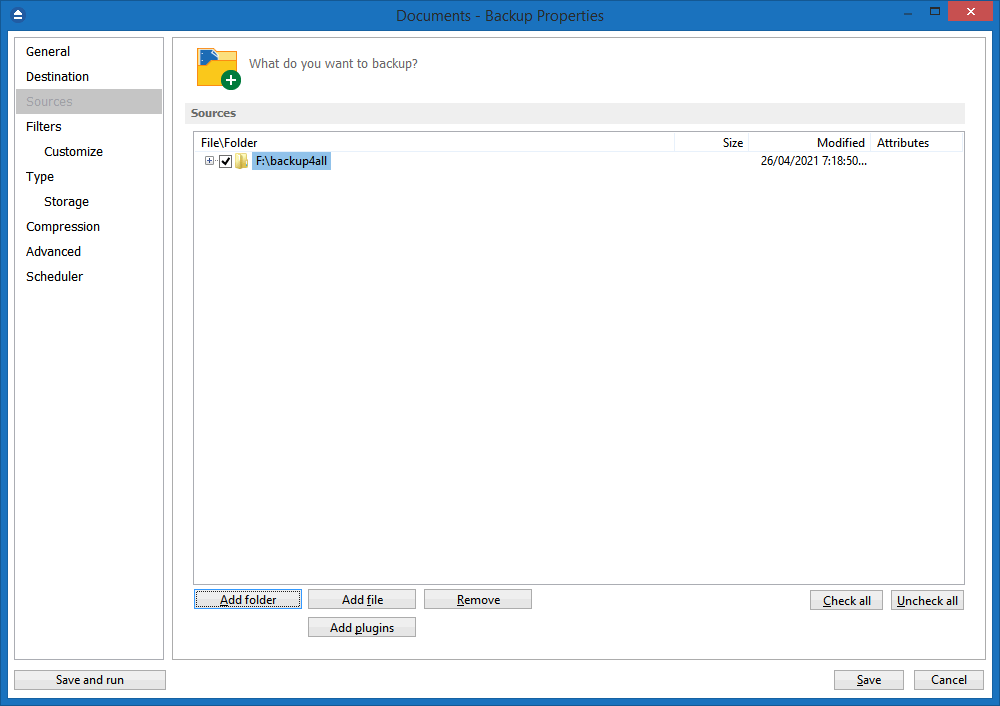
You can browse a folder tree to select several files and folders as source of the backup or you can include or exclude them individually. Multiple files/folders can be added as Sources at once (drag-and-drop supported).

Backup Types

Four different backup types to choose from: full backup, differential backup, incremental backup and mirror backup.

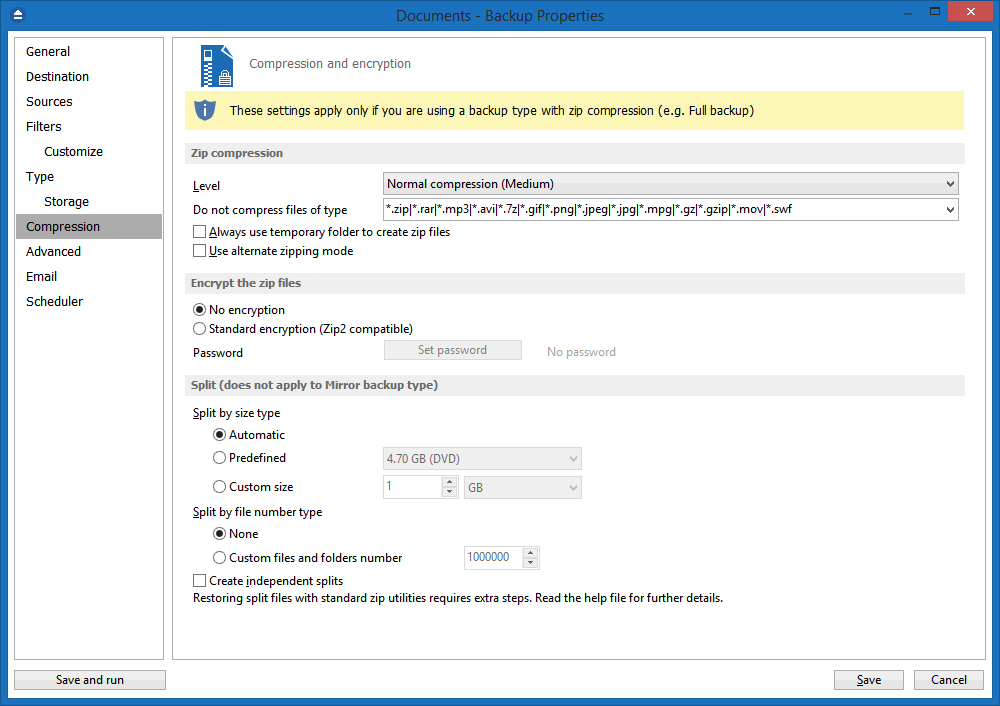
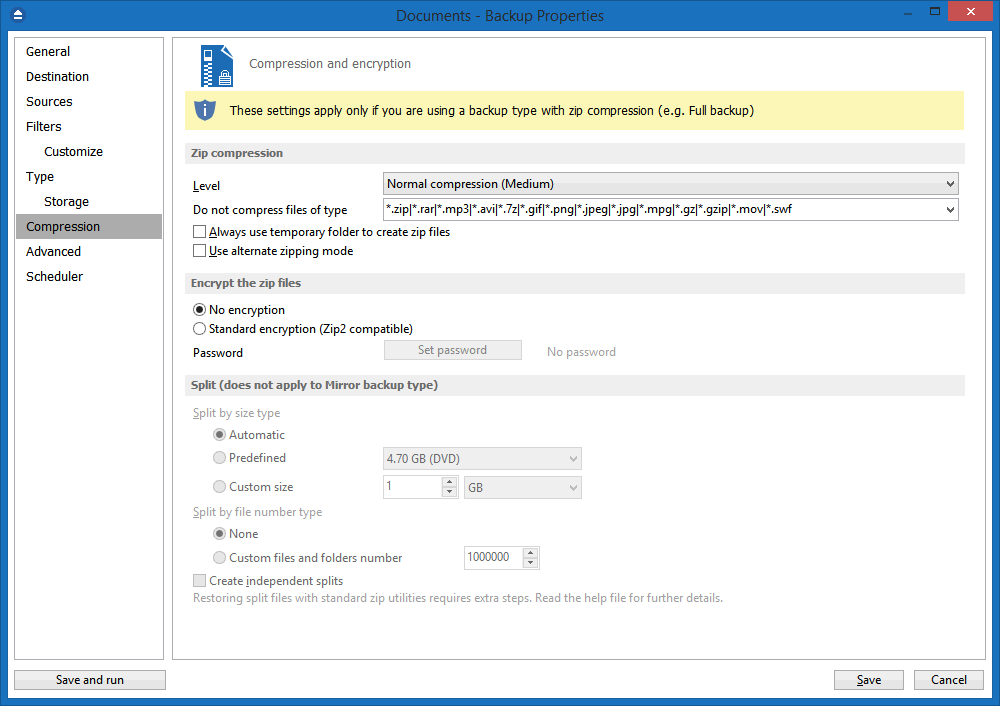
Standard Zip Compression and zip64 support

If the zip file size is less than 2 Gbytes, Backup4all creates standard zip files. This format is compatible with any zip utility available on the market. Unlike other backup softwares, for zip files greater than 2 Gbytes, Backup4all uses zip64 technology (which allows unlimited zip file size).

Backup Plugins

Starting with version 3.10 is possible to load plugins to backup/restore the settings of specific programs. A plugin is actually an XML file that once imported in Backup4all adds a predefined backup. For instance, a backup plugin for Mozilla FireFox, when loaded, will automatically add in the Predefined Backup list an entry for Firefox, so when defining a new backup job if that’s selected, the FireFox profiles will be added as source for the new backup.

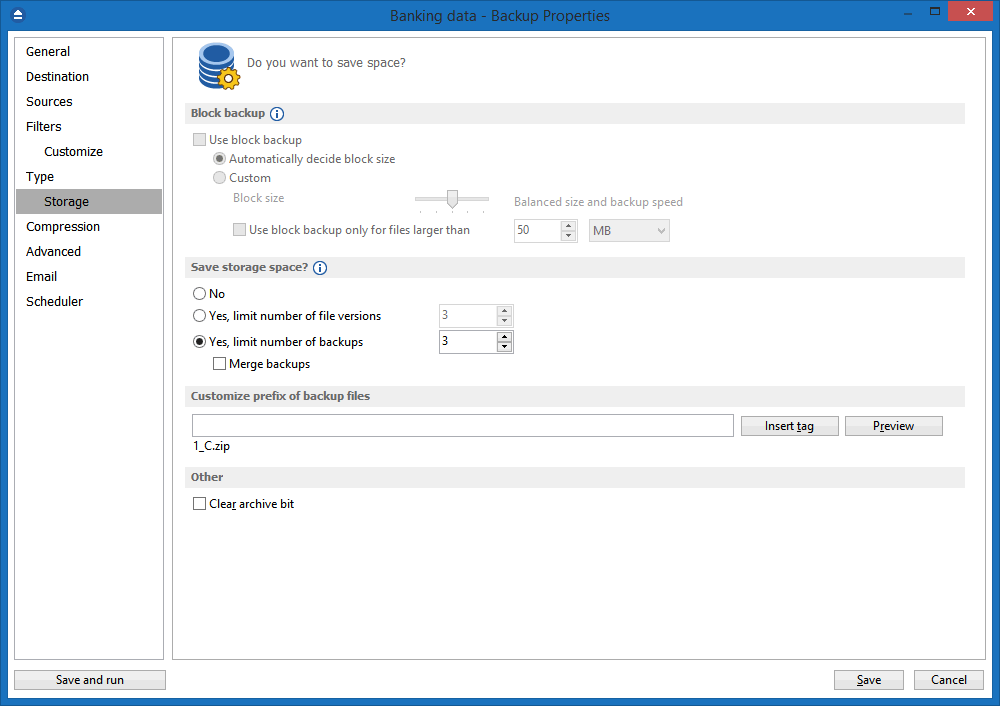
Customized Zip Names

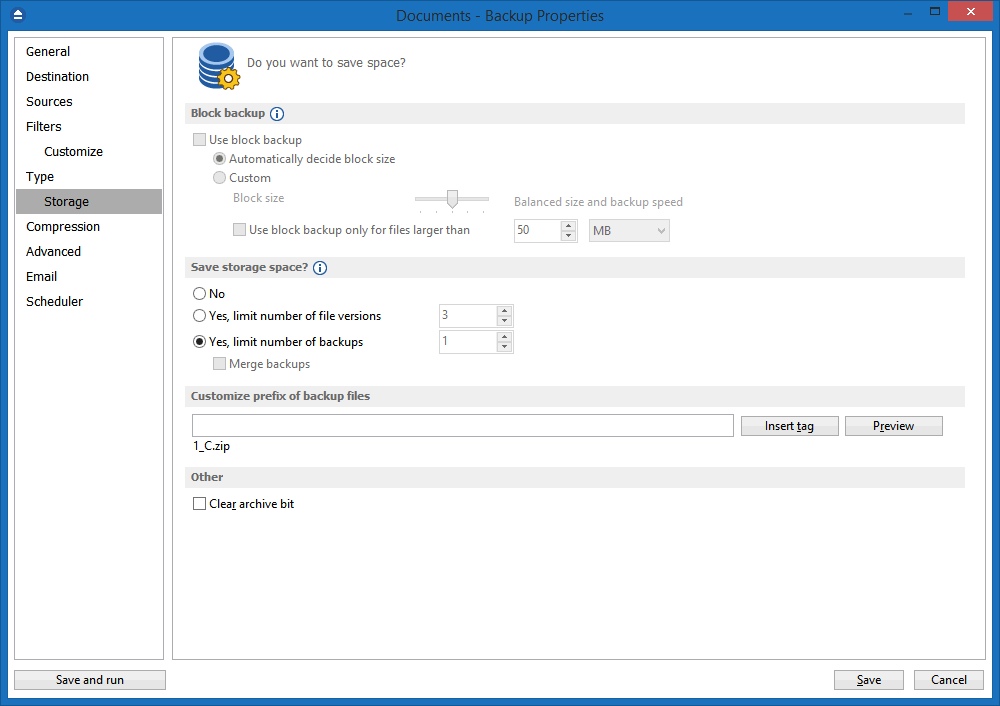
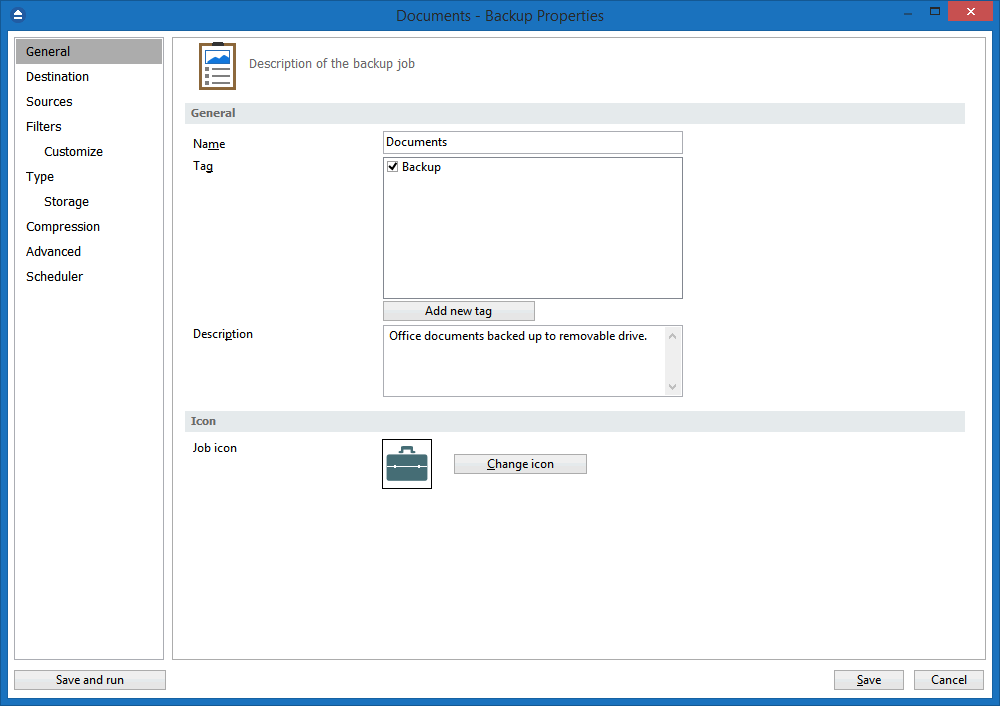
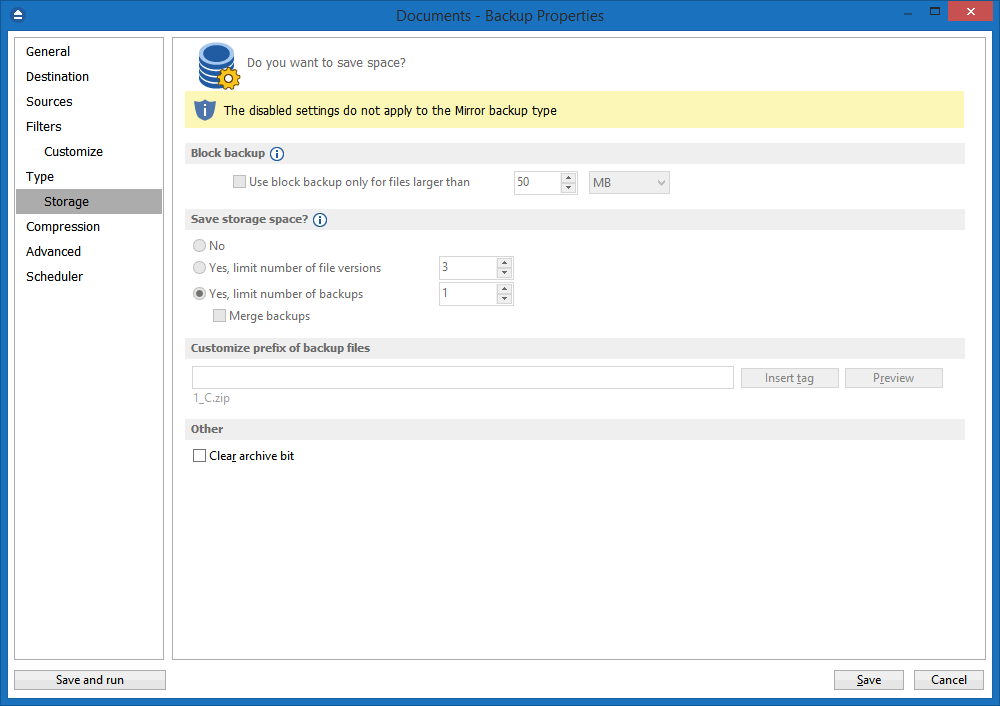
You can customize name prefixes for the zip archives, which store your backup versions. Backup4all also supports file/folder paths longer than 260 characters (turn off file parsing).

Microsoft Outlook backup plugin

Backup4all includes a backup plugin that lets you easily define a backup job for Microsoft Outlook. This will backup Outlook entirely (not only the emails but also the profiles, email accounts, rules and other settings) so if you need to restore it, you don't have to configure the email account settings again as they will be restored along with the other data.

Password Protection

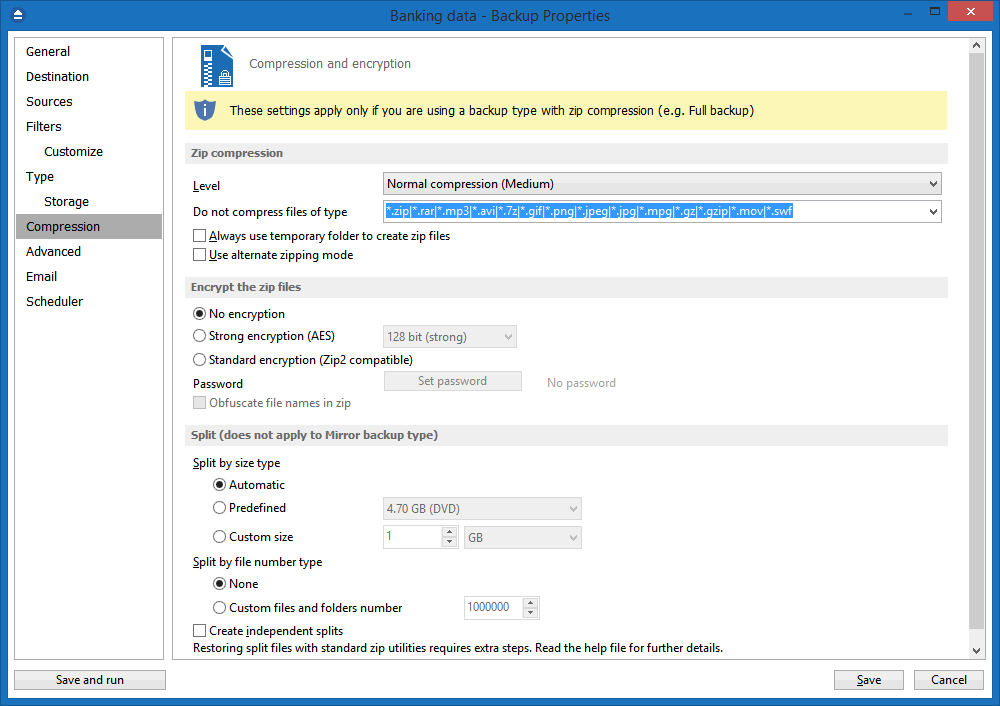
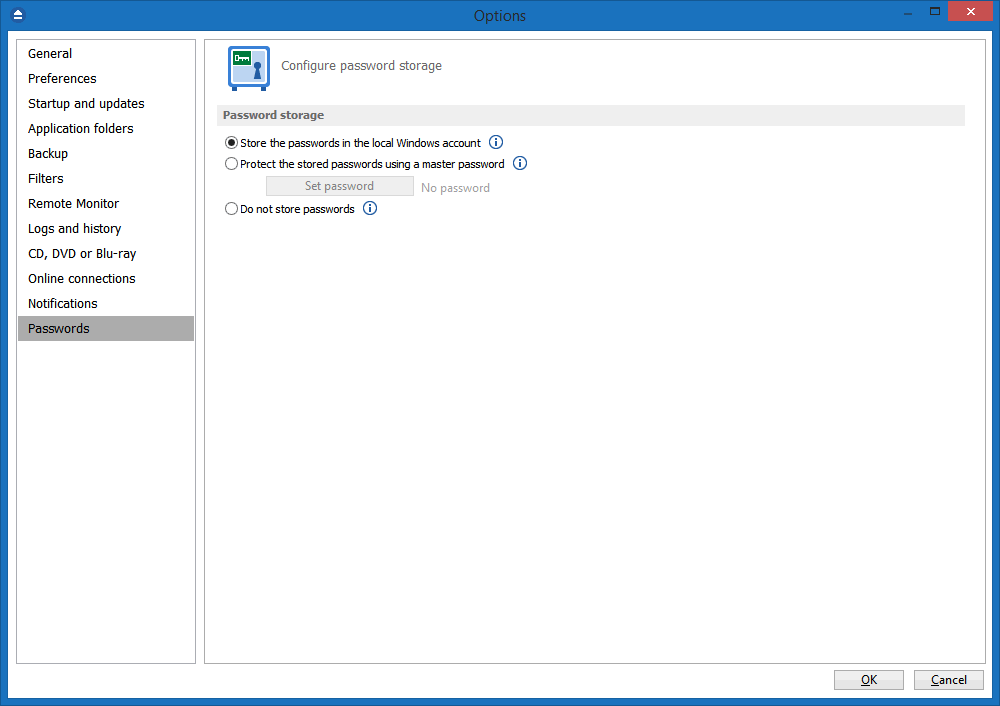
You can protect your ZIP files by setting a password for each backup job. Besides normal password protection, Backup4all also supports 128-bit, 192-bit and 256-bit AES encryption. These numbers reflect the encryption key size used to encrypt the data - a higher key strenght provides stronger encryption.

Snapshots

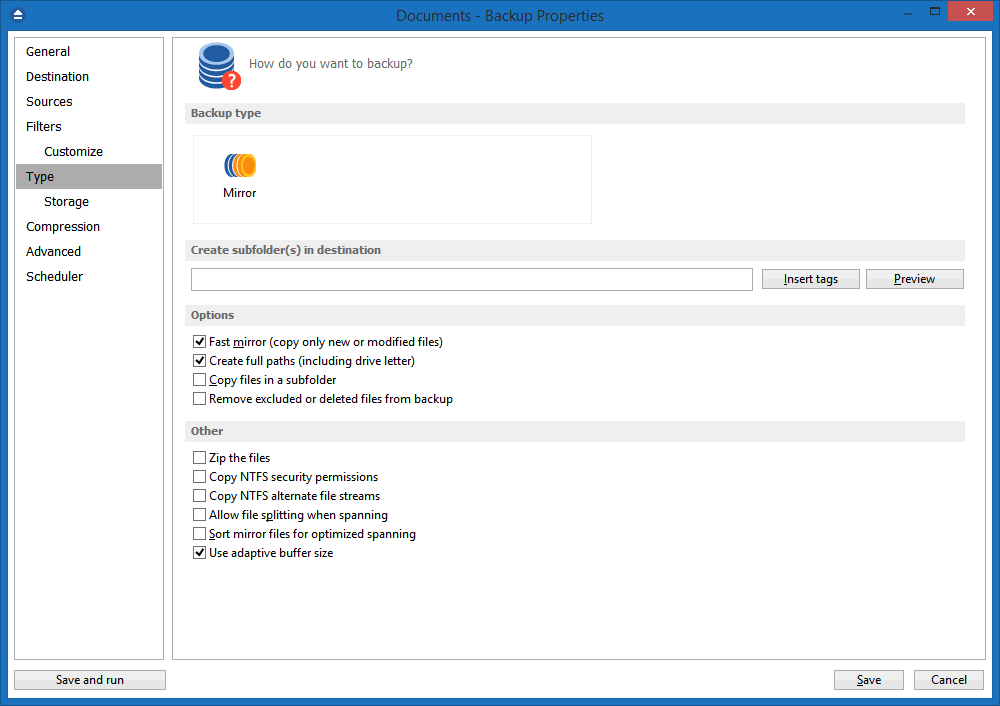
Mirror backup type makes an exact copy of selected files and folders (copying NTFS permissions and alternate streams), including empty folders too (for an exact copy of the source). Optionally, for mirror backups you can choose to zip the backed up files individually.

Disk Spanning

Automated support for splitting your backup between many removable disks or even on the same media. You can specify the maximum size of the zip archives. When performing a mirror backup and using disk spanning you can choose not to split the files. This is a useful option because you can copy your music/movies to cd or dvd and not have them splitted up when the CD, DVD or Blu-ray disc is full.

Logs

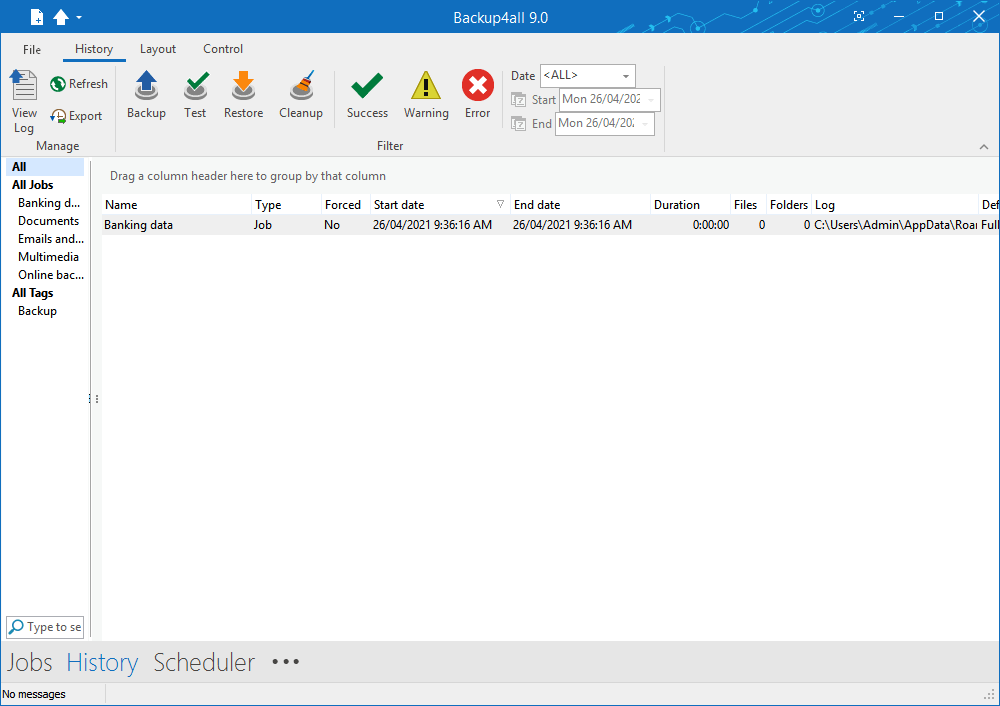
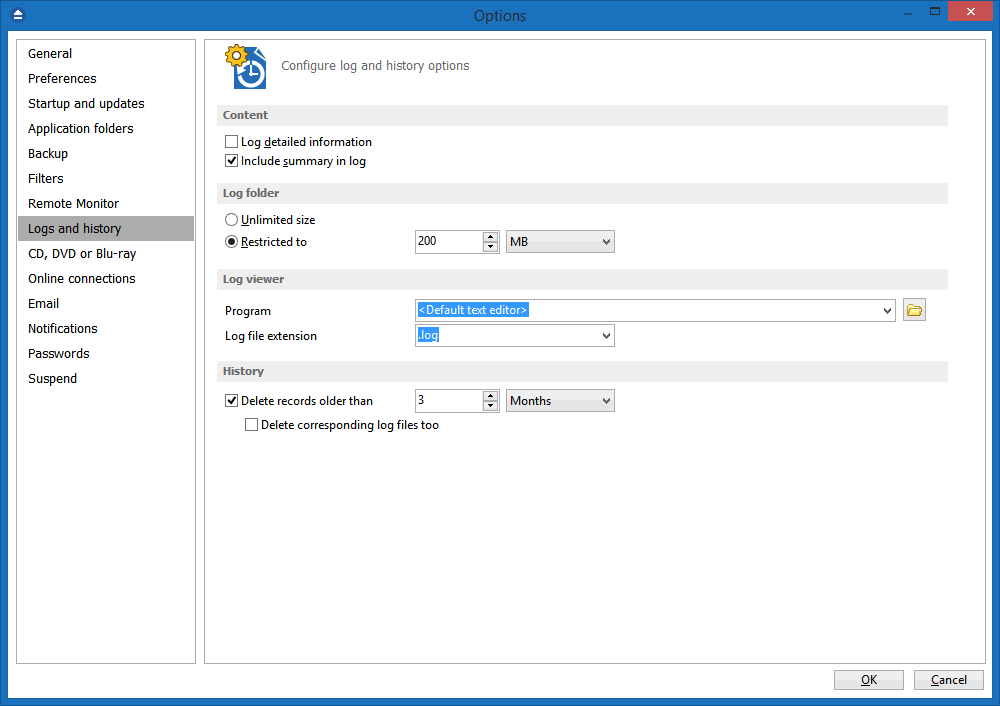
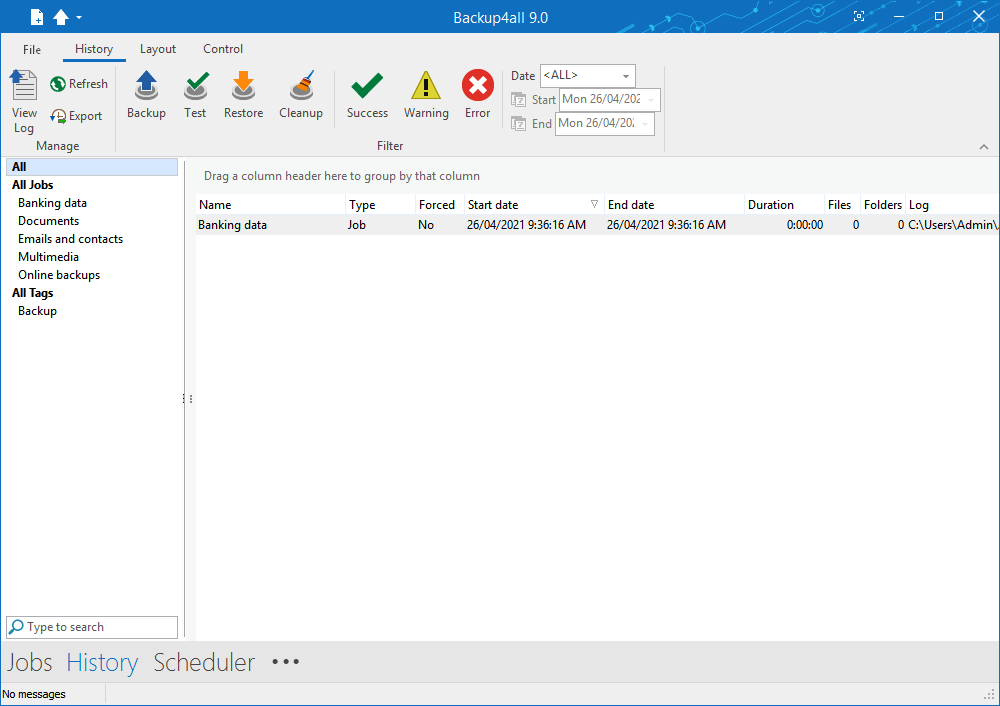
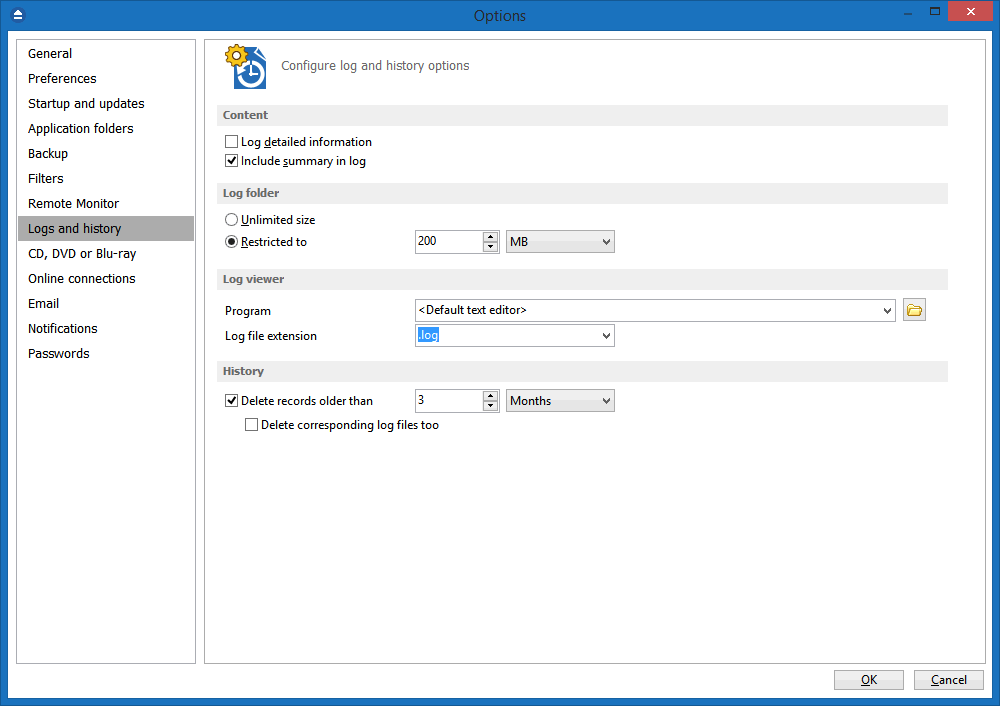
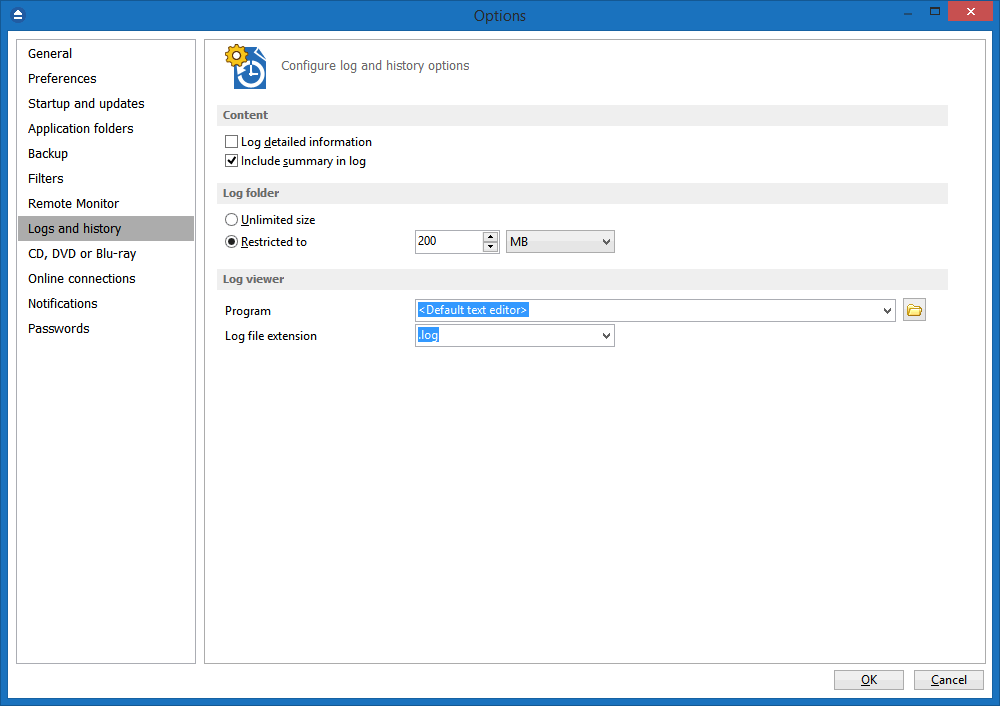
The operations performed by Backup4all are logged. This allows you to see the status of performed operations (backup/test/cleanup/restore). A backup job/group History view is available too (which also lets you export the information as .csv).

Command Line

A command line version of this backup application is available too (that lets you run different operations using parameters).

Restore Wizard

Restore backed up data step-by-step. Allows you to choose the version of files which will be restored and filter them to restore only the needed versions (file versioning applies to full, differential and incremental backups only). You can quickly restore the latest version of a file/folder as well as restoring versions of files backed up at a specific date.

Compatibility

You can restore data using any standard zip software. Backup4all gives you this way more flexibility if you need to restore data on a different computer (if the backup was created using independent splits, see this section on how to restore correctly using 3rd party zip software).

One touch backup

Some USB enclosures have a button to start the execution of an associated program. If you have such a device, you can configure Backup4all to execute a backup job or a backup group when this button is pressed (works only with certain USB enclosures).

Summary

Text description of the full setup for each backup job that allows you to easily review the information regarding the backup.

Program security

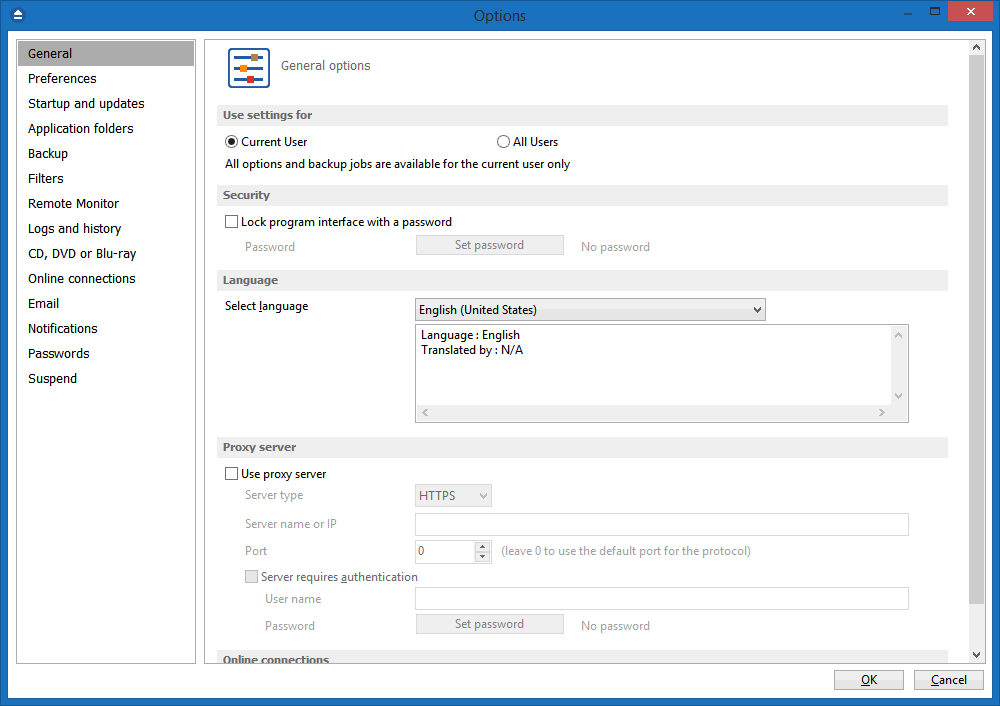
Backup4all offers an option to lock its interface so that when it starts you will need to provide a password in order to unlock it and be able to make changes to its settings.

Test backup

The application tests the backups (using CRC32). This ensures that the files have been backed up properly and the backup is safe. You can also test the backup integrity at a later time from Backup4all's main menu. When backing up to removable media, after each media item written the backup test is performed (for spanned backups). When backing up to FTP, the XCRC command can be used (if supported by server). This speeds up the testing as Backup4all will verify the backup based on the CRC information received from server.


Click any of the images below to start the gallery (screenshots of Backup4all under Windows Vista):

Backup4all, a Windows Vista/2008/XP/2003/2000 and Windows 7 backup software, received excellent ratings when reviewed individually or in comparison with other backup software. Backup software reviews that are not listed here can be sent to us at info@backup4all.com

Additionally, if you are a magazine editor or a freelance writer with computer skills and an appropriate website, blog or distribution channel for your articles/reviews, please contact us and we will provide a free license of Backup4all (we reserve the right to refuse such requests) for reviewing it.


"Until you get burnt for the first time, you don't fear the fire. The same applies to computing, when talking about data security and backup. Since this is a popular topic, especially for those who happened to feel the fire once, my advice for everybody is to stay safe before something bad happens.

How can one avoid data loss? Even most reliable hard drives and UPS devices cannot give 100% protection against accidental file deletion or hardware failures. You can't rely on luck, and regular backups are the safest answer to the above. [...]

To be honest, I always say "I'll burn that backup folder someday this week" and the week passes without having my files backed up. With a program like Backup4all this issue can disappear, and the stress related to “what if my hard drive crashes” problem will disappear. I think that I'll leave the backup tasks for this program from now on. What about you?"

Codrut Nistor, Softpedia, Editor

"Softland claims that its Backup4all is a "feature-rich, intuitive backup solution for users of all versions of Windows at all levels of expertise from beginner to professional." That sounded like the backup solution I was looking for, so I took it for a test ride. […]

I especially like the fact that Backup4all uses standard zip file compression. […] For this reason alone, I would give the program high marks.

Backup4all lives up to its marketing claims. It’s versatile, has all the features you need, and is easy to use. The beginner can easily get a good backup the first time. And the professional can tweak the program until his backup hums along exactly as he wants it to. It runs on every Windows OS from 95 to XP, too. From $25 - $45, depending on the version you buy, Backup4all is a bargain. […]

Ken Harthun, LockerGnome, Contributing Editor

Backup4all was featured in several Herald Publications (El Segundo Herald, Inglewood News, Hawthorne Press Tribune and Lawndale News) in a review done by technology columnist Francine Brokaw.

"We all know the importance of keeping backup files of our most important information. Face it, inevitably something will go wrong and you don’t want to be in the situation where you have lost all of your important data. Backup4all is an easy to use program for Windows that gives you peace of mind by keeping backups of the files and folders that are the most important to you.[…]

This utility is so flexible you are not limited to specific locations, sizes or even how or when to backup and restore. There are so many options available making this a completely programmable utility that every user can customize to his or her needs. And, you don’t have to be a computer wiz to use it. It’s user-friendly. Well, maybe the first time you might be a little confused because it offers so much versatility, but the handy wizards and user manual will guide you through the process and in no time you’ll have peace of mind knowing your important files, data, photos, email etc. are backed up and easy to retrieve. […]"

Francine Brokaw , Herald Publications, Columnist

Well, dear reader, we finally found what we're looking for — a reliable and responsible backup program, easy to use, reasonably priced, and full of smart features including "set it and forget it".

It's Backup4all, and right to the point, this carefully deisgned program backs up your files in a Zip format, which can be read by any zip application and allows you to explore your backed up files in the "Explorer" fashion you're accustomed to.[...]

Martin Selkirk, Scene4 Magazine

Are you looking for powerful yet easy to use backup application which works at files and folders basis? So you can try the Backup4All. It offers files and folders backup. You can use other folders, external drives, CD, DVD, Blu-ray, network, FTP or SFTP servers as storage for your backup. You will like its plugins philosophy saving you time and doesn’t require advanced knowledge.

Jan Polzer, BackupHowTo.info, Editor

Een back-upprogramma moet eenvoudig en gedegen zijn. Maar u wilt tegelijkertijd wel greep kunnen houden op wat er precies in uw back-ups terecht komt en wanneer. Als dit ongeveer uw wensen zijn, dan moet u zeker Backup4all proberen: u krijgt voor weinig geld een zeer volwassen pakket.[...]

Arian Ooijevaar, Computer!Totaal Magazine

[...]Vanzelfsprekend beschikt Backup4all over meer mogelijkheden, maar de belangrijkste wizards, instellingen en kenmerken van het programma hebben we wel besproken. Mocht je hulp nodig hebben dan kun je terecht bij Nucia, op het officiële forum van Backup4all. Daar vind je ook extra handleidingen, tips en meer informatie over de verschillende versies van het programma. Ook kun je daar lezen hoe je het programma bestelt en registreert, en tevens vind je daar en verzameling plugins voor Backup4all. "Happy backupping!".

Michael4446, Nucia.nl, Nieuwsredacteur

Backup4all was reviewed in the January 2006 issue of Smart Computing magazine (Vol.17 Issue 1) and received a 4.8 out of 5 overall score, structured as follows:

  • Performance - 5 out of 5
  • Ease Of Use - 5 out of 5
  • Installation - 5 out of 5
  • Documentation - 4 out of 5
  • Price - 5 out of 5
Jennifer Farwell, Smart Computing, Editor

Backup4all Review in NeatNetTricks

[...]"Will You Continue To Use It?

Reviewer 1: Yes. Several years ago, I bought a different backup program. Unfortunately, I found it very confusing to use, and after making several backups, I simply stopped. Backup4all, by contrast, is very easy to use while also offering a wealth of powerful features.

Reviewer 2: Yes, as an addition or alternate to my primary backup program and disc imaging program.

Reviewer 3: Yes. It is the easiest and most robust program I have found to backup data. I will continue to use an imaging program to backup my operating system and programs but will stay with Backup4all to safeguard my data.

Reviewer 4: Yes, I will.

Reviewer 5: Yes, I love it!"


"I have found Backup4All to be one of the best tools that I have evaluated in my search for the ultimate backup program. It is well organized and is easily understood by novice users, while advanced users will find additional options hidden beneath the surface. The implementation of the backup process itself is solid and a very thorough feature set has been provided, improved regularly by an active development team.

Thankfully, Backup4All relies on the industry-standard Zip compression format, minimizing concerns over long-term product support and backup recovery.

One of the more useful features I found was the powerful versioning system that automatically purges old snapshots according to a specification of storage requirements.

Through the partitioning of one's backup into several smaller jobs, it is a simple matter to implement virtually any automated backup scheme. If you are searching for a robust and powerful backup utility, Backup4All should be on your shortlist."

Calvin Hass, Impulse Adventure

"I've used a few backup programs over the years on Wintel machines and this one was an unexpected surprise. That is, an unexpected pleasant surprise, because it does exactly what it says it will do. It's easy to use for all levels of user because of it's logical GUI and offers a range of backup options, mirroring, incremental and the tool can be configured to run multiple backups of multiple types. It's nice to find value for money and I guess on that note, I'm raising both thumbs in the air for this little gem. [...]"

Julie Smyth, Editor, Cyber-Aspect.com

"My final Windows recommendation is Backup4all Professional an inexpensive, full-featured backup program. It costs $45. There is a trial version and two, lower priced versions, Standard ($30) and Lite ($20). Backup4all Professional is so feature rich that at first glance you may be overwhelmed. However, it is worth the effort to learn how to use it. Its backup set can span multiple volumes such as USB flash memory drives, CDs or DVDs. The backup can be compressed and encrypted, if you want. It can automatically email you a report on its activities. It backs up open and locked files like an Outlook data file. Replicator and IdleBackup cannot do these things. [...]"

Richard Frisch, RHFtech Help Desk

"You can’t be too careful about your data, and Backup4All does a good job using a well-designed interface, with plenty of bells and whistles for more experienced users. A "standard" version may be all you need if you don’t want e-mail notification or AES 128, 192, and 256-bit encryption. A full comparison chart is available at /en/compare-products.html [...]"

Jim Powell, Editor, OfficeLetter.com

Ease of Use, Performance: 20/25
Look & Feel: 21/25
Features & Software 22/25
How much I enjoy 20/25
Total: 83/100

Overall Backup4all is a great backup program that automates the backup process for you easily and simply. Hopefully you will not have to recover files but you can rest assured that the process works with ease and accomplishes everything you could need from a backup program. I highly recommend Backup4all for an easy to use backup and restore software program.

Jeff Gedgaud, AssociatedContent, Content Producer

"[…] Backup4all is an economical, simple-to-use, and comprehensive solution to do your backups. It allows you to perform all tasks through wizards, although advanced users will love the various extra options available.

Geetesh Bajaj, Microsoft PowerPoint MVP

"[…] Backup4all's interface is well designed and easy to use for everybody. In order to backup your data, you will use the New Backup Wizard, accessible from the File menu, toolbar button, or using the Ctrl+N keyboard shortcut.

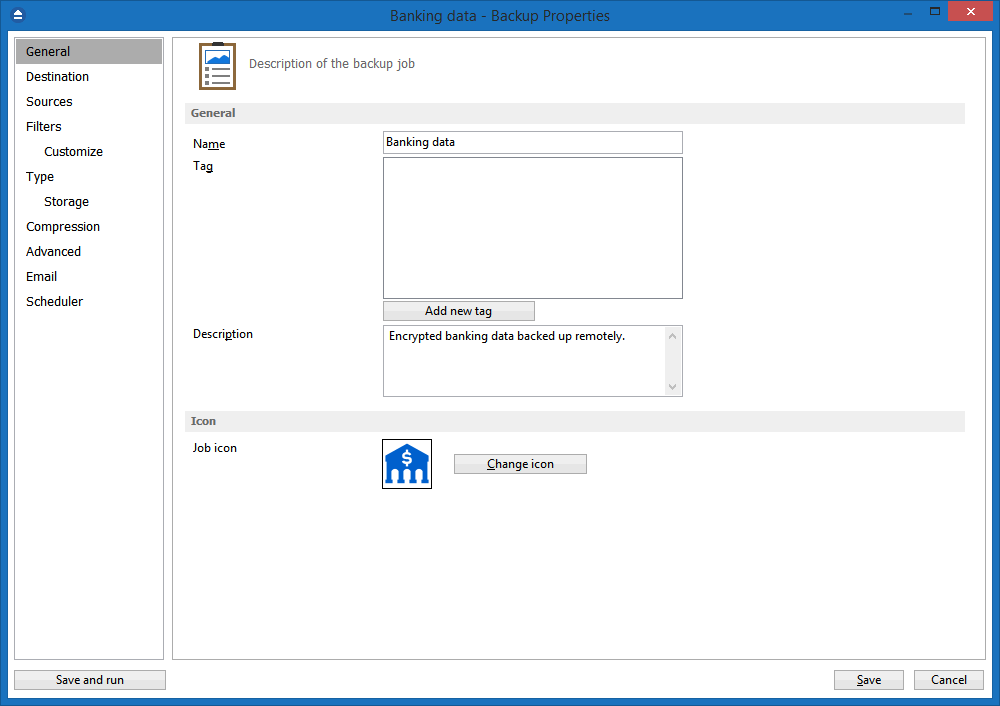
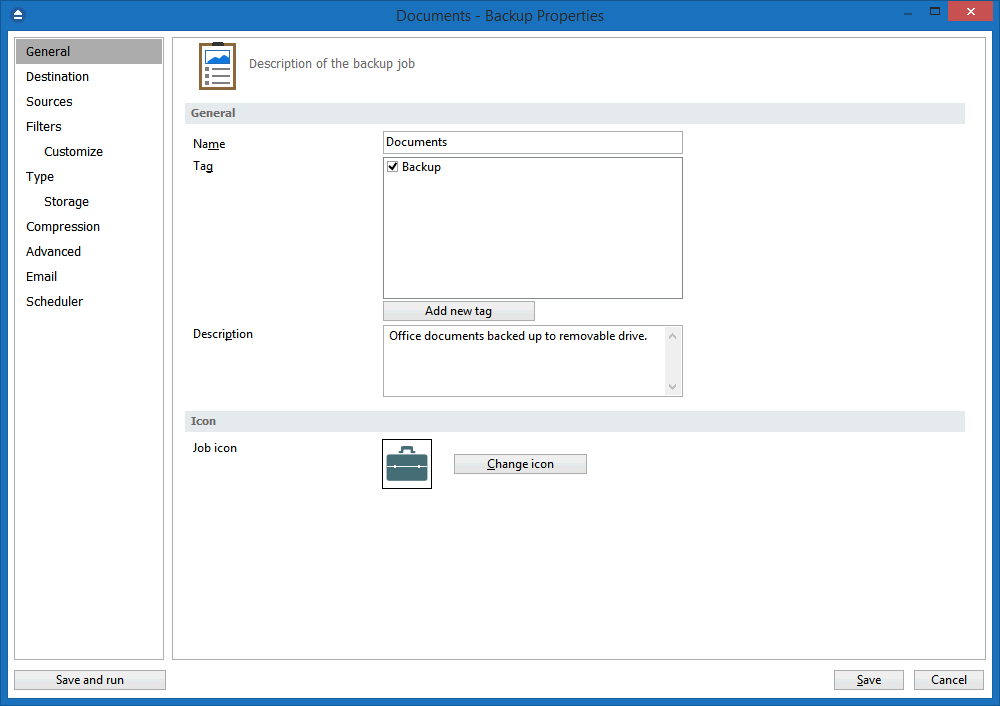
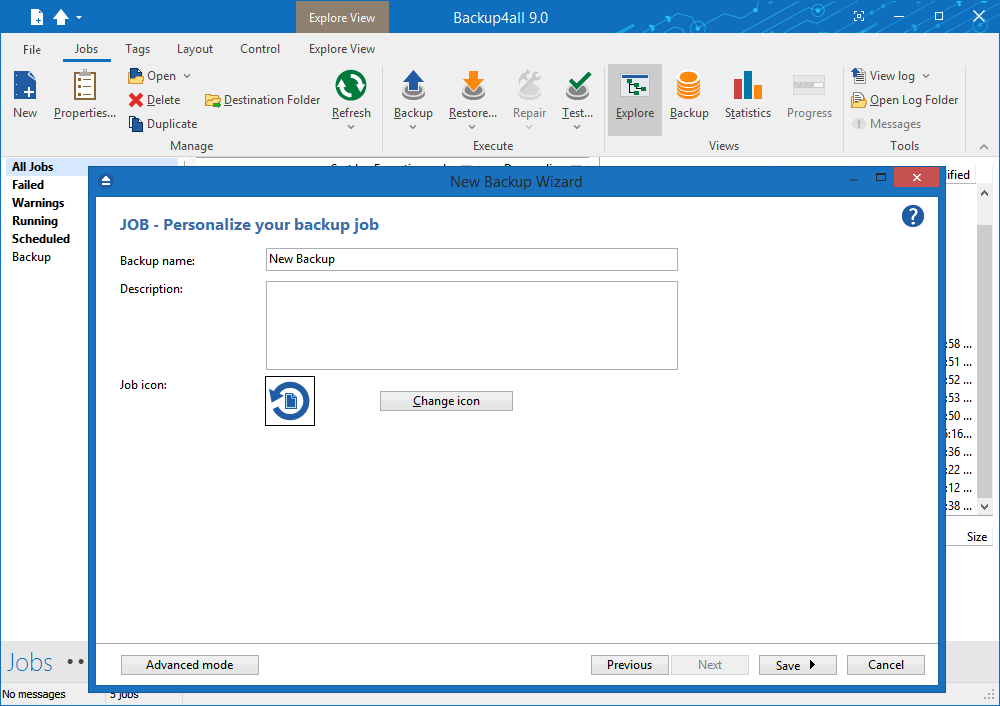
The first step is called General and it will ask you for basic information, such as backup name, group, icon, and description. There are also three predefined backups you can choose from, including My Documents, My Pictures, and Outlook Express.[…]"

Dale Farris, Reviews Coordinator, Golden Triangle PC Club

"In any case, surprisingly none of the recommendations worked out. So, I googled backup softtware myself and actually found one that I will probably buy at the end of the 30 day trial! I've never heard of it before - Backup4All. [...]

It can backup to FTP and to a USB drive. It keeps unlimited versions of files (if you want) and a big bonus is that it backs up into zip files. No scheme reminiscent of SourceSafe with unrecoverable data. You can, outside of Backup4All, go and open the zip and get a file. I love that."

James Shaw, BritishInside.com

Backup4all Review by 3d2f

"Selecting backup software is not an easy task. Such software has so many requirements, because it should be used almost every day and become vital for you. Some of those requirements conflicts with others (for ex., software should be feature-rich, and at same time easy-to-use; it should work surely, but fast; should store all important data but economize disk space, and so on). We’d like to see an excellent backup solution, which would combine all of those features in the «right» ratio. That is why we like Backup4all — because it IS an excellent backup solution."

Editor, 3D2F

"[…]We were quite pleasantly surprised to find that Backup4all installed and worked well on the latest Vista release (December CTP Build 5270). While this is still a Beta Operating system, it is nice to see that this program seems to be Vista compatible and that it will even use the Vista Aero theme without difficulties. […]

Overall, we were quite impressed with Backup4all. Its performance was quite good, creating backups and restoring data in a reasonable amount of time. Using a standard zip format is also a big plus, allowing restoration of files with any common zip utility, as is the ability to password protect the zip file. The Mirror Backup type, while using more space and not allowing security, has the advantage of faster speed and easier access to backed up data. Built in CD/DVD support is an advantage for those who don’t wish to use third party software, although UDF support is also offered (this is not supported in the OTB version). The ability to install and run on the latest test version of Windows Vista is also a big plus.

Because of its wealth of features, we were quite impressed with Backup4all and have rated it 8 out of 10. […]"

Paul Gunnels, PRO Networks, PR Vice Officer

Dr. File Finder

"Backup4all, by Softland, is a slick backup utility that I first reviewed well over a year ago. Since then the product has gotten even better and I wanted to review it for you again. A key thing, in my opinion, about this software is that it is extremely easy-to-use and that's a plus. [...] you'll never know how very important it is to have backups until your hard disk crashes and you don't have one! So, save yourself a huge headache and start backing up your computer. Give Backup4all a try, I recommend it!"

Michael E. Callahan, SIAF, Chairman

"Tenendo conto che questo software ha un costo alla portata di chiunque, che è tradotto in italiano, che è estremamente semplice da usare e che è coperta da un servizio gratuito di assistenza online, ne consiglierei senz'altro l'acquisto in quanto è sicuramente all'altezza di tanti altri software professionali molto costosi che magari contengono opzioni inutili all'utenza di fascia media (come i backup su nastro) e nello stesso tempo è migliore di altre soluzioni gratuite, che spesso risultano instabili o molto pesanti.".

Catania A. E. R., TiempoLibreSite.com, Editor

"There are plenty of backup programs available, but not many can pass the Mrs. Wizard acid test for ease of use and kindness to your system and resources. Backup4all passed with flying colors and I am pleased to include it as a Gem of a backup program. Backup4all by Softland is very easy to install and use.[...] I really appreciated the way Backup4all didn’t fuss about my DVD recorder. I braced myself for a brain cell drain, but it turned out to be a non-issue. Thank you, Backup4all! I just chose the DVD drive as the destination, put in a fresh (blank) recordable DVD (right out of the box), and the built-in burner in Backup4all did the rest.[...] Backup4all makes backing up your personal files easy. Their website is a great education on different types of backups (mirror, full backup, differential, and incremental backups). Spend some time there, learn a lot, download Backup4all and give it a spin!"

Cindy O’Neal, QuickTips, Editor

"Backup4All - an excellent backup product. Over the years, I have used several backup applications, including Windows NTBackup utility. Recently, I discovered a program called Backup4All by Softland. This award-winning software runs on Windows 98/NT/2000/Me/XP/2003/Vista and you can backup data to a local hard drive, to another computer on the LAN, USB drives, or to other removable media such as CD-R, DVD+R, DVD-R, DVD+RW, DVD-RW, etc. [...]

Overall, I was very impressed by Backup4All software and would highly recommend for personal as well as business use. The software is loaded with some very nice features and is very intuitive, reliable, fast, and convenient. I can’t think of a major drawback that will prevent me from using this program but I have included a list of recommendations for the makers of the software to consider for future versions. In my opinion, you can’t find a better backup solution for the price, value and quality that Backup4All offers. [...]"

Zubair Alexander, Microsoft Certified Trainer

"As professional developers, we all know there are some software tools that we shouldn’t do without: source code control and bug tracking, for example. Given how dedicated we are about that sort of thing, it’s amazing how many developers I find who neglect some of the other basic tools that any user should have. Backup software, for example. When was the last time you backed up your crucial files? Do you even have any backup software? And if not, why not?

Over the weekend I took at look at Backup4all, which is an inexpensive (pricing ranges from $25 for a version that just mirrors your files to another location to $45 for the Professional Edition with all the features) but pretty slick backup utility with quite a range of features. [...]

Sure, there are lots of backup programs out there. Are you using any of them? If not, and you don’t need fancy high-end enterprise features, this is a darned good one to start with. [...]"

Mike Gunderloy, Larkware, Lead Developer

Backup4all review by GeekPedia

"We all get mad when we lose our precious files for different reasons, human error or computer crash. Still statistics show that we don't do much about it, "It won't happen to me!", most think, including me. We're wrong. Just a few days ago I wished I had a backup when I accidentally deleted a very important PHP file...

The easiest way to backup, is of course to use a backup utility like Backup4All, developed by Softland[...]. This application has all the features you would ever need in a backup utility - backup scheduling, file filters, differential backup, incremental backup, organizing in groups, statistics and even CD-R/RW backup[...] Another plus for this application is that the compression is done in ZIP so you can access your backups without having to use the application. Also the password is set on the archive so there's nothing to worry about.

Conclusion? I never used a backup utility frequently, but I will be starting today thanks to Backup4All."

Andrei Pociu, GeekPedia, Administrator

Backup software review by Terry Bibo

"Backups are the insurance policies of computing. They require only a small outlay but their return can be inestimable. [...]

Backup4all is very good in this area and provides logical progression through selecting the source of backup material, the destination drive and folder, and the type of backup. It works with any drive letter, and comes with its own built-in CD/DVD burning support.[...]

There is no substitute for DOING, and I recommend reading the comprehensive help file and associated FAQ to the best of your ability, then getting in and doing the job. You will learn with time, and you will appreciate your effort the next time your computer crashes. Backup4all is a good program to begin your education. Now be ready to settle in to a regular backup routine."

Terry Bibo, PC Users Group (ACT), Member

"Backup4all offers a clean and easy to use interface, and because they use the zip format, even if you lose the software or it becomes corrupted you can still get at your files using any number of programs that support zip files.

Installing software cannot be any easier. You answer the standard questions about location and so forth, and it does the rest. [...] When you launch the program you are greeted with an uncluttered window that is broken up into several smaller sections. [...] I honestly could not think of a backup feature that I would want that this program did not provide.[...]

I highly recommend this program for anyone who is looking for an inexpensive backup program."

Ryan McLaughlin, JusTech'n, Site Owner

Backup software review by Jason Wallwork

"Backup4all: It Could Keep You Out Of The Doghouse Backup4all can use network drives, zip drives, CDs (CD-R/CD-RW), DVDs (DVD-R/DVD+R/DVD-RW/DVD+RW) using internal drivers. If your device isn’t supported you can backup your files to a folder and use your regular CD/DVD burning software to write the backup.

Doing a backup is easy with the program’s backup wizard. Choose the directories, even specific files to backup, choose where to, and what type of backup you’ll use. If you use CD-RWs, you are even given the option of erasing it before doing the backup. [...]

In my tests, I was able to backup and restore full and incremental backup data successfully several times. Tech support was both friendly and helpful. I recommend this program without hesitation if you need a backup solution.[...]"

Jason Wallwork, Kawartha Computer Club, President

"If the latest online and broadcast harangues by Leo Laporte (The Screen Savers, Call for Help, Leo Laporte Show on LA's KFI radio) and Kickstartnews Managing Editor Howard Carson (and me) and every other guru out there about doing regular data backups of your hard drive is beginning to sound irritating, it's only because we've all fielded a lot plaintive phone calls and e-mail from unlucky people who've lost a mess of files and don't know what to do.

The solution to any problem of that kind begins before the problem happens of course. You've got to do regular backups. [...]

Backup4all is very easy to use and doesn't get in the way of the task at hand which is to back up the drives, folders or even individual files you designate. Backup4all does not demand your undivided attention, it works fast, and it saves backups on hard drives, CD-R/RW and DVD-/+R/RW. Once you've installed Backup4all, you will no longer have any excuse for not doing regular backups. Highly recommended. [...]"

Jack Reikel, KickStartNews, Editor


"Backup4all Professional Edition is a compact backup program that packs a punch. Backup4all lets you select any image or directory, and create it into one big file. The interface is pretty simple and nicely laid out. The majority of the program is a wizard, which will help you create, edit and name your backup file. [...]

Overall, I really liked this utility. It provided me with a chance to get comfy with backup procedures. Backup4all really made it easy for me to do, and made it easy to organize and categorize for later backups and restorations. I format a lot, and sometimes I really want to keep a good deal of my files handy and not scattered everywhere on random disks in random folders.

Personally, I’d recommend this program to anyone who wants to get serious about backing up. Everything seemed so simple to go through. Backup4all is definitely a user friendly program with exceptional abilities. [...]"

Axle Davies, MeetTheGeeks, Owner/Webmaster

"It is not often, really, that we do a review on a product that isn't freeware but we recently were informed of a product that we decided to take a look at. As it turns out, this product is a real contender in Backup Software reviews. The product aptly named BackUp4All offers a shareware version that will hook you the first time you use it. It truly is simple for just about everyone.

The version of BU4A (BackUp4All), 2.3.2 is a nice change of pace compared to other Backup solutions. The interface is very clean and the functionality is simple once you learn the developers Icons. Which, honestly, does not take all that much time. [...]

All-in-all the application is an excellent option as a complete personal backup solution. Even with it's miniscule "Cons" we still recommend it as a reliable and inexpensive option for just about any type of user. [...]"

"The Zjooj" team, TheZjooj.com, Owner/Webmaster

Backup software review by Nate Lipsen

"We all know how important it is to have a current backup of important data files. Yet how many of us have that backup when disaster strikes? Whether it’s a virus attack, hard disk crash, accidental deletion or theft, your data will be safe if you take the time to make a backup. With Backup4all Professional, making that backup is quick, easy and can be automated, if so desired. Maybe even more important, restores are also quick and easy and do not even depend on having Backup4all software installed. I tested Backup4all Professional version 2 on several Windows XP and Windows 98 systems and it always worked flawlessly. [...]

Overall, I found Backup4all Professional to be one of the most intuitive, convenient, secure, and feature-rich programs I’ve encountered.

I can highly recommend it to both the computer novice with one PC and the professional wishing to protect a small network. [...]"

Nate Lipsen, WPCUG, Webmaster
"Thank You for backup4all"

"I have been through it all on the subject of using and trying to get a good backup. I have learned one thing and that is you can not have an incremental/differential backup with out either a catalog being provided by the backup program or using the Archival attribute that NTFS provides though the latter is not an answer as I found out.

It makes me so mad to see so many backup programs use the word Differential/Incremental when all they are talking about is copying files. Most backup programs are no different then a "raid" type configuration and I don't see that as a true backup. If you can't get the data off your computer then you don't have it and the biggest obstacle to this is the size of the information that has to be backed up. With the large drives it is absolutely essential to be able to have some true Differential/Incremental capability in a backup program.

I have used a program called XXcopy which is a great program however I was trying to use the "Archival attribute" in NTFS to do the backup and I learned too late that you can not do that for not all of the files reset the "archival attribute" after they are modified. In my situation this was true for the WAB file of Outlook express which is the file used by "Address Book" in Outlook Express so I was not backing it up, a most important file I might add.

I have used programs like Roxio's backup program which does use a catalog type system however I found out that the catalog they use was located on my HD and is put on the DVD only in a special compressed form that needs the same Catalog file to access the information on the DVD making all my backups useless for I no longer had the information on the HD. I spent days and days backing up information that I could not get to without sending it to Roxio's special company to have them decipher the backup. Roxio should be sued for that mistake.

Backup4all is the only program I have found so far that not only allows for a true Differential/Incremental backup but also lets you backup the catalogs in any way you wish. I don't know how any body could rate any backup program other then defective if they do not provide this capability.

Every one knows how important backing up your data is so this is why I get so angry at many of the programs that are offered that fail this important test and I have tried most of them.

Backup4all you are the BEST. Thank you for your program and of the others you are dirt bags if you do not provide a way to do true Differential/incremental backups."

Marshall D'Arcy (posted on the forum)
Best backup software

"I am not someone who often writes thankyou notes or letters, I work in the industry and see plenty of software both good and bad. Im usually spending time reading support documentation, related user forums or sending emails to support to resolve some issue or problem related to the software. However for Backup4All I have absolutely no need for any of this whatsoever. So Id rather spend a short while writing a thankyou email instead.

It was only after spending hours and hours with literally several well known backup packages and discovering that automatically adding new subfolders to an existing backup is not a feature that can be taken for granted (I'd love to name the major package that omits this feature!) did I go searching yet again and find Backup4All.

And I found the most superbly thought out and designed package that not only has all the features I can possibly imagine, but it is remarkably easy to use with a highly intuitive and simple but extremely powerful user interface.

Better still the package actually works flawlessly as expected (sadly, I can assure you, this also cannot be taken for granted), right down to the very last detail. And, compared to other full featured packages I have tried, Backup4All is fast and efficient. And even better it uses industry standard file formats so I dont have to use Backup4All in order to access backed up files in the event of a disaster. And its so informative, keeping you abreast of what's happening, happened (sadly automatically saving log files without user interaction also cannot be taken for granted) or conversely can operate totally unnoticed. Seems like that's trivial? To be expected ? Not at all - these features are not common, at least not all in the same easy to use and feature rich package.

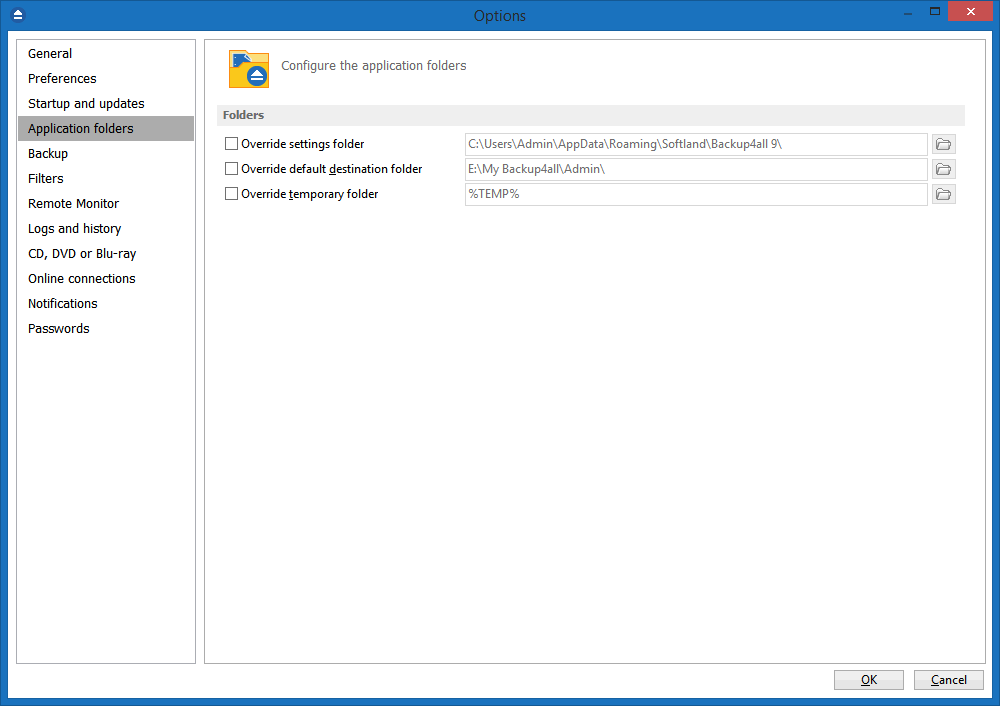
Amusingly I did think Id found a limitation when my C drive did not have enough space for a temporary file before burning to DVD, despite installing Backup4All to a different drive. But of course there is no such limitation, it is all configurable!

Your coders/designers have undoubtedly mastered the art of true user friendly interfaces combined with a highly specified and advanced package, which is a rarity indeed. You only need to look at some of the major packages installed on many desktops to realise that designing user-friendly software is a true art. I continue to be amazed at how simple yet powerful the interface is - it seems that all and any information or function you need is only a click away. It has to be the case that your designers are actual (heavy and demanding) users of Backup4All in order to make it so easy to use.

To anyone who doubts the effectiveness and completeness of this package, I challenge them to go and try some other popular packages first. And by try, I mean actually use in anger in all the modes you might require it and also, critically, actually try to find and restore some backed up files as if you had lost your hard disk. And see how long it takes you to set this all up, and then use it. See how frustrated you are when you've finished.

The design of this package is simply brilliant. And for such an admittedly dull topic as file backups, that is praise indeed!

Well done. That concludes my thankyou email for 2009!"

Colin (Received by mail)
Thank you for providing a quality product at a reasonable price

"Thank you for your prompt response. I have also downloaded and tested the professional trial version and I am pleasantly surprised at how well the product works. I really like the adaptability of the product to various requirements. The preparation of Zipped backups to UnZipped Full Mirror style and combinations in between provides a great deal of flexibility in setting up backup strategies. I am very impressed with the product and, as a computer consultant and integrator (30 years experience), I fully intend to adopt and recommend this product to my clients as the primary data backup tool of choice."

Lucas O. (Received by mail)
Best backup software

"Thank you for producing the best backup software I have ever used. I have always been careful to do regular backups, even though it is so much effort using other software. With Backup4all it is so quick and easy that I have set the scheduler to do backups every day instead of once a week."

Peter S. (Received by mail)
"I was ecstatic when I ran across your product"

"I researched many, many backup products so that I could perform true incremental backups using FTP. It was a very frustrating experience as I tried product after product and they failed to give me a true incremental FTP backup (so that I could save bandwidth). I was ecstatic when I ran across your product, gave it a try, and it passed with flying colors.

From what I have seen so far, you guys "just get it" when it comes to backups. I have previously worked for a backup software company and you have nearly every feature I need.

Your support team was very responsive and helpful to a question I had about manually restoring files from split Zip files. As a contrast, my support experience with your competitors was horrible as I mostly received copy/paste sections of the user manual that were not even relevant to my problem.

Finally from my experience so far, you seem to have done an excellent job of designing and testing a high quality, user-friendly product. I especially appreciate this aspect as I am currently the Sr. Director of Quality Assurance at webMethods! (www.webmethods.com - a business integration software company). Keep up the good work!"

Kevin Rudy
Thank you for this excellent program

Hi, Backup4all over there,

Just a note to thank you for this excellent program. Absolutely stable, hugely configurable and totally painless. Also appears to be developing rapidly with the new features in v4. Best backup utility I've used by a mile. Or kilometre. :) One happy user over here.

Kindest regards, Tim (UK)

Tom G. (Received by mail)
Success!!

I have been trying for months to find a simple yet effective backup for a mid-size Law Firm. Success was found with Backup4all. What a great surprise. Success!! Success!!

Jerry S. (Received by mail)
Love it

I have been using Backup4All for several months now, and love it! I want to tell you what a beautiful makeover you have done to your website! You should win a web design award for it. Great job!!

Craig (Received by mail)
"I think Backup4All is a terrific product"

This is just a quick note, not for support, or information, but to just pass along a complement... I wanted you guys (especially the developers) to know that I think Backup4All is a terrific product. It couldn't have a nicer price, and it is so reliable.

It has exactly the features that I need... * Full and Incremental Backups * Ability to run on Windows Server 2003 (HUGE at this price) * Write backup directly to DVD (that one is huge!!) * Email status alerts (very nice!) * Tremendously user-friendly user interface * Restores that are accurate, fast, and easy to do

I could go on, but those are the things I like best. I have NEVER known Backup4All to fail on me. And, you guys are so great about notifying registered users of incremental releases. I really feel like you guys care about the quality of your product, and the quality of the customer service that you provide. As it happens (this was not my plan), today happens to be the anniversary of me having installed Backup4All on my server.

I tell my friends about Backup4All. Good luck, and keep the good stuff coming.

Andrew C. (Received by mail)
Great improvement

I just wanted to let you know that I have been using [Backup4all version] 4 for just a couple of days but the improvements are great. It used to take minutes to load the backup catalog so I could look at the properties, now it opens right away. Great improvement. I also like the new interface. Great Job!!!!!!!!!!!!

Blaine, System Engineer (Received by mail)
You have a great program

Dear Sir: I just send a e-mail with problems entering my registration key. I re download the program and I got the key to work, so there is no need to contact me. I just want to tell you that you have a great program. Of all the backup programs I have used over the year in my office yours is the best, it has made backing up my computers much easier and efficient, my compliments to all of the developers at backup4all.

John O. (Received by mail)
"You truly have a wonderful product"

I am prompted to write to you to compliment you on an excellent piece of software. I downloaded the 'lite' version from the Giveaway of the Day website a couple of days ago. Initially I was bewildered by the program and uninstalled it however, due to one of your staff who contacted me via email after I left my comments on the uninstall page I immediately downloaded the program again.

After studying the video help files I have now realised how to use the program and must say it surpasses my humble needs as a home user. I have searched for a number of years for the perfect backup program even using Norton Ghost, but I found it very disappointing as at the time of purchase it had no DVD/CD support. Even better the program is free, I mean how good can it get? Your program does all of these things and very well I might add, I have just completed a mirror backup while writing this message and with no errors, FANTASTIC!

You truly have a wonderful product and I wish you every success with future sales, I have left comments on all websites that I know of so hopefully this should help.

Heartfelt thanks once again, Don S.

Don S. (Received by mail)
Thanks for the work you guys did

Hey guys. I just wanted to shoot you an email thanking you for the quality of work on this program. A friend of mine and myself have been using this software for 1-2 years and love it. It’s the only piece of software that would do backups correctly when backing up to CD-RW / DVD-RW disks while using Nero’s InCD program as the CD/DVD writer. I researched 15-20 different programs to use and settled on yours because yours was the only one that did what we needed. We use it to backup to CD/DVDs along with syncing up our laptops to our desktops. I’m going to be buying another copy for our server to backup this up to an external drive.

So anyways, thanks for the work you guys did. As a computer programmer for 20 years, most people don’t know what goes on behind the scenes to pull off a piece of software like this, let alone supporting it.

So thanks again!

Mike S. (Received by mail)
"Thank you so much"

Dear backup4all development team, Thank you so much for developing a product that allows me to back up my way! I've used several back up systems (tape, zip, etc) in the past with no problems but then I switched to Vista and found that it does not offer flexibility in how and what you back up.

So I looked for another product to meet my needs. Sadly I bought Migo's software before finding yours. I tried to work with their software for a month and finally just couldn't stand it another day! Found yours on the Internet, loved the 30 day trial as I wasn't in the mood to get burned again and after only 3 days of using yours have purchased and kicked Migo to the curb.

Thank you, thank you, thank you!

MaryAnn M. (Received by mail)
Your product had all the features I hoped for

Tested your trial download, and it worked splendidly. Review of your offerings indicates that I only need the Standard edition, not professional, so I am uninstalling the Professional edition and will immediately purchase the Standard version. I also tested (1) NTI backup, (2) NovaStor, (3) SP Desktop, (4) Winbackup2 and (5) Acronis True Image. All of these crashed, stalled, locked or otherwise messed-up the operation of my Vista computer, configured as it is with the software I have on-board. Your product had all the features I hoped for, and WORKS!!

Thanks. Paul

Paul H. (Received by mail)
I will recommend your product

Hello - I have tried many of the top-rated backup softare products out there over the past month and yours tops them all in terms of simplicity and functionality. I will certainly recommend my colleagues to your product! Please keep supporting it. Thanks, David.

David W. (Received by mail)
"Thanks"

I really like this product, and I do recommend it to others. Your tech support folks have been outstanding in addressing any minor issues that arise with new releases. Happily, problems have been few and far between lately; the last two releases seem to have been very well tested.

As a software professional for 25+ years, I wish more companies were as good at this as you are.

Ken G. (Received by mail)
"I trust Backup4All"

I just purchased Backup4All Professional. I have been using an older version of the product for years which I think came with a computer magazine disk, which I was very pleased with.

I am sticking with your product after I did file comparisons on test restored files from backups by two other *very popular* backup programs. They *appeared* to back up correctly but were in fact buggy in subtle ways I only knew about after a precautionary geeky comparison of restored files to my originals. One of them truncated long FAT32 filenames, and the other appended copies of some files to themselves, apparently at random, creating 'double-length' files!! Scary and quite pitiful since people rely on their backups!

I trust Backup4All because it has been tested properly and contains no nasty surprises at recovery time, unlike some competitors' programs. I pray you keep up the good work.

Steven S. (Received by mail)
your site is very crisp and not at all hard to read

Must say the look and feel is very good. I have been most impressed with the software and hence have visited the site for general information etc re its use. In all honesty I think I have finally stumbled upon a piece of software which is going to sort my backups out. I have finally got a regime in place now since installing Backup4all that does the job automatically for me and I feel quite confident in the robustness of the product. I have even gone to the extreme of building myself a Network Server just for my Backups, thank you.

I would also like to add that your site is very crisp and not at all hard to read. Unlike many others it still advertises the merits of the product but in a way that is not too "in your face". Whoever designed the concept has done it well. You are offering people the level of performance they require instead of forcing an unwanted product down their throat, plus it is a good product.

Well done and good fortune to you all Regards... Phil H.

Phil H. (Received by mail)
An excellent backup application for everyday

"As a developer myself, it was quite difficult to find a backup that really works. Don't know why, but most of today backup apps, are just featureless bloated and buggy garbageware best suited for business people with limited computer knowledge. In my company, we used almost any backup program available including famous "Backup MyPC", WinBackup and "Genie Backup Manager" before trying Backup4All. This one is really excellent with all real features people want. True incremental backups, built-in burner, ZIP disk support, zip64 deflate for beg backups (>2GB) and cataloging, all in less than 4MB. Backup4All is quite pricey (compared with others), but it's worth every cent. Support is also good, always got informative replies from them in less than 48 hours. Our Romanian friends did really good job ! Well done folks..."

Sakis Papademetriou (Published on SnapFiles)
It's really superb...

"I just wanted to say that I've been looking for good backup software for years and only now I've found it with Backup4All. It's really superb, and trust me, I've tried at least a dozen other.

Many thanks."

Steven L. (Received by mail)
IN THE CATEGORY OF GOOD TO EXCELLENT

"I get really frustrated with some seriously bad software but I also feel that really great software should be acknowledged. THIS SOFTWARE IS IN THE CATEGORY OF GOOD TO EXCELLENT. After this trial I will be ordering the software. Many thanks for producing smomething of quality."

Chris B. (Received by mail)


one of the best data backup solutions

"Another great Backup4All update. With latest version, Softland shows that they listen to their customer’s requests and comments, something really appreciated today. Backup4All remains one of the best data backup solutions, for everyday needs.

Strongly suggested!"

Inray (Posted on FileForum)
Don't need support - Who would with your well designed software

"Just wanted to let you know how pleased I am with Backup4all. It is one the best designed pieces of software I have seen. Thanks for filling a great need for data backup with ease. If you require additional beta testers in the future, count me in. Thanks again."

Julian E. (Received by email)


your product is fantastic

"Thanks - Just to let you know that your product is fantastic. We use it to backup all our data. It never fails and gives us a lot of comfort. Well done."

Martin Cooke (www.reason8.com)


great and handy backup software

"Hi Backup4all Team, just wanted to say thanks for such a great and handy backup software. That was exactly i was looking for. I just bought 3 full versions for our 3 servers in a colocation. We’ve now a dayly backup on an external HD for each server and user. We love it.

Thanks again for the good work! Florian"

Florian L. (Received by email)
WOW! I LOVE YOUR PROGRAM!

"You are the FIRST people I have ever come across that truly understands how to COMBINE SUCCESSFUL elements together: 1) easy interface 2) simple procedure 3) program is quick to load up. I GIVE YOU 2 THUMBS UP!!!!(...)"

Received by email
Well designed

"I’ve been testing various backup software for over a year now and none compare Backup4all as for speed, features, design, support, and good design. Make sure you use Backup4all if you have any precious files at all."

Zaine Ridling (Published on CNET)
Nice product

"I have used a few other backup type programs ..most made proprietary copies..only readable with the program.. also many do not permit full backup versions.. multi-copies of the complete files/folders. I like your program since I can burn to a cd/dvd and restore with unzip. Always had issues with backup-restore programs that had to be loaded to restore.. how do you do that if the computer is trashed and you have to reload..?

Nice product works well easy to use"

Roger R (Received by email)
It’s worth every penny!

"I am using Backy4All for about two years now, and I never had any serious problem with it. I have seen and tested others and I wasted a lot of time. But this software surprised me. It has a nice interface, and most of the features make sense (no unnecessary gadgets) and really are working. It’s quite effective and not very difficult to configure backups: filters works as it should, before and after actions are handy backup logs are detailed enough and most important, you can rely on you backups. Whenever I needed support I first of all got an answer, second it was to the point, and third the response came within an reasonable time."

PeteJust (Posted on SnapFiles)
Very well designed

"Backup4all may seem a little pricey, but it's a true value when you discover all the features it provides. Stable, easy to use, and with a well designed interface, Backup4all is a natural at backups. Better yet, it accommodates every conceivable drive, from custom sizes to floppies to DVDs and their restorations. Simply put, Backup4all is no doubt impressive."

zridling (Published on SnapFiles)
"this one’s the best"

"I tried the rest and this one’s the best. I’m not dreading backups anymore. Pros:

  • great features/performance
  • small footprint
  • actually does incremental backups correctly!
  • command-line interface
  • robust help
  • affordable
  • attractive, well-designed UI

Cons: the explore pane is a bit confusing with the side-by-side plus signs. Maybe there's a more intuitive way to visualize this functionality."

sysin (Posted on Download.com)
Simply the best!

"I looked for a backup-tool for the last days, and found Backup4all would simply be the best! I really like that "Start program before/after backup", I wrote some simple batch files which tell me how long a backup took or if it failed and similar..."

>

Manuel M. (Received by mail)
Highly recommended!

"This backup program is the best tool of its kind ever used before. A real professional solution. Highly recommended!"

ssb (Posted on FileForum)


you will love it

"I’ve been using DirSync lately for backups, and even though I’m not a fan of the ZIP format, it’s impossible to find fault with Backup4all because its developers seemed to have thought of everything. Once you get accustomed to using it, you will love it."

zridling (Posted on FileForum)


Very easy to configure

"I wanted to let you know just how happy I am with the program overall. VERY easy to configure, very reliable, and so far, no real glitches that I can see."

Mark (Received by mail)


Meets all items on my mandatory list

"I am impressed with their response in fixing bugs. All SW has bugs, but few companies are as responsive. If this was MS, it would be at least a year to get a patch. Features I consider absolutely mandatory for a good document backup utility are:

  • Writes CDs, and even better DVDs
  • Non-proprietary file format ["mirror" and standard zip files]
  • Job [backup] profiles
  • Filters [select what to include/exclude by file extension, etc]
  • Scheduler
  • Automatic verification
  • Fast
  • Full, incremental and differential modes
  • Clean interface so you can be certain what be included, excluded and the actions that will be taken.

Backup4all is the only product I know of that meets all of the items on my mandatory list."

Al Rider (Posted on alt.backup.software)
Best backup software

"I've tried many other backup utilities (including SyncbackSE and Handy Backup) until I found this one. It's reliable and very easy to use, not to mention the fact that their support is excellent. I highly recommend it!"

lianat (Published on SnapFiles)

Below you can read a detailed version history for Backup4all Professional (starting with version 4.0).

Changes in Backup4all 4.4.213 (29-06-2010)
  • Fix: Temporary files were not deleted during the restore of multiple splits.
  • Fix: Scheduled backup at system shutdown was asking for a password in some cases.
  • Fix: "Invalid request id" warning when backing up to SFTP.
  • Fix: Backup view not expanded correctly in some cases.
  • Fix: Cannot open catalog from a mapped drive.
  • Fix: Vscsrv.exe crashes under Win XP 64-bit.
  • Fix: SQL Server Backup was automatically triggered when using backup open files option.
  • Fix: Rename backup jobs from removable drives.
  • Fix: Select folder and driver destination does not indicate the specified folder.
  • Fix: Job was not renamed after changing the destination from CD to local.
  • Fix: "Exclude from backup sources" option does not work for new files.
Changes in Backup4all 4.4.206 (5-05-2010)
  • Fix: File/folder icons were not correctly displayed in Explore View.
  • Fix: Error while restoring Microsoft Outlook backups to original location.
  • Fix: AV when backing up to CD/DVD using command line.
Changes in Backup4all 4.4.194 (2-03-2010)
  • Fix: SSL settings were not correctly saved.
  • Fix Some language updates.
Changes in Backup4all 4.4.188 (20-01-2010)
  • New: Option added to open backups from specific locations (Local, Network, FTP/SFTP)
  • New: Backup jobs can now be moved in the backup list(drag-and-drop)
  • New: Test runs after the merge operation too
  • Fix: The number of warnings in email notification was not correct
  • Fix: Backup4all froze while paused for a longer period of time
  • Fix: Mirror backup to CD/DVD/Blu-ray spaning on multiple disks
  • Fix: Warning message when cannot open read-only catalog file
  • Fix: "Backup all groups" scheduler did not work correctly
  • Fix: Restore with problems from "Getting Started" page
  • Fix: "Filter by action" under Scheduler page did not work correctly
  • Fix: Some fixes when backing up open files
  • Fix: AV when backing up to CD/DVD/Blu-ray using command line
  • Fix: "Open" and "View with Notepad" options fixed
Changes in Backup4all 4.3.175 (25-11-2009)
  • Fix: Hidden scheduled tasks not starting.
  • Fix: Deleted or excluded files were restored all the time
  • Fix: Notification sounds not reflecting the backup status.
  • New: Estonian language was added.
  • New: SFTP host keys are also backed up with Backup4all configurations plugin.
Changes in Backup4all 4.3.173 (20-11-2009)
  • Fix: Problem when switching between backup limitation options
  • Fix: Deleted files were restored all the time
  • Fix: "Backup all groups" radio button does not correctly work
  • Fix: Sort files after size does not work correctly
  • Fix: Backup open files problem fixed
Changes in Backup4all 4.3.168 (5-11-2009)
  • New: Backup to SFTP was added
  • New: Added a new option that lets you Backup all groups
  • New: Option to split files larger than a specific size for FTP backups
  • New: Select the scheduler priority
  • New: Split the backup according to a number of files/folders
  • New: Change the scheduler username and password for multiple jobs
  • New: New option to "Store temporary catalog data in memory"
  • New: "Minimize to tray when finished" added for backup on demand
  • Fix: Pressing Cancel during the Clean operation is not possible anymore
  • Fix: "Last Backup" and "Last backup status" from Brief view will be updated even if no files were backed up
  • Fix: Cancel backup during catalog upload will not result in a corrupt catalog
  • Fix: Test with warnings for Backup4all configurations plugin on Vista
  • Fix: Index out of bounds during independent test for mirror
  • Fix: Backup4all did not close after run for backups on demand
  • Fix: Standalone scheduler fix (was not starting if application was not started)
  • Fix: Backup open files on 64-bit OS
  • Fix: Desktop.ini file was modified after backup on Windows 2008 R2
  • Fix: The scheduled task was not created if switching to another application during setup
  • Fix: Incorrect OTB device detection fixed
  • Fix: Skipping files from disconnected source drives is faster
  • Fix: Restoring file with non-English characters
  • Fix: Backup at system shutdown was not turning the computer off
Changes in Backup4all 4.2.156 (28-08-2009)
  • Fix: Volume Shadow Copy problems on Windows 2003
  • Fix: Some files were not correctly backed up using mirror type
  • Fix: Faster actions for large number of versions
  • Fix: Command line speed improvements
Changes in Backup4all 4.2.155 (24-08-2009)
  • Fix: Volume Shadow Copy problems
  • Fix: Microsoft Outlook plugin
  • Fix: Faster catalog loading for large number of versions
  • Fix: Some tags were not working for Mirror backup
  • Fix: Empty folders were not removed from FTP backups
Changes in Backup4all 4.2.154 (12-08-2009)
  • New: Bulgarian language was added
  • New: Czech language was added
  • Fix: Excluded folders were not removed from FTP destinations
  • Fix: Test after backup had false warnings in some cases
  • Fix: Backup open files fix
  • Fix: Backup to CD/DVD/Blu-ray fix
Changes in Backup4all 4.2.153 (7-08-2009)
  • Fix: New backup jobs using existing plugins had wrong paths in sources
Changes in Backup4all 4.2.152 (6-08-2009)
  • Fix: In certain cases installation would stop with an "Ended Prematurely" error
  • Fix: Changing user settings during installation would result in backup jobs not being imported from the previous version
  • Fix: Crash when using the Outlook Express or Microsoft Outlook plugin
  • Fix: Scheduled jobs would return an AV in particular cases
Changes in Backup4all 4.2.150 (30-07-2009)
  • New: Added Unicode filename support (files with non-standard characters can be easily backed up now)
  • New: Backup4all is now compatible with 64-bit operating systems too
  • New: Environment Variables can be used when defining new filters (e.g. %temp%, %SystemRoot%)
  • New: File versions can be compared now
  • New: Added "Select columns" option in the right-click menu of the versions section (Explore View)
  • New: Added option to select new filetype for log files (.txt is accepted now too, given that .log files cannot be opened on Blackberry devices)
  • New: Added option "Remove from sources" when right-clicking a file in Explore View
  • New: Added "Run With" and "Job Type" in schedule lists
  • New: Added a new button for "Ignore all" during restore
  • New: Added message for mirror backups to FTP when splitting large files and there is not enough space in temp (Ftp allows files of max 2GB)
  • New: Added notification if the CTM gets corrupted (ask user to reinstall application)
  • New: Added an option to force the after backup action execution
  • New: Interface now available in French, German, Malay, Portuguese too
  • Update: If the notification email has an attachment larger than the sending limit, only the email is sent (without attachment)
  • Update: Sources can be modified now even after selecting a Predefined Backup job (this way a backup job can be used as a "template" for future backup jobs)
  • Fix: Various fixes for mirror backups (with zip) to removable drives and FTP
  • Fix: In particular cases the .bkc got corrupted
  • Fix: Fixed an error when using "Create full paths (including drive letter)" option
  • Fix: "Destination error" when using the Mirror backup type with a plugin
  • Fix: The zip split is adjusted to the destination media even if is set to a larger size
  • Fix: SQL errors were showing in some particular cases
  • Fix: Some unicode characters were not zipped correctly
  • Fix: Cannot use a mapped drive as destination in New Backup Wizard
  • Fix: Changing the time zone caused the back up of all files
  • Fix: The standalone scheduler was not starting the backup
  • Fix: Several Access Violations were fixed
  • Fix: Folders were not erased from FTP using "Remove excluded and deleted files" option.
  • Fix: Several Access Violations were fixed
  • Fix: An invalid task resulted when creating a scheduler to load backup job via command line
  • Fix: Multiple files selection was not working correctly
Changes in Backup4all 4.1.139 (13-05-2009)
  • New: Files with names up to 255 characters (or special characters such as ;) can be added on CD/DVD/Blu-ray without trimming
  • Fix: An AV occured after starting a Backup Group when a backup job was already active
  • Fix: Using CD/DVD/Blu-ray destination from command line generated an AV
  • Fix: The Merge operation was not using the correct temporary folder
  • Fix: Testing mirror to ftp with subfolder prefix did not work
Changes in Backup4all 4.1.138 (8-05-2009)
  • New zip prefix: "Backup Day of Week (locale)" - number that takes into account the regional settings
  • New zip prefix: "Backup Day of Week (name)" - short name of the day in week
  • Fix: Minimum zip split size was not enforced to 512 KB
  • Fix: Catalogs were inconsistent after runing cleanup on imported backup jobs
  • Fix: Corrected some issues related to spanning backup on multiple DVDs
  • Fix: An access violation was triggered in some cases when running mirror with zip
  • Fix: Corrected volume shadow copy service issues for jobs using plugins
Changes in Backup4all 4.1.137 (29-04-2009)
  • Update: The "Prepare files list" operation was optimized so the backup time is reduced
  • Update: Test operation is now faster for large files
  • Update: Italian and Spanish languages were updated
Changes in Backup4all 4.1.136 (24-04-2009)
  • Update: If the user cannot write to Folder locations paths, the default path will be used.
  • Update: Selecting the backup job after changing the CD/DVD/Blu-ray drive letter, displays a wrong message.
  • Fix: When backup limit was reached, the zip splits were not always deleted from destination
  • Fix: The default installation language was not English if the OS was in another language than English
  • Fix: Cleanup action was not working when using command line
  • Fix: Changing from Fast mirror to Full mirror was not correctly done in catalog in some cases
  • Fix: Sometimes there was a problem when loading an imported catalog
  • Fix: Restoring a single file to a different location was recreating the entire path
  • Fix: Merge backups was not working for application configurations
  • Fix: Some SSL problems fixed for email notifications
  • Fix: In Explore View, when right clicking a file version, the "Open" and "Open with Notepad" options did not work
  • Fix: Backup was not deleted from catalog after clean if moved from local destination to FTP
Changes in Backup4all 4.1.135 (6-04-2009)
  • Fix: Backup to spanned CD/DVD/Blu-ray had a wrong date or the date was missing
  • Fix: When restoring a selective file to another location, the entire original file path was added
  • Fix: In some cases, importing jobs from version 3 did not add them in the backup list
Changes in Backup4all 4.1.134 (31-03-2009)
  • Update: On Vista, the "Code error: 0x8007052E" message is now more explanatory
  • Update: Spanish interface language added
  • Update: Notification emails are sent without attached log if the file size is too large
  • Fix: Reduced Backup4all start time when using network sources
Changes in Backup4all 4.1.133 (26-03-2009)
  • Update: Russian language available for the user interface
  • Fix: "No argument for format %s" error was displaying for some scheduled backup jobs
Changes in Backup4all 4.1.132 (25-03-2009)
  • Update: Scollbar for Language box in Backup Properties
  • Update: Improved selective restore from a spanned backup on CD/DVD
  • Fix: Uploading files larger than 2GB on FTP using Mirror with zip, did not work
  • Fix: Fixed several "Access volation" errors
  • Fix: Drive A: and B: were not allowed as a CD/DVD/Blu-ray destination
  • Fix: Fixed an error in "Always use temporary folder" for backups to removable drives
  • Fix: False error message in the cleanup log when there were no files to clean
  • Fix: Standalone scheduler did not start in specific cases
Changes in Backup4all 4.1.131 (20-03-2009)
  • Update: Obsolete plugins are detected and removed from the Plugins folder on startup
  • Fix: An access denied error was returned when trying to access MyDocuments folder in Vista in some particular cases
  • Fix: An access violation was shown when the destination was set to a CD/DVD/Blu-ray without writing capabilities
Changes in Backup4all 4.1.130 (17-03-2009)
  • New: Backup to Blu-ray discs and HD-DVD (or from Blu-ray/HD DVD) is now supported
  • New: Added support for backing up to dual layer DVDs
  • New: Added plugin to backup Microsoft Outlook automatically
  • New: Added show excluded file no. and excluded folder no. (in Test/Cleanup window, Backup View, Restore/Choose backup numbers window)
  • New: Added text description field for selected filter in Options->Filters
  • New: Predefined global filters are added automatically to new backup jobs
  • New: Added new predefined splits for Blu-ray and dual layer DVDs
  • New: Show text description for selected filter in Options->Filters
  • Update: Optimized "Update catalog" process for jobs with many backup numbers
  • Update: Before/After actions now allow shortcuts
  • Fix: When using mirror with zip, files with long path were not copied
  • Fix: "Delete sources after successful backup" did not remove folders from sources
  • Fix: ICO images with resolution over 32x32 and alpha blending were not loaded as backup job icons
  • Fix: Filters containing absolute paths were ignored
  • Fix: Testing a mirror backup (with zip and AES encryption) to FTP returned errors even when successful
  • Fix: Timeout while waiting to stop expand
  • Fix: In specific cases, "Close after run" was ignored for scheduled groups
  • Fix: Disabled schedulers were still executed on Vista
  • Fix: Files were not deleted during incremental backups set to keep only 3 versions
  • Fix: Use existing FTP configuration in New Backup Wizard
  • Fix: "Limit number of backups" and "Merge backups" are now taken into account when backing up to USB flash drives (if the backup is not spanned)
  • Fix: Scheduled jobs for other users were available for the current user too
  • Fix: Miscelaneous fixes for filters
  • Fix: When running a full backup to an external drive, no error was shown in some cases if the drive was disconnected
  • Fix: Bandwidth limitation was ignored when set through the Options-Ftp window
  • Fix: When using the Merge backups option, files that only have one version and have the status excluded will be deleted
  • Fix: Pause during a restore operation was ignored
  • Fix: Security password is not enforced when switching from current user to all users
  • Fix: Changes to a general predefined filter were not propagated to locked backup jobs using it
  • Fix: Changes to a general predefined ftp configuration were not propagated to locked backup jobs using it
  • Fix: When cancelling a backup to a removable drive during merge, a temporary folder was kept in the destination
  • Fix: Restoring deleted files from a mirror backup wasn't working in certain conditions
  • Fix: Too many tests were performed for a spanned back-up to CD/DVD
  • Fix: Standalone scheduler was still executed if disabled
  • Fix: Importing (from version 3) a backup job based on a plugin was not importing the plugin too
  • Fix: Status progress bar inaccuracies when backing up registry files
  • Fix: Show only Active jobs filter was not working correctly
  • Fix: "Backup4all could not find the locally cached backup catalog for..." error fixed
  • Fix: Catalog folder pointed to the wrong folder when reinstalling with different setup options
  • Fix: Folder filters when performing a restore were ignored
  • Fix: Restoring from an Outlook Express backup was not working correctly if the Windows username was different
Changes in Backup4all 4.0.126 (23-12-2008)
  • FIX: Merge problems when using plugins
  • FIX: The visualization mode was ignored
  • FIX: Filter by date was not correctly working
  • FIX: New tags were not inserted in the correct order
  • FIX: Test was not correctly performed after a backup to FTP with independent splits
  • FIX: Sometimes, after backup, "Format '%s' invalid or incompatible with argument" error was shown.
  • FIX: Failure when performing computer shutdown after backup
  • UPDATE: Faster "Expand all" in Backup View and Explore View
  • UPDATE: Faster catalog update after backup
  • UPDATE: Plugins are listed in alphabetical order
Changes in Backup4all 4.0.125 (12-12-2008)
  • FIX: SQL error (primary key constraint violation) when removing deleted files from backup
  • FIX: In some cases, the new files were not displayed in Explore View.
  • FIX: Sometimes the zip was not correctly split on FAT32 hard drives.
  • FIX: Independent test was not canceled on removable drive when drive not accesible.
  • FIX: SQL error "UPDATE TempVersionDelete SET StartSpan = -1 ..." when deleting backup numbers.
  • FIX: Av when creating a new backup job while another backup job is writing a CD\DVD
  • FIX: "Backup name" was terminated abnormally. Press OK to reindex the backup catalog
  • FIX: Fixed some minor gui errors when using custom dpi (120 dpi)
  • UPDATE: Explorer like multiselect handling in Backup View / Explorer View
Changes in Backup4all 4.0.124 (8-12-2008)
  • FIX: Restore stops when a file cannot be overwritten
  • FIX: Sometimes an AV appears in Backup View after backup is finished
  • FIX: "No argument for format ..." error when deleting backup versions
Changes in Backup4all 4.0.123 (5-12-2008)
  • FIX: Error when backing up to FTP using XCRC
  • FIX: Sometimes an AV appears when loading a job after the backup has finished
Changes in Backup4all 4.0.122 (4-12-2008)
  • FIX: The Restore button was not disabled during the backup execution
  • FIX: The Standalone scheduler was running even if disabled
  • FIX: Restoring the configurations did not add the jobs in the backup list
  • FIX: Sometimes the application froze when running a scheduled backup
  • FIX: Fixed "Cannot exit aplication when busy" message after running a backup group using shortcut
  • FIX: Some files were not restored if using the advanced restore configuration
  • UPDATE: Added text box on the Compression page, informing about the encryption feature applicability
Changes in Backup4all 4.0.121 (28-11-2008)
  • FEATURE: "Check all"/"Uncheck all" buttons were added to Restore Wizard.
  • FIX:"Duplicate Object index" error fixed
  • FIX: "Invalid backup numbers specified" error when running the cleanup action with command line
  • FIX: "Backup is already running" erorr when running a cleanup from command line
  • FIX: Sometimes the application froze when running a scheduled backup
Changes in Backup4all 4.0.120 (21-11-2008)
  • FIX: "Zip the files" option from Mirror page was not saved
  • FIX: History window was not listing the backup actions
  • FIX: Fixed a "Cannot focus a disabled or invisible window" error
  • FIX: Files were not found because of a double slash in path on some FTP servers
Changes in Backup4all 4.0.119 (18-11-2008)
  • FIX: Fixed an AV when choosing an .exe file as a job icon
  • FIX: Testing a backup (created using plugins) returned an error if registry keys were missing from the source
  • FIX: The Outlook Express plugin didn't work correctly
  • FIX: Mirror backup was running slow in some cases
  • FIX: Fixed a "Cannot focus a disabled or invisible window" error
  • FIX: The catalog wasn't removed from the old location when changing the destination folder for an FTP backup
  • UPDATE: During open file backup, if a file is not found via the shadow copy volume service, it looks for it directly in the source
Changes in Backup4all 4.0.118 (11-11-2008)
  • FIX: Running a shortcut for a backup group using a bat file didn't do anything
  • FIX: Group filters were ignored when the backup list was switched to the icon view
  • FIX: Fixed a "Cannot focus a disabled or invisible window" error occuring in some cases when clicking the calculate statistics button
  • FIX: Fixed a "Cannot focus a disabled or invisible window" error occuring in some cases when clicking the view log file button from the Logs and history window
  • FIX: Fixed "Cannot connect to the FTP server" error occuring when merging files for a backup having FTP as destination
  • FIX: Fixed an AV occuring when trying to edit the filter in Backup View
  • FIX: "Copy files in a subfolder" option sometimes erase destination folder
  • FIX: The "Remove excluded or deleted files from backup" option did not work for the first mirror backup
  • UPDATE: Optimized the speed for backup jobs that were created using predefined plugins.
  • UPDATE: Modified the merging procedure when using independent zip splits
Changes in Backup4all 4.0.117 (4-11-2008)
  • FIX: Fixed SQL error (sqlite_close, database is locked) occuring when a scheduled group backup was executed
  • FIX: Command line version didn't unblock the bkc file after backup displaying an error "Catalog file ... does not have a valid signature."
  • FIX: Fixed bug occuring when testing a mirror backup to CD (with compression)
  • UPDATE: Drastically reduced the time needed to reindex the backup catalog (after a backup terminated abnormally)
Changes in Backup4all 4.0.116 (30-10-2008)
  • FIX: The "Allusers" setup command line parameter was ignored
  • FIX: When using the merge backups option, the custom split size was not respected
  • FIX: Backup to FTP didn't work in certain cases (created an infinite loop)
Changes in Backup4all 4.0.115 (28-10-2008)
  • FIX: Fixed AV that occured when finding files (in some particular cases)
  • FIX: For a protected backup, the password was corrupted starting with the second backup run
  • FIX: Fixed error that occured when backing up to CD without using local catalog
  • FIX: Fixed error that occured when backing up to removable drives without using local catalog
  • FIX: Fixed "Application seems to be frozen" error
  • FIX: File size was different in destination than in source for full, incremental and differential
  • UPDATE: Automatically detection and conversion of backup catalog from version 3 to 4 (when needed)
  • UPDATE: Added command line parameters for setup
Changes in Backup4all 4.0.114 (22-10-2008)
  • FIX: Several Volume Shadow Copy errors occured (.pst file was not always copied in the destination)
  • FIX: "Size of file in destination different than in source" error message fixed
  • FIX: If the interface was locked and update check enabled at application startup, update didn't work
  • FIX: When adding a new scheduled backup job, the windows logged in user was not filled by default
  • FIX: "List index out of bounds" error was shown when displaying backup job hint (some specific cases)
Changes in Backup4all 4.0.113 (17-10-2008)
  • FIX: Fixed file splitting errors for large backups
  • FIX: Import from previous versions didn't work in certain situations
  • FIX: Username for SMTP and FTP server configurations was not remembered if it consisted of over 16 characters
  • FIX: In certain situations when using mirror backup with "Remove excluded or deleted files from backup", the files were copied to the destination but deleted on completion
Changes in Backup4all 4.0.112 (16-10-2008)
  • FIX: The destination drive selection was not remembered when using the New Backup Wizard
  • FIX: Test and restore for files with chinese names did not work
  • FIX: Backup to FTP did not work correctly for files over 2GB (files were copied each time)
Changes in Backup4all 4.0.111 (14-10-2008)
  • FEATURE: Added the possibility to enable/disable automatic weekly updates during setup
  • FIX: Fixed AV that occured in some cases when displaying backup job hints
  • FIX: Fixed AV triggered by using some specific backup plugins
  • FIX: An SQL error was generated when opening some backup jobs
  • FIX: Merging backups did not work if the source was on a network location
  • FIX: Merging backups did not work after importing a backup job that had merge configured
  • FIX: The Restore, Test and Cleanup windows were not displayed correctly on Windows 2000
  • FIX: Fixed other AV errors that occured in particular situations
Changes in Backup4all 4.0.110 (9-10-2008)
  • FIX: Fixed AV that occured in some cases when using incremental backup
  • FIX: Corrected "Not enough disk space" error when backing up to FAT32 formatted destinations
  • FIX: Importing backups with plugins didn't work correctly
  • FIX: Running backup jobs with plugins
  • FIX: Exclude status for filter was not saved
  • FIX: Sometimes an SQL error was raised when 2 or more jobs were scheduled at the same time
  • FIX: Name of the merged archive did not have the prefix added (when using incremental with merge)
  • FIX: After importing from v3, past statistics were wrong
  • FIX: Locked status of filter was not saved
  • FIX: During backup, connecting to an inexisting mapped drive letter (used as source or destination) returned "Program stopped working" error on Vista
Changes in Backup4all 4.0.108 (30-09-2008)
  • FIX: Configurations lost after switching to "All Users" and restarting Backup4all.
  • FIX: Multiple filters were not imported correctly.
  • FIX: If you started the application from a different user, installed plugins were not available.
  • FIX: Slow loading of a backup job on external drive.
  • FIX: Statistics are cleared during backup.
  • FIX: "Clear archive bit" for folders did not work.
Changes in Backup4all 4.0.107 (26-09-2008)
  • FIX: Backup4all did not start on WinXP in Czech language
  • FIX: Minor bug fixed when importing from version 3
Changes in Backup4all 4.0.106 (25-09-2008)
  • FIX: "One touch backup" did not start the backup
  • FIX: Backup to FTP - executing a full after a previous mirror generated an AV
  • FIX: "Import from version 3..." didn't work if the Settings folder was redirected in Backup4all 3
Changes in Backup4all 4.0.105 (24-09-2008)
  • UPDATE: Added a portable version for Backup4all
  • FIX: "Cannot insert file into image" error when backing up to CD without using local catalog.
  • FIX: Canceling a backup generated an AV (sometimes).
  • FIX: Testing files with limited NTFS permisions generated errors.
  • FIX: Cannot add a new filter in Backup Properties when a predefined filter is already defined.
  • FIX: Create Shortcut: show a drop-down list with the names of all defined backup groups and backup jobs.
  • FIX: Importing jobs from Lite 4 to Professional 4 generates an error.
  • FIX: Files greater than 2GB could not be uploaded on FTP (split file error).
  • FIX: Explore View/Backup View: after expand all cancel, files in the root folders were duplicated.
Changes in Backup4all 4.0.103 (16-09-2008)
  • FEATURE: Added the possibility to see passwords while typing them
  • UPDATE: List the file paths from destination in the test log
  • UPDATE: Mirror backup: if a source drive is not available (network share, usb stick, ...) then the files from that drive are not excluded from backup
  • UPDATE: Scheduler: "Abort backup when network sources are not available" option applies to all types of sources
  • FIX: Pause backup during file splitting did not work properly
  • FIX: Wrong error message generated when adding the same plugin twice
  • FIX: Save the layout of the Backup View
  • FIX: Backup execution status was not changed when warnings or errors occurred during Test
  • FIX: Bkc file was not deleted from the catalog folder if a job was deleted from interface
  • FIX: Legacy comparison criteria didn't work
  • FIX: Log folder limit did not work properly
  • FIX: Allow commas in the job and group names
  • FIX: Check for updates did not run at startup
Changes in Backup4all 4.0.102 (24-08-2008)
  • FEATURE: Multiple files/folders can be selected in Sources folder tree in New Backup Wizard and Backup Properties
  • FEATURE: Added icon for selected destination and selected backup type in Backup Properties
  • FEATURE: New version automatically upgrades existing installation (no need to uninstall first)
  • UPDATE: Updated internal CD/DVD burning engine
  • UPDATE: Added warning on scheduling with blank passwords
  • UPDATE: New backup group is created by default on first run
  • UPDATE: Sources tree list resizes with window
  • UPDATE: Mouse wheel can be used to scroll Sources tree list
  • UPDATE: Defined folder filters now apply to full folder path too
  • UPDATE: Plugins used in backup jobs cannot be deleted
  • FIX: Fixed creating directory structure on certain FTP servers with specific user rights
  • FIX: Backup to CD using UDF works now
  • FIX: If backup finished with errors, test will not run
  • FIX: Fixed "List index out of bounds" when using predefined backup on FTP
  • FIX: Fixed log folder size limit bug
  • FIX: Specify destination folder on install
  • FIX: User interface corrections for large fonts
Changes in Backup4all 4.0.101 (21-08-2008)
  • UPDATE: Main windows will remember their last size and position
  • UPDATE: Show a message when the added plugin (*.xml) is not valid
  • FIX: Fixed the "Browse" buttons from Default Settings page in the installer
  • FIX: Fixed SQL error for differential backups on FTP
  • FIX: Fixed drag and drop on the Sources page in Backup Properties window
  • FIX: Fixed AV when editing the Backup View filter
  • FIX: Fixed tab key order
  • FIX: Fixed inserting tags in zip prefix
  • FIX: Fixed AV when opening a job with an already existing name
  • FIX: Fixed AV when trying to open an non-existing backup icon
  • FIX: Fixed list index out of bounds when switching Backup List to Icons view mode

Legal Notices Terms of Use

Copyright Softland 2010. All rights reserved.